
Microsoft Mouse
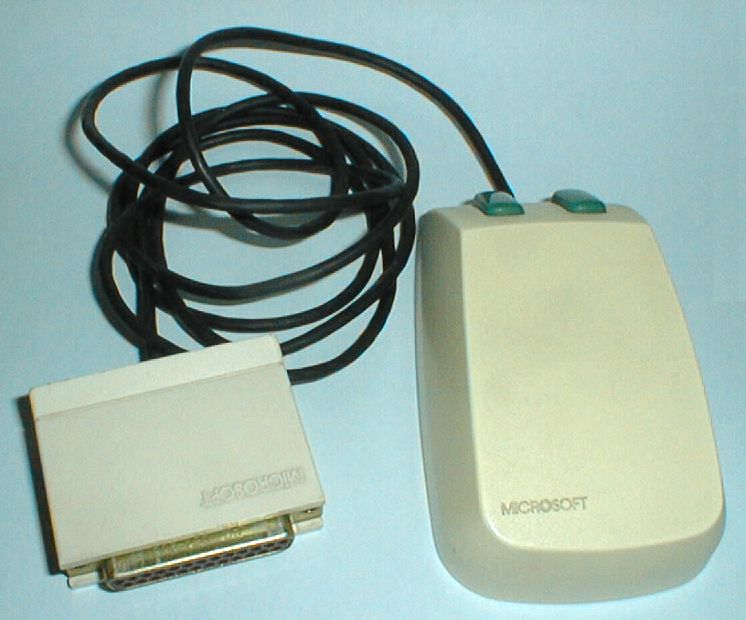
Microsoft's first mouse, released in 1983 with bundled software.

Mayuki Sawatari · CC BY 2.0
In 1983, Microsoft released its first computer mouse, simply called the Microsoft Mouse. It came bundled with early versions of Microsoft Word and Notepad—though which of these two programs were included varied in the initial release—along with an on-screen tutorial, a piano program, a game, and Doodle, one of the first color bitmap creation programs for home computers. The whole package cost $195. The mouse featured two green buttons and, like most mice of the era, used a steel ball for tracking. It was manufactured by the Japanese company Alps Electric, and arrived on the market a year after a competing mouse from Mouse Systems.
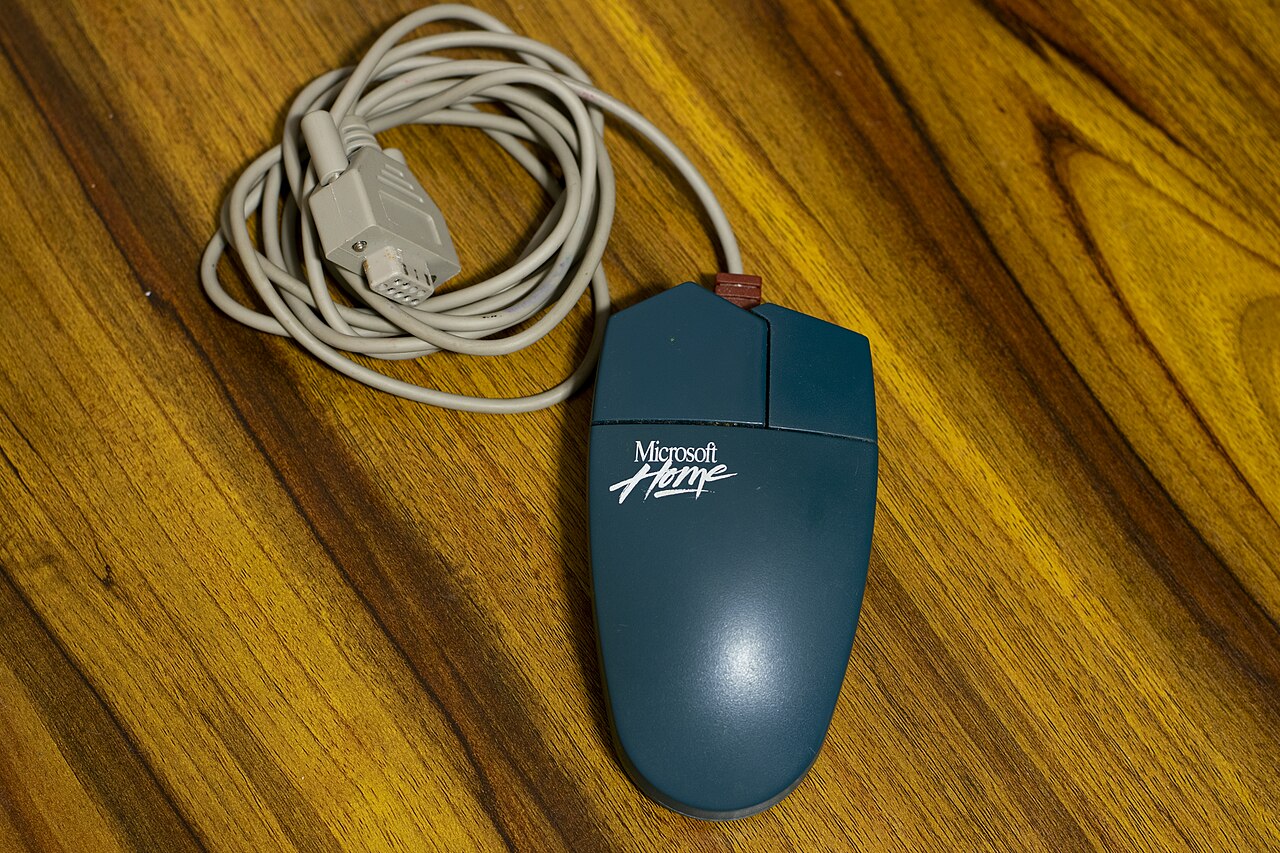
The original model connected via a DB-25 serial port. Later versions offered an InPort ISA interface, which required installing a Microsoft bus card inside the computer, or a DE-9 serial connector. All versions worked with MS-DOS systems.
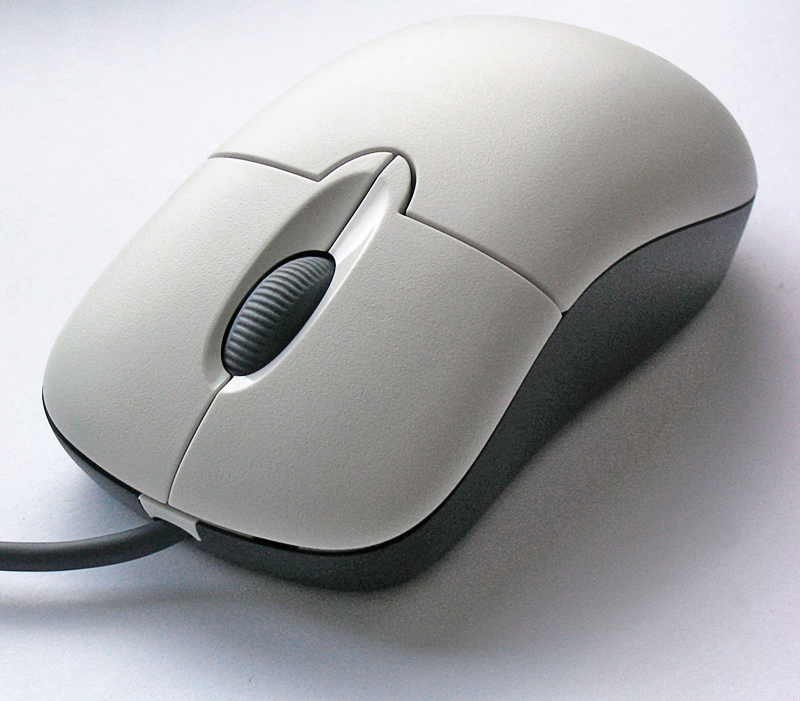
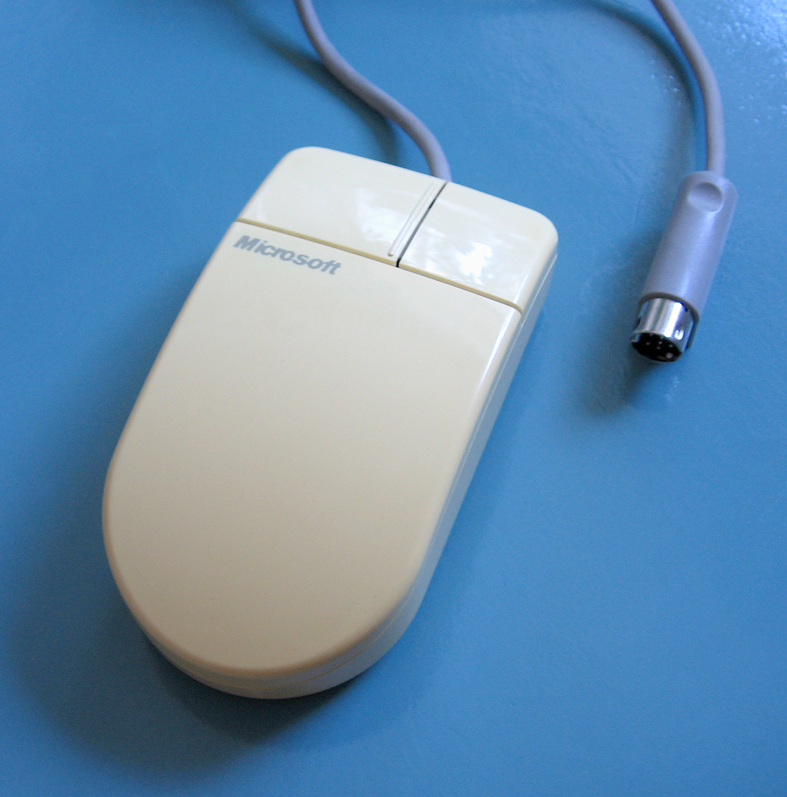
In 1985, Microsoft released the "gray-eyed" Microsoft Mouse, which offered higher resolution than its competitors and replaced Doodle with a rebadged copy of ZSoft PC Paintbrush, called “PC Paintbrush,” starting with driver version 4. That software was later adapted for Windows 1 and became the foundation for Microsoft Paint. In 1987, the "dove bar" Microsoft Mouse appeared, named for its curved palm rest that resembled a bar of Dove soap. It came in versions for InPort, serial, and PS/2 ports. A trackball variant, the Microsoft BallPoint Mouse, arrived in 1991. The "kidney" Microsoft Mouse 2.0 followed in 1993, and its design directly inspired the IntelliMouse, which launched in 1996.
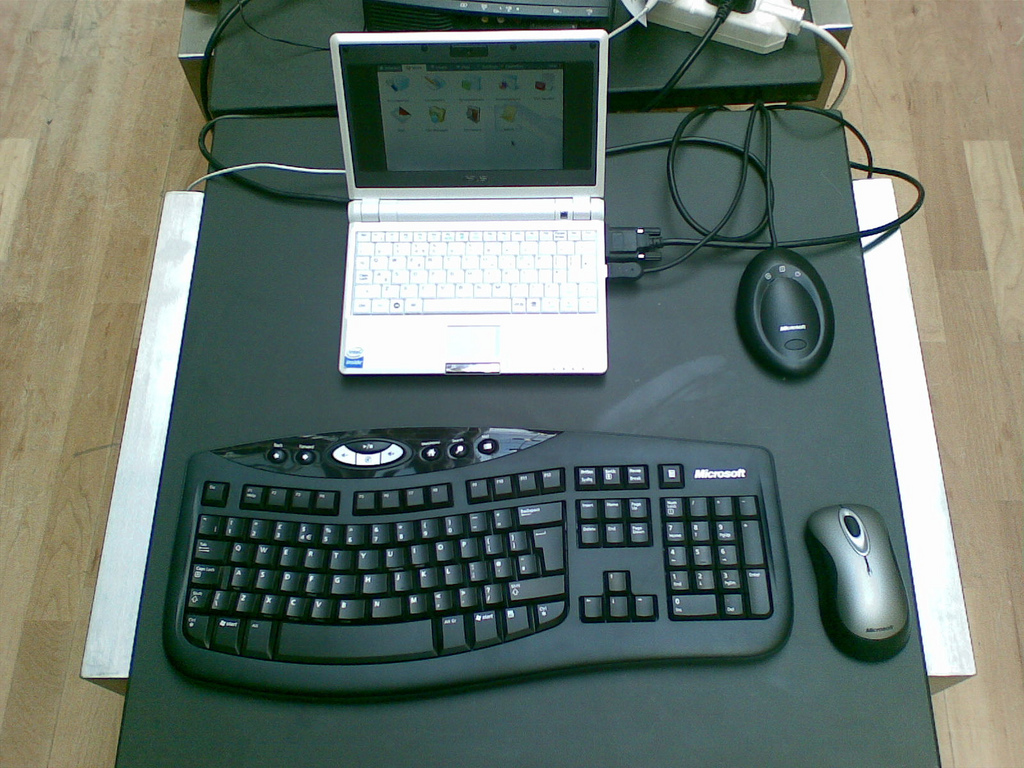
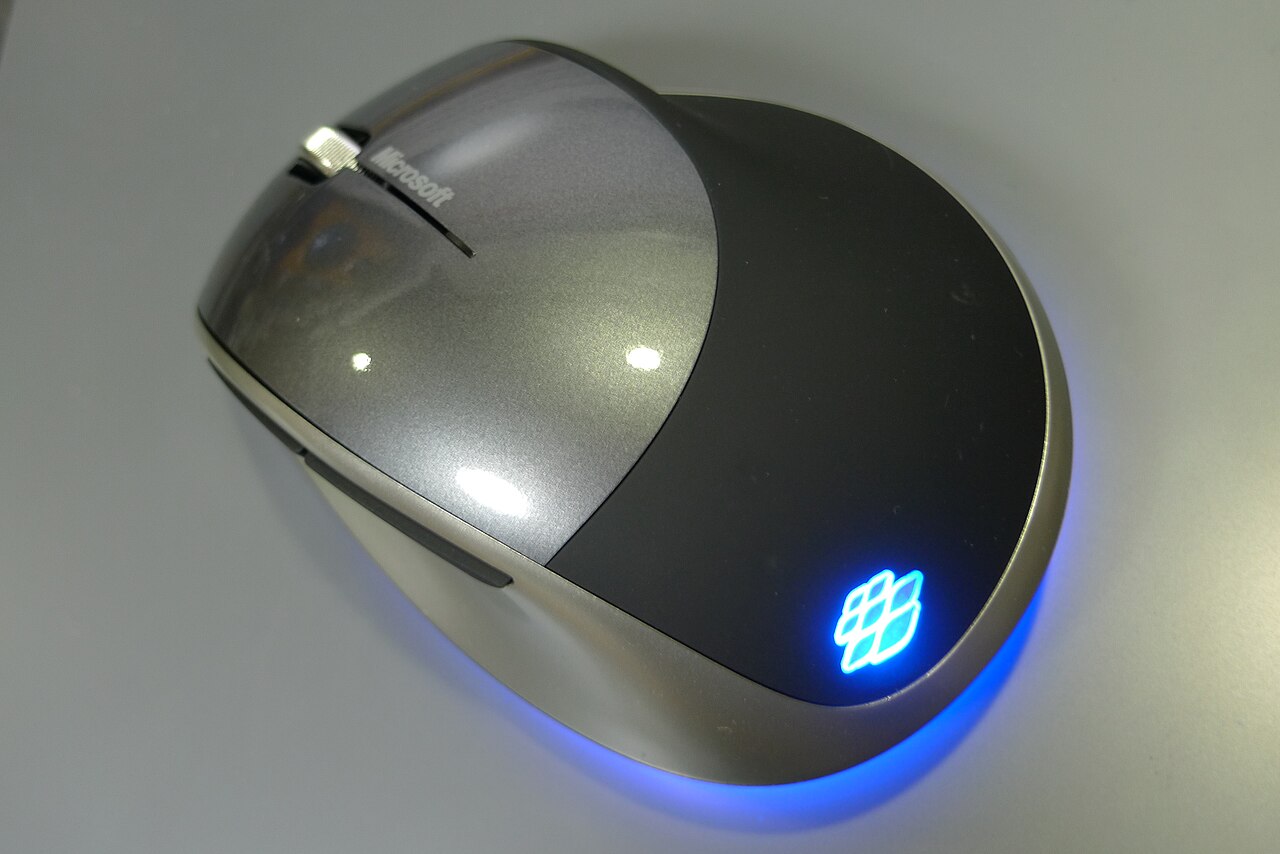
Later models include the Microsoft Natural Wireless Laser Mouse, SideWinder, Arc Mouse, and Sculpt Ergonomic Mouse, among others. In January 2024, Microsoft announced it would license the design and manufacturing of its current mice to Incase, as part of a shift to focus on Surface-branded accessories. These products will carry the Incase name but be labeled as designed by Microsoft.
Quick Facts
- Manufacturer
- Microsoft / Alps Electric (contract manufacturer)
- Release Date
- May 2, 1983
Facts from the source article.
Lore & Background
The Microsoft Mouse followed the release onto market of another mouse by Mouse Systems in 1982. The initial version uses a DB-25 serial port. Later versions were available with an InPort ISA interface, requiring a Microsoft bus card to be installed in the computer or a DE-9 serial connector. All versions of the Microsoft Mouse could be used with MS-DOS compatible systems.
In 1985, Microsoft introduced the "gray-eyed" Microsoft Mouse, featuring a higher resolution than competing mice, and a rebadged copy of ZSoft PC Paintbrush called “PC Paintbrush,” which replaced Doodle in version 4 of the drivers. This would later be re-tooled and included with Windows 1, and formed the basis for Microsoft Paint. In 1987 the "dove bar" Microsoft Mouse (so called for the curved palm rest's resemblance to a Dove soap bar) was introduced, in variants for both Microsoft's InPort, serial port and PS/2 port. In 1991, the trackball "Microsoft BallPoint Mouse" was made. The "kidney" Microsoft Mouse 2.0 was introduced in 1993, and its design served as the basis for the IntelliMouse, which debuted in 1996.
More Microsoft mice have been released in later years, including Microsoft Natural Wireless Laser Mouse, Microsoft SideWinder, Arc Mouse, Microsoft Sculpt Ergonomic Mouse and others. In January 2024, Microsoft announced that it would license the design and manufacturing of its current mice products to Incase, as part of an effort to focus more on its Surface-branded accessories. These products will be branded under the Incase name, but as being designed by Microsoft.
Reader's Guide
The Microsoft Mouse is significant as the company's first foray into computer pointing devices, establishing a product line that would span decades. Its initial release bundled a suite of software including early versions of Microsoft Word and Notepad, along with creative and educational programs, positioning the mouse as a tool for productivity and creativity. The mouse's design and interface evolved over time, from the DB-25 serial port to InPort and DE-9 connectors, and it remained compatible with MS-DOS systems. Later iterations, such as the gray-eyed model with higher resolution and the dove bar design, refined ergonomics and performance. The Microsoft Mouse 2.0's kidney shape directly influenced the IntelliMouse, a widely recognized design. The product line expanded to include trackballs, ergonomic models, and gaming mice like the SideWinder. In 2024, Microsoft licensed current mouse designs to Incase, marking a shift in its hardware strategy while continuing the legacy of the original 1983 release.
Did You Know?
- The Microsoft Mouse was bundled with one of the first home computer color bitmap creation programs, called 'Doodle'.
- The Japanese company Alps Electric produced the Microsoft Mouse.
- The initial version of the Microsoft Mouse uses a DB-25 serial port.
The Mouse as a Pointing Device
A mouse is a hand-held pointing device that a user moves across a surface to input spatial data into a computer. It functions by detecting its own displacement on that surface, which distinguishes it from analog devices like 3D mice, joysticks, or pointing sticks that instead report their angle of deflection. In practice, the mouse serves as one of the most intuitive ways for a user to select items on a graphical user interface, typically by moving an on-screen pointer to the desired location and clicking. Among the family of pointing devices—which also includes touchpads, touch screens, trackballs, and graphics tablets—the mouse occupies a unique niche: it requires a flat surface beneath it, and the user's hand carries the entire device rather than operating a fixed mechanism. This makes it a form of indirect input, where the input space (the desk or mousepad) does not coincide with the display space (the monitor). The mouse's continuous positional signal, though ultimately digitized into discrete quantities, moves fast enough to be perceived as smooth and uninterrupted, giving it a feel that is distinctly different from the discrete key-presses of a keyboard.
Classification Within the Input Device Taxonomy
Input devices can be organized along several axes, and the mouse sits at an interesting intersection of all of them. First, by modality of output, a mouse produces mechanical motion as its primary signal, placing it alongside other motion-based devices rather than audio or visual input tools. Second, the mouse's positional data is continuous in nature—its position changes fluidly as the user moves it—yet this continuous signal is digitized into discrete quantities by the computer. The speed of this digitization is high enough that the output is conventionally treated as continuous. Third, a traditional mouse operates in two degrees of freedom, tracking movement along the horizontal and vertical axes of a surface. This contrasts with three-dimensional navigators designed for CAD applications or six-degree-of-freedom controllers used in virtual reality systems such as CAVEs. Within the broader family of input devices—which also encompasses keyboards, scanners, cameras, joysticks, microphones, and various sensors—the mouse is one of the most widely recognized tools for entering data and control signals into an information processing system.
The Mouse as a Composite Device
Technically, a mouse qualifies as a composite input device. A composite device is one that combines multiple distinct forms of input on a single physical unit. In the case of the mouse, the user both tracks spatial movement across a surface and presses buttons to issue click commands. These two functions—continuous positional tracking and discrete button-press events—work together to let a user point at and select items on a graphical interface. While mice do combine movement and buttons, composite devices are generally considered to have more than two different forms of input, which is why the mouse is sometimes treated as a borderline case. True composite devices, by contrast, include joysticks consisting of a stick pivoting on a stationary base, gamepads used in modern video gaming, and paddles that pair a dial with a button. The mouse's dual-function design makes it a natural fit for GUI interaction, where a user needs to both navigate a pointer and confirm selections, all within a single hand-held unit that rests on a desk surface.
Positional Input: Absolute Versus Relative
One of the most important distinctions in pointing-device design is whether positional information is absolute or relative. A mouse is a relative input device: the user can lift it, reposition it anywhere on the surface, and set it down again, and the system interprets only the displacement from the last known position. This stands in contrast to absolute input, where the input space coincides exactly with the display space, as on a touch screen where a finger touching a specific pixel selects that pixel. Direct input methods, such as touchscreens and light pens, are almost necessarily absolute because the user interacts in the very space where visual feedback appears. Indirect input methods, like the mouse or a trackball, can be either absolute or relative. For example, a digitizing graphics tablet without an embedded screen senses absolute positions of a stylus but can also be configured to simulate relative input, mimicking the behavior of a touchpad where the stylus or puck can be lifted and repositioned. The mouse's relative nature gives it flexibility on any flat surface but means the user must maintain spatial awareness of where the pointer currently sits on screen.
Gallery
Frequently Asked Questions
What is the Microsoft Mouse?
It was Microsoft's first computer mouse, released in 1983 and built by the Japanese firm Alps Electric. The device tracked movement with a steel ball and featured two green buttons.
How much did the Microsoft Mouse cost at launch?
The complete bundle, consisting of the mouse plus all included software, was priced at $195 when it hit the market in 1983.
Who manufactured the Microsoft Mouse?
The Japanese electronics company Alps Electric produced the device under Microsoft's brand name for its 1983 release.
Why is the Microsoft Mouse historically significant?
As the first mouse Microsoft ever sold, it marked the company's entry into input-hardware and helped bring graphical pointing to home users in the early 1980s. Its bundled Doodle program was also among the earliest color bitmap editors available to consumers.
More in Computer Mice and Monitors 1-24
Spotted an error? Know more?
Reader corrections go straight into our review queue. Suggest an edit · How this site is sourced