
IntelliMouse
Microsoft's pioneering mouse series introduced the scroll wheel and optical tracking.

KylieTastic · CC BY-SA 4.0
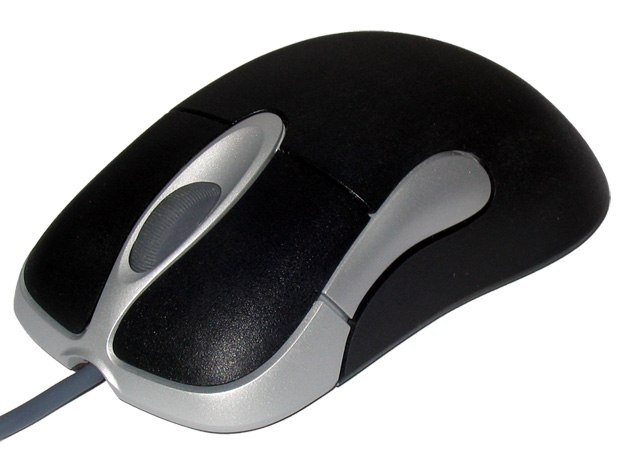
The IntelliMouse is a series of computer mice from Microsoft. The series is credited with a number of innovations, including being among the first to introduce a scroll wheel, an optical mouse, and dedicated auxiliary buttons on the side of the mouse. It uses IntelliPoint drivers and its main competitor through the years has been Logitech.
- Introduced
- July 22, 1996
- First optical model
- IntelliMouse Explorer (April 19, 1999)
- First wireless model
- Wireless IntelliMouse Explorer (September 2001)
- Discontinued
- April 2023
- Sensor upgrade (2001)
- 6000 fps (from 1500 fps)
- Sensor upgrade (2006)
- 9000 fps (IntelliMouse Explorer 3.0)
- Last model announced
- Pro IntelliMouse (May 2019)
Lore & Background
The original IntelliMouse was introduced on July 22, 1996, with its standout feature being a scroll wheel. Its design was based on the Microsoft Mouse 2.0 from 1993. In November 1997, Microsoft released the IntelliMouse TrackBall, a finger-operated trackball with the signature scroll wheel. The IntelliMouse Pro followed in May 1998, featuring an asymmetrical shape intended for right-hand use with a more pronounced arch profile.
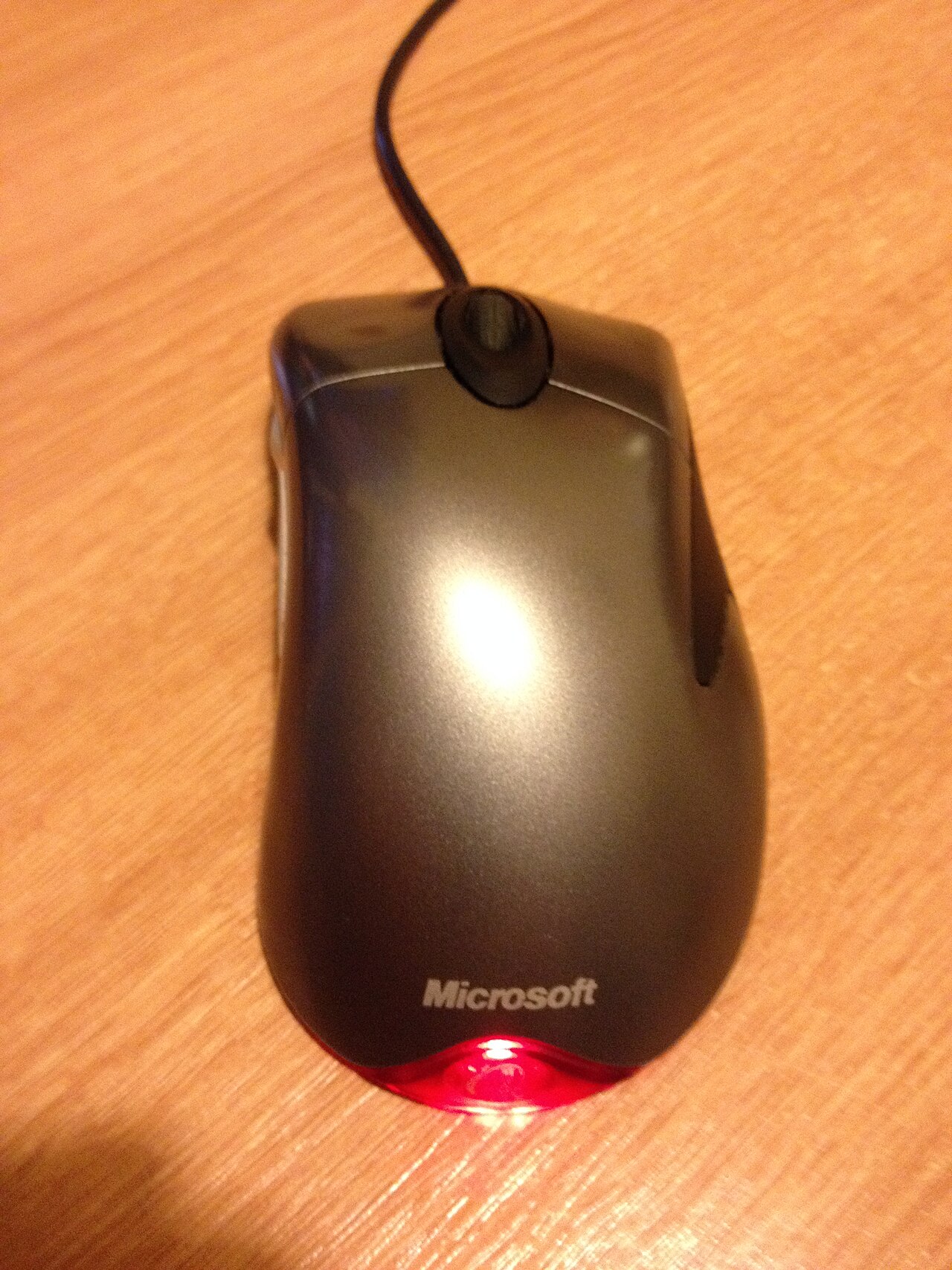
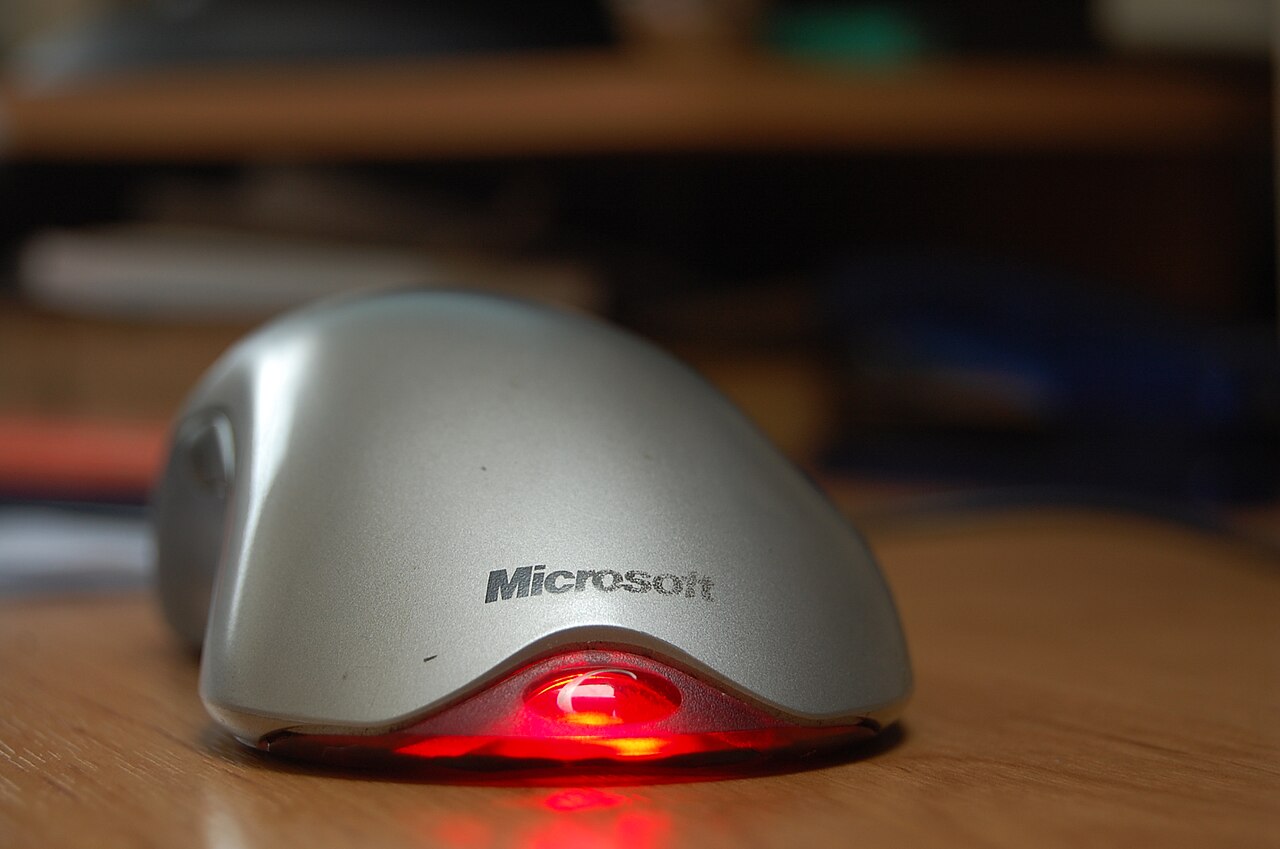
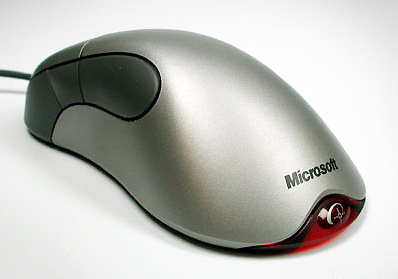
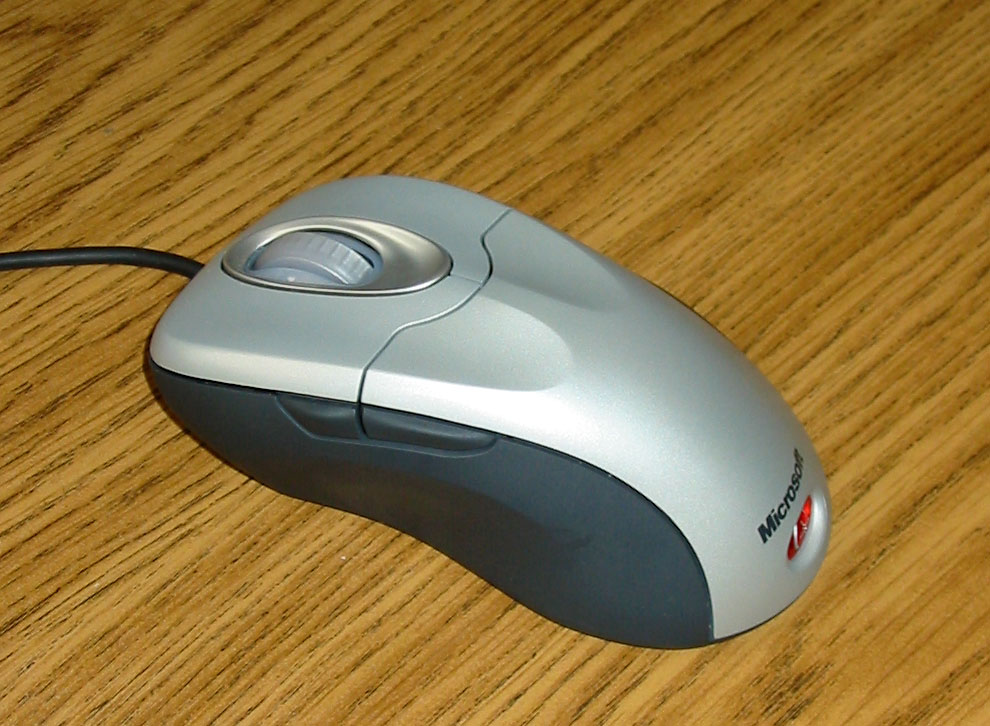
The IntelliMouse Explorer, introduced on April 19, 1999 at COMDEX, featured IntelliEye optical tracking technology, eliminating the need for a mouse ball or mousepad. It had five buttons, was asymmetrical and right-handed, finished in silver with a glowing red taillight. Microsoft called it the most radical advancement since computer mice were introduced in the 1960s. The IntelliMouse Optical, announced in January 2000, used a symmetric ambidextrous design with five buttons and a USB connection, touted as ideal for laptop users. New versions of the Explorer and Optical arrived in September 2001 alongside the first wireless variant, the Wireless IntelliMouse Explorer, with an upgraded 6000 fps sensor and finger grooves.
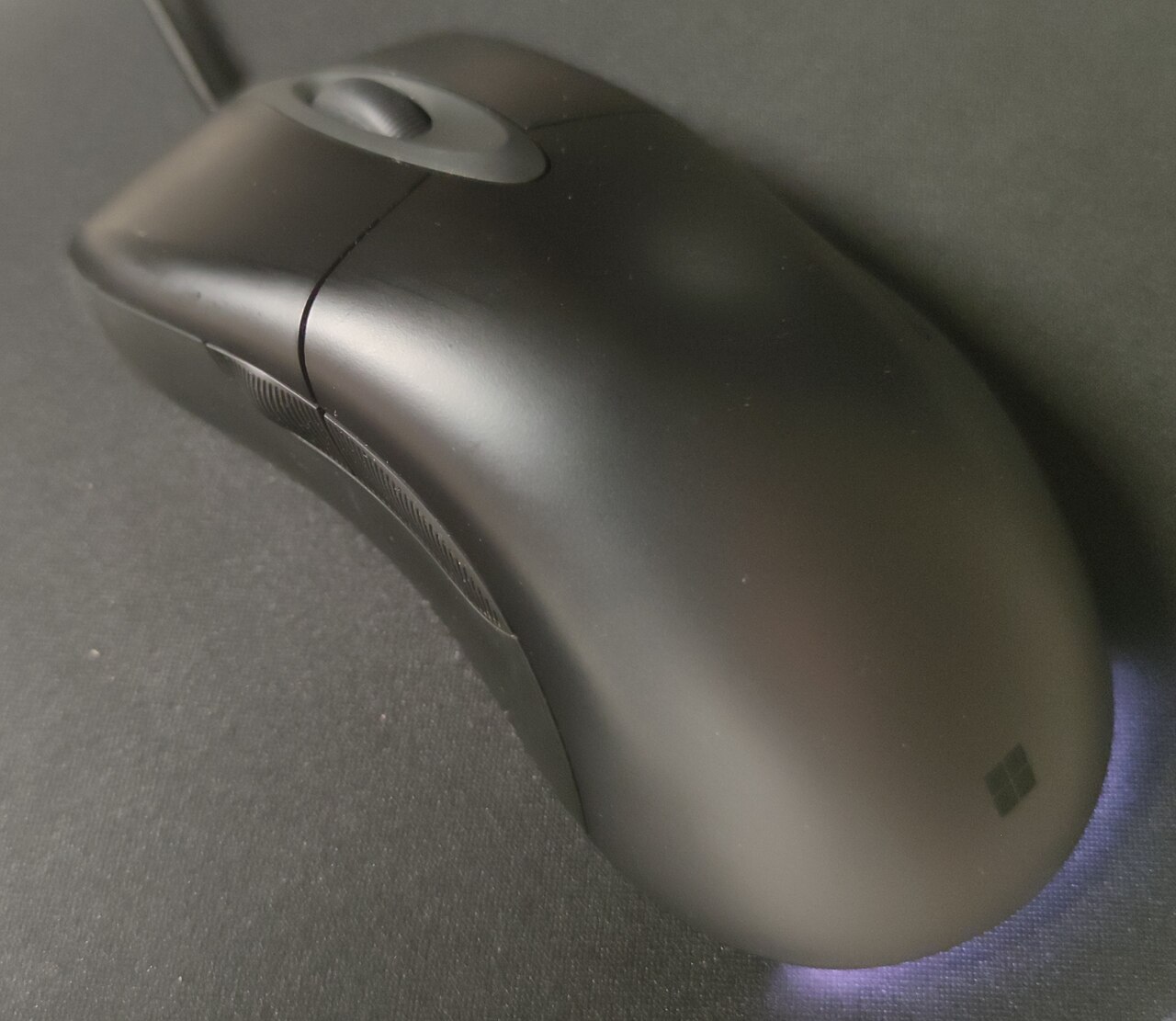
The Wireless IntelliMouse Explorer for Bluetooth was released in 2002. Updated versions in September 2003 added a tilting scroll wheel for horizontal scrolling and were available in various colors. The IntelliMouse Explorer was later discontinued, then re-released as the IntelliMouse Explorer 3.0 in August 2006 with a 9000 fps sensor and a gaming emphasis. The series was revived on October 17, 2017 with the Classic IntelliMouse, featuring BlueTrack technology for use on glass. In May 2019, the Pro IntelliMouse put an upgraded sensor in the Classic body. Microsoft announced in April 2023 that the IntelliMouse would be discontinued alongside the rest of its non-Surface-branded peripherals.
Reader's Guide
The IntelliMouse series is significant for introducing several innovations that became standard in computer mice. Microsoft was among the first vendors to bring a scroll wheel to market with the original IntelliMouse in 1996. The IntelliMouse Explorer, released in 1999, is recognized as the first mainstream optical mouse, using IntelliEye optical tracking to replace the traditional mouse ball and mousepad. In 2005, PC World named the IntelliMouse Explorer to its list of 'The 50 Greatest Gadgets of the Past 50 Years' for this achievement. The IntelliMouse Optical received an Industrial Design Excellence Award in 2001 and was included in the 'Workspheres' exhibit at the New York MoMA in 2001. The ergonomic shape of the IntelliMouse Explorer 3.0 influenced many later mice, particularly gaming-focused models such as the Razer DeathAdder, SteelSeries Rival, and ZOWIE EC2-A. The series was discontinued in April 2023, and was not part of the designs licensed in early 2025 to Onward Brands subsidiary Incase under the branding 'Designed by Microsoft'.
Did You Know?
- The original IntelliMouse was introduced on July 22, 1996, with a scroll wheel as its standout feature.
- The IntelliMouse Explorer, released in 1999, was the first mainstream optical mouse.
- The IntelliMouse Explorer 3.0, released in 2006, used a 9000 fps sensor and had a gaming emphasis.
The Snap-Action Heart of Every Click
A computer mouse button is, at its core, a tiny electric switch that closes a circuit the instant a user presses down. The dominant implementation across the industry is a miniature snap-action micro switch, a design lineage tracing back to Honeywell's MICRO SWITCH products, the first of this subminiature precision type. It is precisely this mechanical architecture that produces the familiar audible click, the onomatopoeic name for the entire interaction. When a pointer hovers over an onscreen element and the user depresses the physical button, the switch fires and the graphical interface registers the action. The same switch underlies more complex gestures. A double click requires pressing and releasing the button twice within a window the operating system defines; miss that window and the second press reads as a fresh single click. Most modern drivers let users adjust that timing threshold and test it interactively. Some applications go further, distinguishing triple or quadruple clicks to progressively select a word, then a sentence, then a paragraph in a text editor. In lower-level software, the system simply polls whether the button is currently down or up, enabling continuous modal operations like dragging an object across the screen.
The Button Count Wars
The question of how many buttons a pointing device should carry has generated genuine controversy since the technology's earliest days. Douglas Engelbart's original prototype featured a single button, while Xerox PARC soon sketched a three-button model before trimming the count to two for their commercial products. Apple settled on one button when their GUI shipped in 1983, most PC environments standardized on two, and professional workstations typically offered three. Aftermarket manufacturers, meanwhile, have long shipped mice with five or more buttons. Jerry Pournelle captured the absurdity in 1983, noting that Marvin Minsky reported heated debate in the AI community over the ideal count. Engelbart himself advocated as many as possible, and the three-button prototype that popularized the standard had that number only because its designers could not find room for additional switches. Proponents of a single button argue it is simpler for novices and developers alike, serving as a universal fallback. Opponents counter that single-button interfaces force clumsy workarounds whenever an object supports multiple actions.
Workarounds for the One-Button World
For decades, single- and two-button mice required creative software tricks to replicate the actions a third or fourth button would handle natively. The double click, first deployed on Apple's Lisa, let one button perform both select and open. Another approach asked users to hold a keyboard modifier, typically Control on a Macintosh, while clicking, but this forced both hands onto separate devices simultaneously, a strain that particularly disadvantaged users with mobility limitations. The press-and-hold technique offered yet another path: hold the single button down past a software-defined threshold and the system interprets it as a distinct action. The problem is that the threshold creates a catch-22. A long delay makes users wait; a short delay invites accidental triggers from slow users. Studies consistently found every one of these workarounds less usable than simply adding another physical button for experienced users. Two-button users in three-button environments sometimes resorted to mouse chording, pressing both buttons at once to simulate a tertiary click. Apple's own Human Interface Guidelines even codified several of these compromises.
The Scroll Wheel Revolution
By the mid-1990s, the mouse button landscape was a patchwork: one, two, three, or five-plus buttons depending on the vendor and the market. That fragmentation ended almost overnight in 1996 when Microsoft introduced the IntelliMouse, a device whose scroll wheel incidentally made the three-button configuration the default on OEM hardware. The scroll wheel's growing software support turned the three-button scrollmouse into the most commonly available design in the industry, with the middle button most frequently repurposed to invoke a contextual menu tailored to whatever element the pointer currently rests over. Apple was the notable holdout, clinging to single-button trackpads on their laptops until 2008, when they shipped their first buttonless trackpad. Their desktop mice did not gain a second button until the 2005 Mighty Mouse. Meanwhile, aftermarket manufacturers had long offered five or more buttons, mapping extras to web navigation, scrolling, or quick adjustments to sensitivity and resolution. The primary button conventionally sits on the left for right-handed users, though software settings allow left-handed users to reverse the configuration.
Gallery
Frequently Asked Questions
What is the IntelliMouse?
The IntelliMouse is a line of computer mice produced by Microsoft that has served as the company's flagship peripheral since the mid-1990s. It is widely regarded as a long-standing rival to Logitech's mouse offerings and a defining name in the category.
When did the IntelliMouse series debut?
Microsoft first launched the IntelliMouse on July 22, 1996. That initial release kicked off a product family that would remain in continuous production for nearly three decades.
What key innovations is the IntelliMouse credited with?
The series is celebrated for being among the first mice to ship with a scroll wheel, optical tracking, and dedicated auxiliary buttons on the side. These features reshaped everyday mouse interaction and set new expectations across the industry.
Which model was the first optical IntelliMouse?
The IntelliMouse Explorer, released on April 19, 1999, was the first in the lineup to replace the mechanical ball with a light-based optical sensor. This switch removed the need for periodic cleaning of internal rollers and gears.
When did Microsoft end the IntelliMouse line?
The IntelliMouse series was officially discontinued in April 2023, closing out a product family that had been in production since 1996. Over its run, the line saw sensor upgrades from 1500 fps to 6000 fps in 2001 and further to 9000 fps with the Explorer 3.0 in 2006.
More in Computer Mice and Monitors 1-24
Spotted an error? Know more?
Reader corrections go straight into our review queue. Suggest an edit · How this site is sourced