Computer mouse
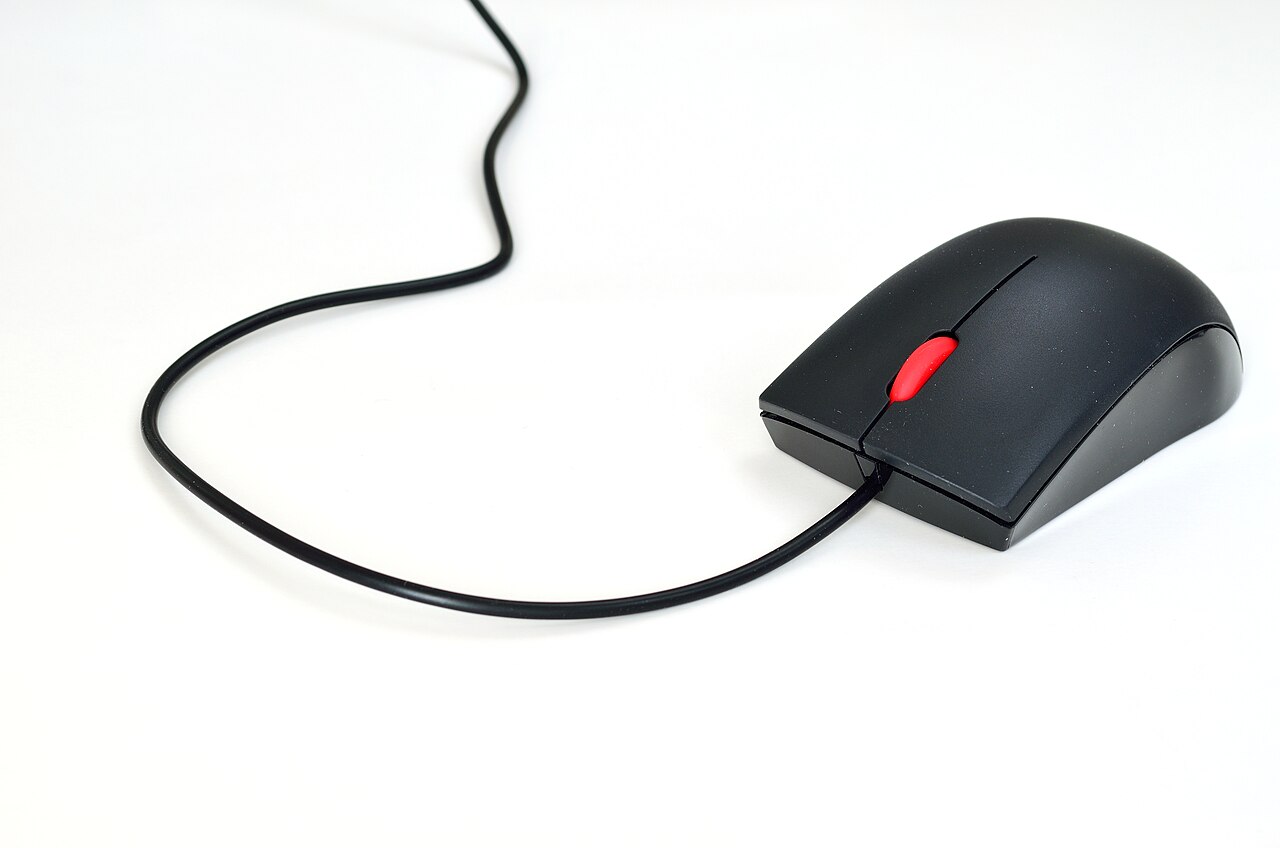
A hand-held pointing device that controls a computer cursor.

Pixloom · CC BY-SA 4.0
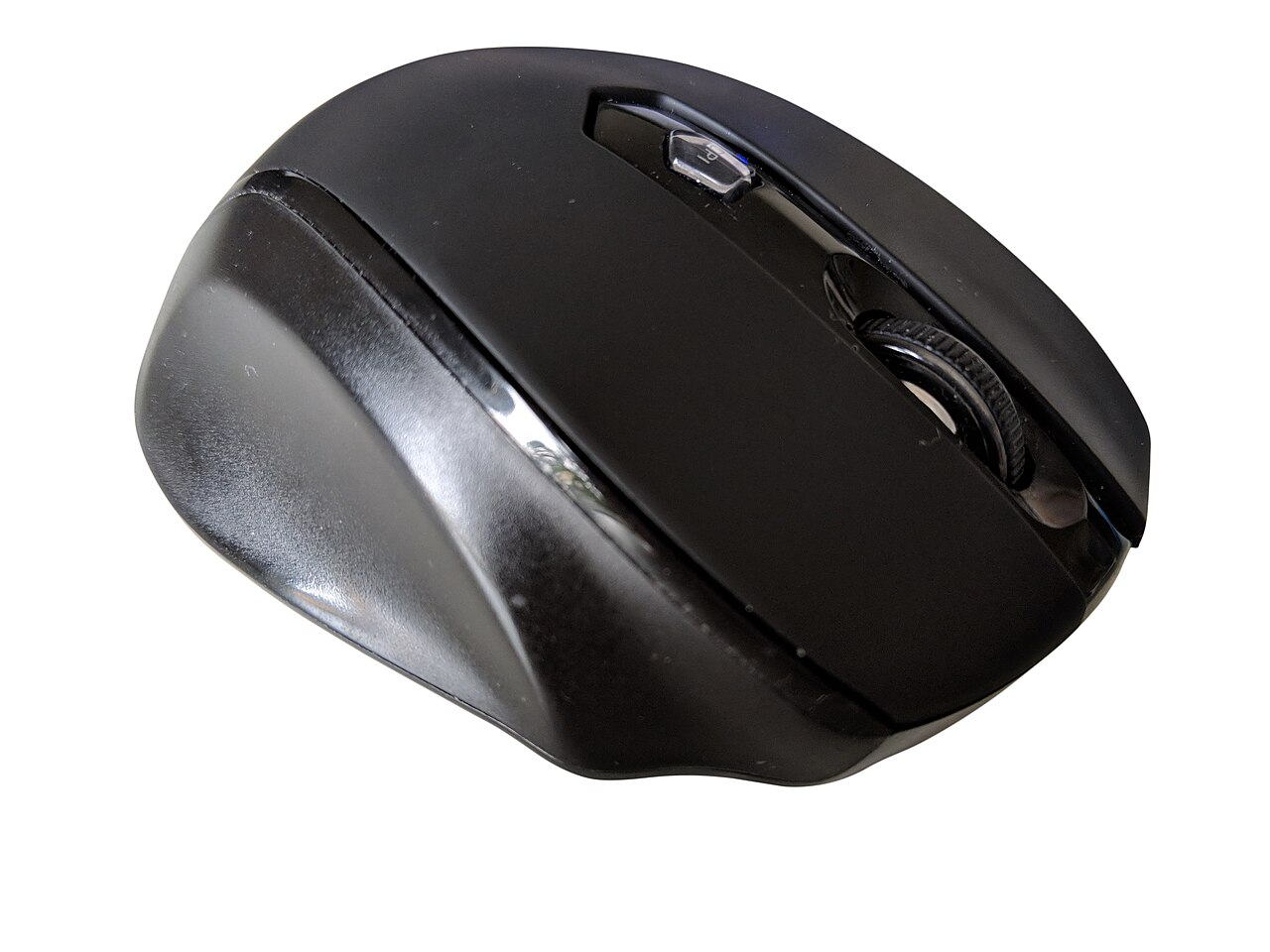
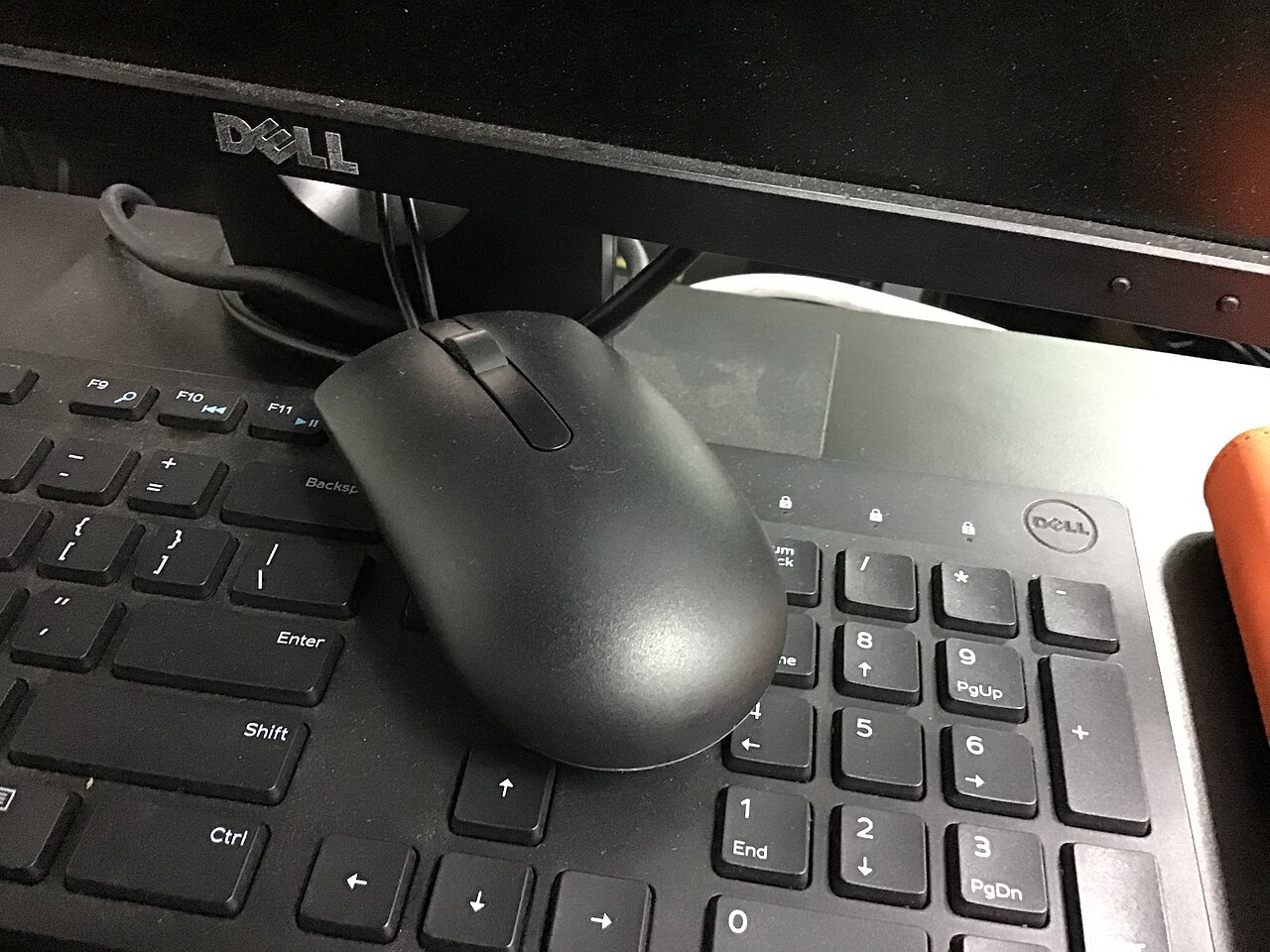
A computer mouse is a hand-held pointing device that detects two-dimensional motion relative to a surface, typically translating that motion into the movement of a cursor on a display. It allows smooth control of a computer's graphical user interface. The first public demonstration of a mouse controlling a computer system was given by Douglas Engelbart in 1968 as part of The Mother of All Demos.
- First public demonstration
- 1968 by Douglas Engelbart
- Earliest known written use of term 'mous
- July 1965 publication by Bill English
- First recorded plural usage
- mice (1968 by J. C. R. Licklider)
- Common plural forms
- mice or mouses (mice more common)
- Original motion detection method
- Two separate wheels (one for x, one for y)
- Later standard method
- Ball rolling on surface connected to internal rollers
- Modern method
- Optical movement detection with no moving parts
Lore & Background
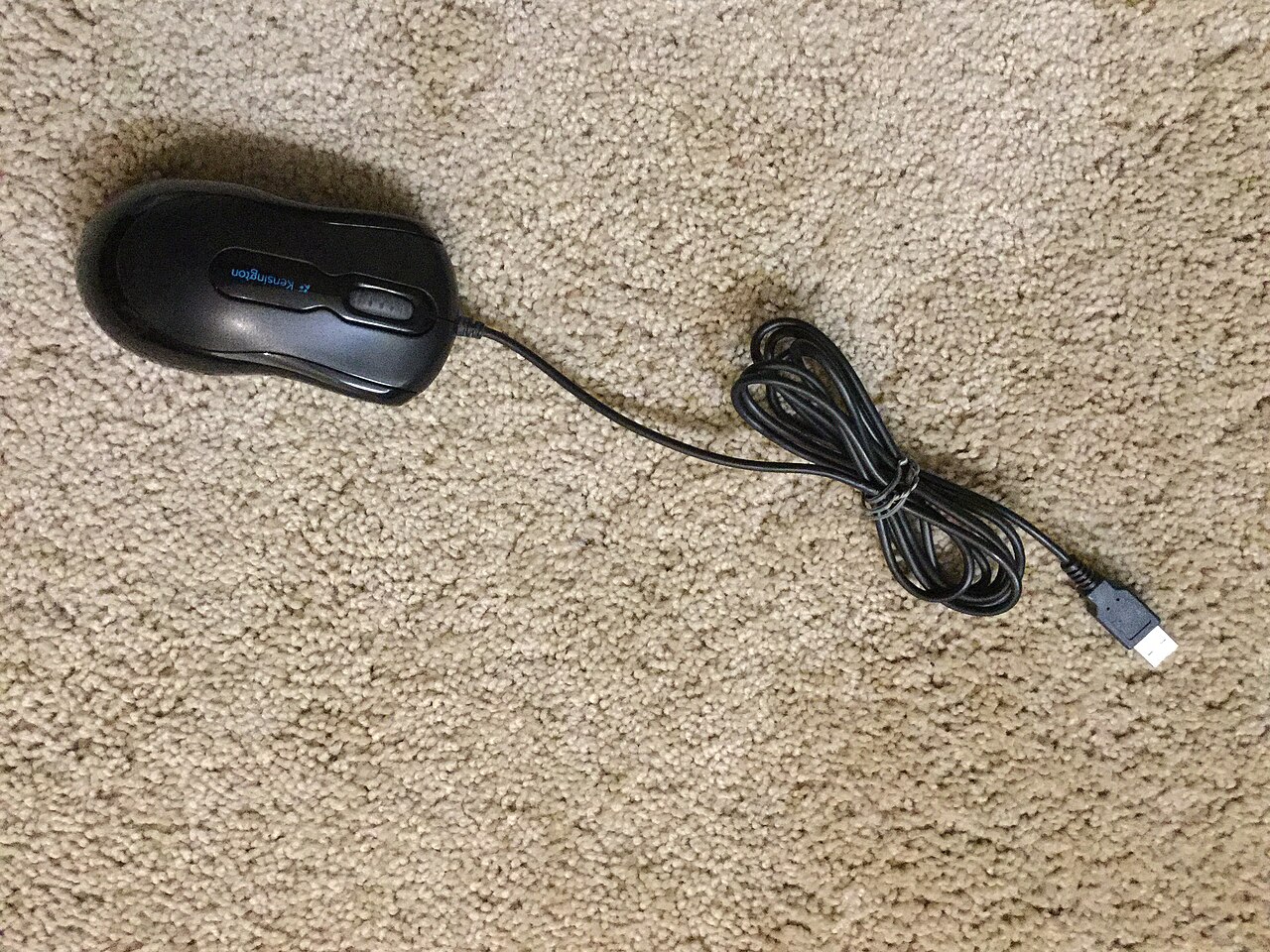
The computer mouse was named for its resemblance to the rodent, with the cord resembling a tail. The earliest known written use of the term in reference to a pointing device is in Bill English's July 1965 publication 'Computer-Aided Display Control'. According to hardware designer Roger Bates, the term also arose because the cursor on screen was referred to as 'CAT' and was seen as chasing the new desktop device. The plural for a computer mouse is either 'mice' or 'mouses', with 'mice' being more common; the first recorded plural usage is 'mice' from 1968.
Mice originally used two separate wheels to track movement across a surface, one in the x-dimension and one in the y. Later designs shifted to using a ball rolling on a surface, connected to internal rollers. Most modern mice use optical movement detection with no moving parts. Though originally all mice were connected by a cable, many modern mice are cordless, relying on short-range radio communication.
Douglas Engelbart of the Stanford Research Institute has been credited as the inventor of the computer mouse. By 1963 he had established the Augmentation Research Center (ARC) and first recorded thoughts about a 'bug' with two orthogonal wheels in November 1963. In 1964, Bill English joined ARC and helped build the first mouse prototype. Engelbart publicly demonstrated the mouse on 9 December 1968. He never received royalties, as his employer SRI held the patent, which expired before the mouse became widely used in personal computers.
Reader's Guide
The computer mouse's significance lies in its role as a primary input device for graphical user interfaces, enabling intuitive cursor control that transformed human-computer interaction. Its development emerged from Engelbart's larger project of augmenting human intelligence, though the mouse itself was just a small part of that vision. The device evolved from two-wheeled prototypes to ball-based mechanisms and finally to optical detection, eliminating moving parts. The shift from wired to cordless models, using short-range radio communication, further increased convenience. The mouse's name, derived from its resemblance to a rodent, persisted even as wireless designs made the cord-like tail less obvious. Despite competing experimental pointing devices—including head-mounted and knee-operated versions—the mouse prevailed due to its speed and convenience. Its legacy is cemented by the 1968 Mother of All Demos, which publicly demonstrated its capabilities, and by its eventual ubiquity in personal computing, though Engelbart himself received no royalties from the invention.
Role as a Pointing Device in Graphical Interfaces
The mouse serves as a primary tool for spatial input in computing environments, allowing users to select items on a graphical user interface by moving a pointer across the screen. Unlike touchscreens, where the input space coincides with the display, the mouse operates through indirect input—the user manipulates a physical object on a surface while the visual feedback appears elsewhere on the monitor. This separation between the physical manipulation space and the visual display space defines the mouse's core interaction model. It is a hand-held device moved across a surface, making it one of the most intuitive ways to navigate digital environments. The mouse's position, while ultimately digitized into discrete quantities, moves fast enough to be perceived as continuous, giving users a fluid sense of control over their on-screen cursor. This combination of simplicity and responsiveness has made it a staple of personal computing, bridging the gap between physical hand movement and digital selection in a manner that feels immediate and natural to most users.
Technical Classification and Degrees of Freedom
The mouse occupies a specific position within the taxonomy of input devices. It is classified by its modality of output—mechanical motion—by the nature of its signal (continuous rather than discrete, despite being digitized into a discrete quantity), and by the degrees of freedom it involves. Traditional mice are two-dimensional, tracking movement along a flat plane, while three-dimensional navigators designed for CAD applications extend this into spatial depth. In terms of positional information, the mouse provides relative input: it can be lifted from its surface and repositioned at will, meaning it reports displacement rather than absolute coordinates. This contrasts with touchscreens and digitizing tablets that sense absolute positions. The mouse's relative nature grants it flexibility—users can reposition it freely without needing to return to a fixed origin point, making it adaptable to a wide range of workflow needs and screen sizes.
Mechanism and Surface-Based Operation
The fundamental operating principle of a mouse distinguishes it from other pointing devices. It functions by detecting its own displacement on a physical surface, translating the motion of a hand-held object into spatial data for the computer. This surface-based detection sets it apart from analog devices such as 3D mice, joysticks, and pointing sticks, which instead report their angle of deflection from a neutral position. The mouse requires a flat surface to operate against, and the user's hand carries the entire device across that surface to generate input. This makes it a hand-held pointing device in the truest sense—there is no fixed base, no pivot point, no stationary component anchoring it in place. The user's grip and the surface together create the mechanism through which spatial information is communicated to the processing system, making the interaction feel direct and natural despite being technically an indirect form of input.
Composite Nature and Place Among Pointing Devices
Technically, the mouse qualifies as a composite input device because it simultaneously tracks movement and provides buttons for clicking. However, in common classification, composite devices are generally understood to incorporate more than two distinct forms of input, placing the mouse in a somewhat unique category. Among the broader family of pointing devices, the mouse shares the indirect input model with trackballs and touchpads, while touchscreens and light pens represent the direct input alternative. Trackballs invert the mouse's geometry—the ball stays fixed in a socket while the user rolls it with a finger—whereas the mouse requires the entire device to travel. Touchpads offer a flat surface operated by a single finger, eliminating the need for a separate desk surface. Graphics tablets introduce a stylus for drawing and signature capture. The mouse remains the most universally recognized pointing device, combining portability, simplicity, and intuitive control in a way few alternatives fully replicate.
Gallery
Frequently Asked Questions
What exactly is a computer mouse?
A computer mouse is a handheld pointing device that senses two-dimensional movement relative to a flat surface and converts that motion into cursor movement on a screen, giving users fluid control over a graphical interface.
Who first showed the world a mouse controlling a computer?
Douglas Engelbart delivered the landmark public demonstration in 1968, an event now widely called "The Mother of All Demos," in which a mouse guided a computer system live on stage.
How did the very first mouse track movement?
Instead of a rolling ball, the original design relied on two independent wheels—one for horizontal travel and one for vertical travel—to sense motion in each axis separately.
Where does the name "mouse" actually come from?
The term first appeared in writing in a July 1965 publication by Bill English, and the plural form "mice" was first recorded by J. C. R. Licklider in 1968, though "mouses" also saw limited use.
Why do fans consider the mouse a pivotal moment in computing history?
By letting people point and click rather than type commands, the mouse made graphical interfaces accessible to everyday users and set the interaction model that still dominates desktop computing today.
More in Computer Mice and Monitors 1-24
Spotted an error? Know more?
Reader corrections go straight into our review queue. Suggest an edit · How this site is sourced