
Bus mouse
A PC mouse using a specialized bus interface and ISA card.

Daniel beardsmore · Public domain
A bus mouse is a variety of PC computer mouse that is attached to the computer using a specialized interface, originally the Microsoft InPort interface developed for Microsoft's original mouse product. In the late 1980s, mice were not integrated with IBM-compatible personal computers, and the specialized bus interface (implemented via an ISA add-in card) was one of two popular ways to connect a mouse; serial interfaces were the other method.
Quick Facts
- Designer
- Microsoft
- Design Date
- late 1980s
- Production Date
- 1980s to 2000
- Superseded By
- PS/2 port, USB
- External
- Yes
- Cable
- 9 wires plus shield
- Num Pins
- 9
- Physical Connector
- Mini-DIN-9
- Data Signal
- 30–200 Hz (interrupt mode) with 3 button state signals and quadrature signals for mouse movement
- Pinout Caption
- Female port pin layout from the front.
Facts from the source article.
Lore & Background
The bus mouse was developed for Microsoft's original mouse product, using the Microsoft InPort interface. In the late 1980s, when mice were not integrated with IBM-compatible personal computers, the bus mouse and serial interfaces were the two popular connection methods. Microsoft and Logitech both made bus mouse interface cards. The bus mouse design was driven out of the marketplace when the IBM PS/2 introduced a motherboard mouse interface integrated with the keyboard controller, later called the PS/2 mouse interface. The bus mouse lived on in the NEC PC-98 family of personal computers in Japan. Quadrature bus mice, manufactured by Atari, Commodore, Logitech and AMX, were supplied or sold with proprietary wiring for various home and personal computers including the Atari ST, Commodore Amiga, Acorn BBC Micro, Amstrad CPC, Sinclair ZX Spectrum, and Acorn Archimedes.
Reader's Guide
The bus mouse represents an early stage in the evolution of PC input devices, when mice were not yet standard equipment on IBM-compatible computers. Its specialized bus interface, implemented via an ISA add-in card, provided an alternative to serial connections. The introduction of the IBM PS/2 with its integrated motherboard mouse interface quickly made the bus mouse obsolete in the mainstream market, as the PS/2 interface became the dominant standard. However, the bus mouse persisted in niche markets, notably in Japan's NEC PC-98 family. The quadrature bus mouse variant also served a wide range of home computers from Atari, Commodore, Acorn, Amstrad, and Sinclair, each with proprietary wiring. The bus mouse's legacy is that of a transitional technology that bridged the gap between the absence of mouse support in early PCs and the eventual integration of mouse interfaces into motherboards.
Did You Know?
- The bus mouse used a specialized interface originally called the Microsoft InPort.
- The Microsoft InPort bus mouse had a 9-pin round connector.
- Logitech also made bus mouse interface cards.
The Discovery That Redefined Computing
In 1979, Apple was in the planning stages of a business-oriented computer when they arranged a visit to the Xerox PARC research center. What they saw there would fundamentally alter the trajectory of personal computing. The team encountered the mouse—a device originally conceived by Douglas Engelbart during his work at SRI International—and observed it integrated into the graphical user interface running on the Xerox Alto. The impact was immediate and total: Apple abandoned their existing plans and committed to rebuilding their entire product philosophy around the mouse and GUI. Engelbart later reflected on the irony of the situation, noting that SRI had patented the device but failed to grasp its commercial potential, eventually licensing it to Apple for roughly forty thousand dollars. That modest sum would seed one of the most transformative input devices in technology history.
Engineering a Mouse for the Masses
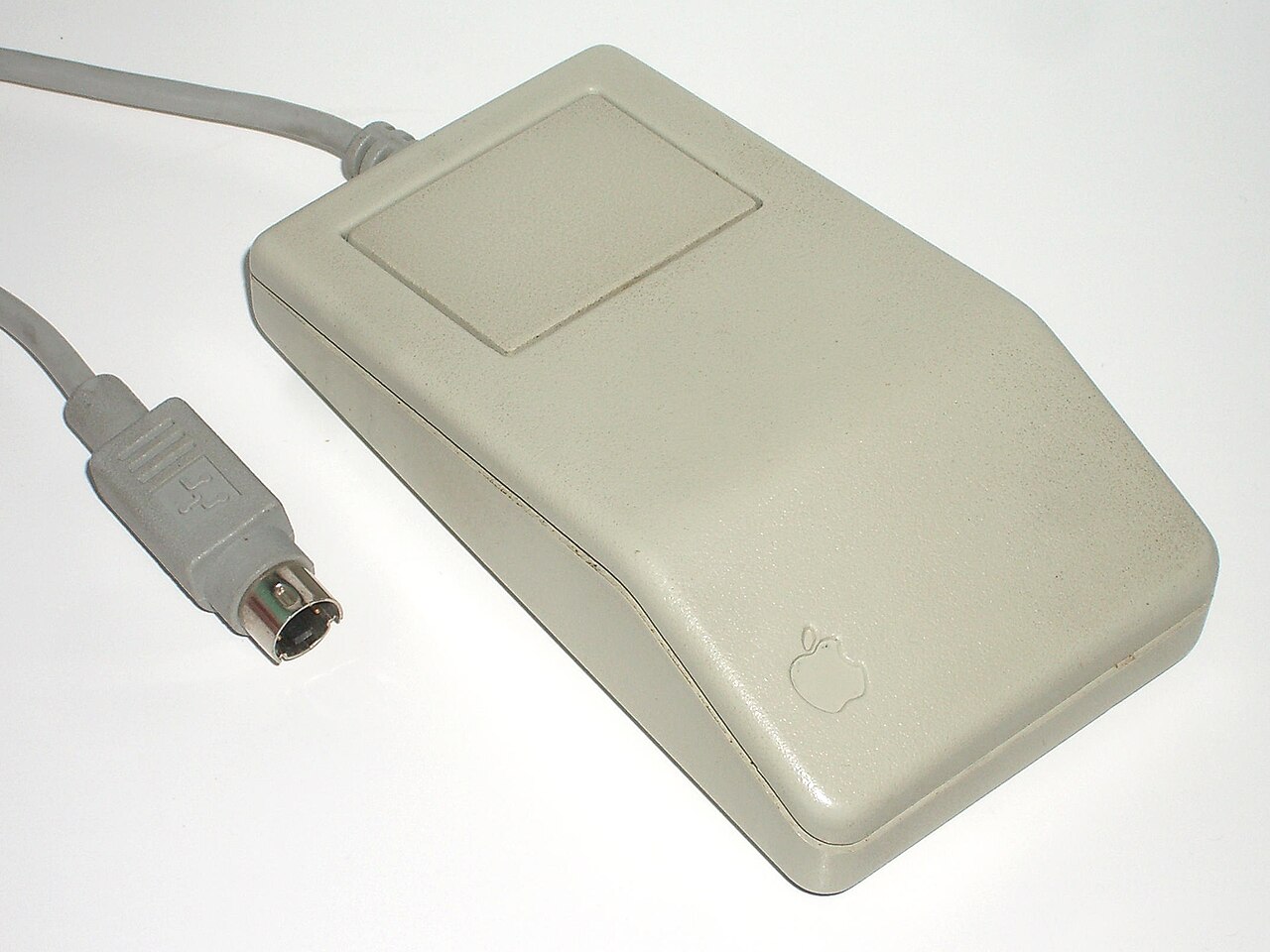
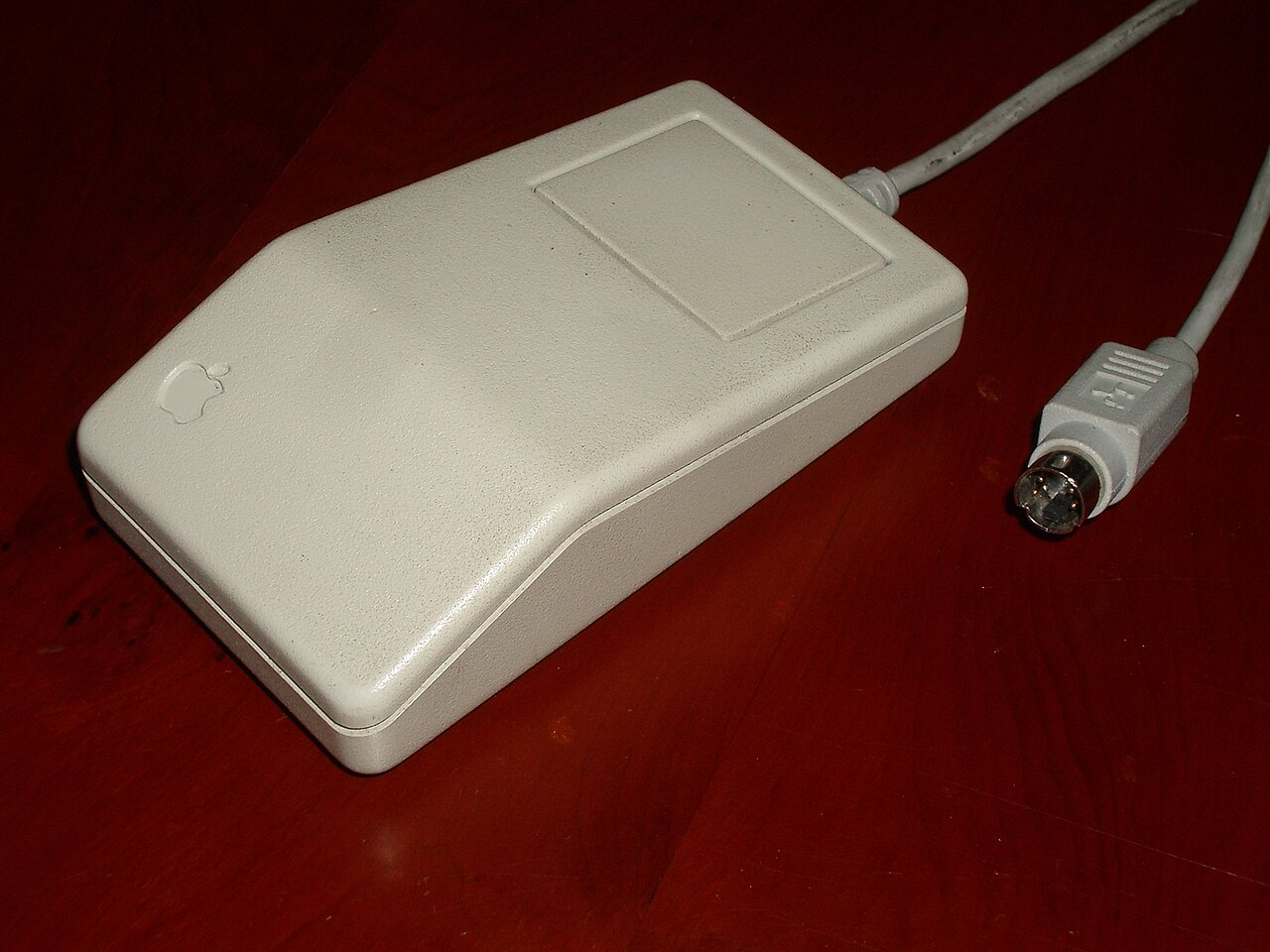
The Xerox PARC mouse, while revolutionary, presented a practical obstacle: the three-button version cost more than four hundred dollars to manufacture, making it wholly impractical for a consumer personal computer. Apple turned to Hovey-Kelley Design, the firm that would later rebrand as IDEO, to tackle the problem. The brief was demanding—the device had to be redesigned to a target cost of just twenty-five dollars while still being validated through real-world consumer testing rather than purely laboratory evaluation. After iterating through hundreds of prototypes, the team converged on a radically simplified single-button design, roughly the footprint of a standard deck of playing cards. To compensate for the lost functionality of the three-button original, Apple's operating system was adapted so that keystrokes combined with the single click could replicate the additional commands. Every detail was scrutinized, from the number of buttons to the volume of the click sound, establishing a design philosophy that would persist for decades.
From Ball to Laser: Tracking Technology Evolves
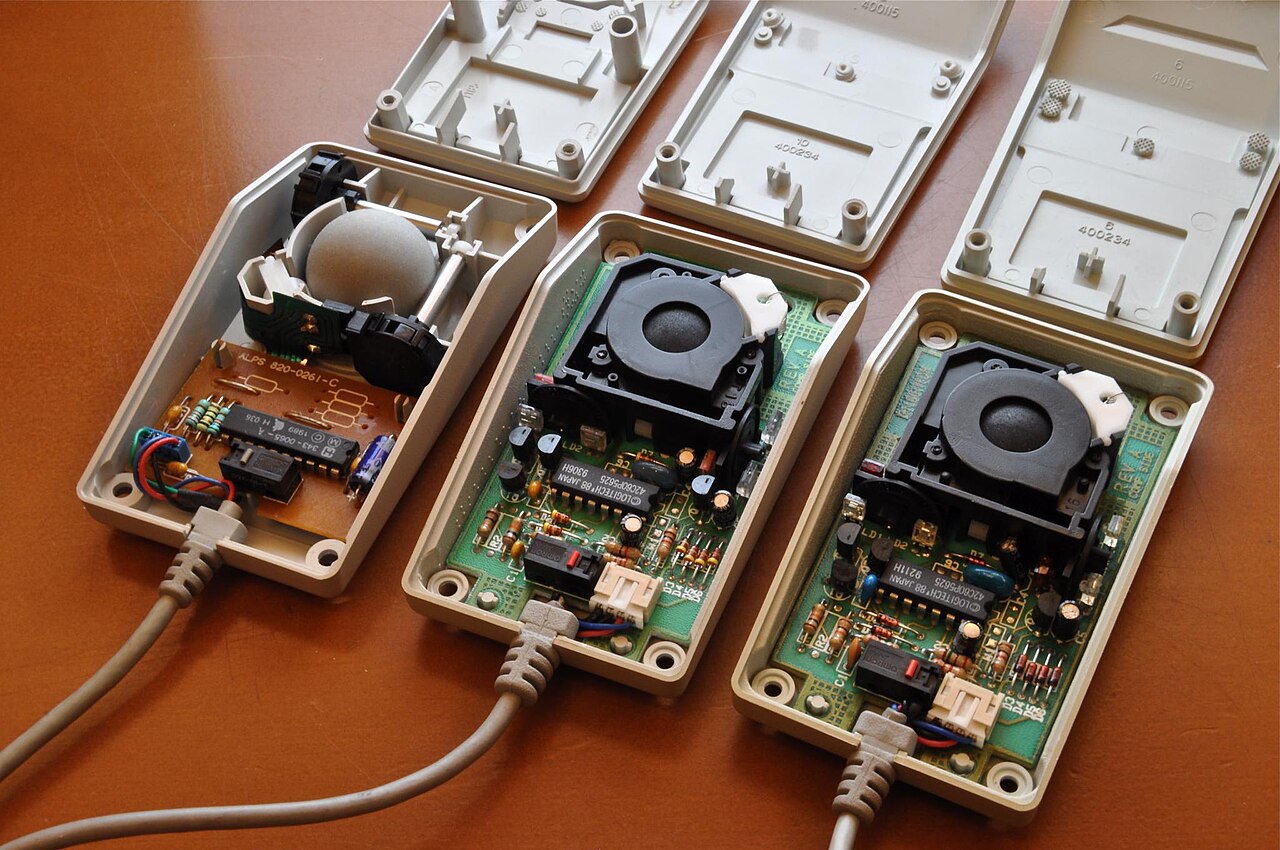
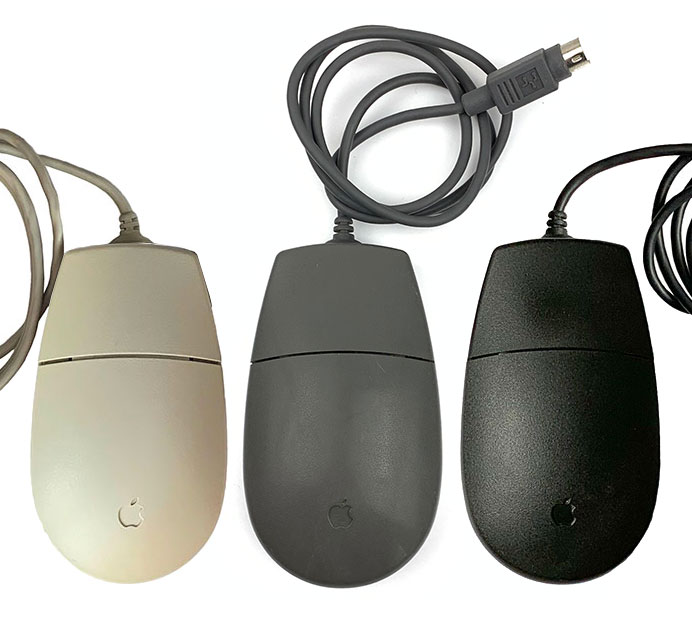
For most of Apple's mouse history, the internal mechanism relied on a physical ball that rolled across a surface to track movement. This ball-based approach defined the Lisa mouse, the Macintosh mouse, and every subsequent model through the late 1990s. The turning point came in 2000 with the Pro Mouse, which marked Apple's first shift to an optical tracking system, eliminating the need for the rolling ball entirely. Apple's current pointing device, the Magic Mouse 2, has since advanced further still, employing laser-based tracking for even greater precision. Alongside this technological progression, the user interface of Apple's mice remained remarkably conservative. From the Lisa in 1983 through the Macintosh era, the pointing device offered only a single button. It was not until 2005, with the introduction of the Mighty Mouse, that Apple finally added a clickable scroll ball and multiple programmable buttons, breaking a more than two-decade streak of single-button simplicity.
A Foundational Design and Its Lineage
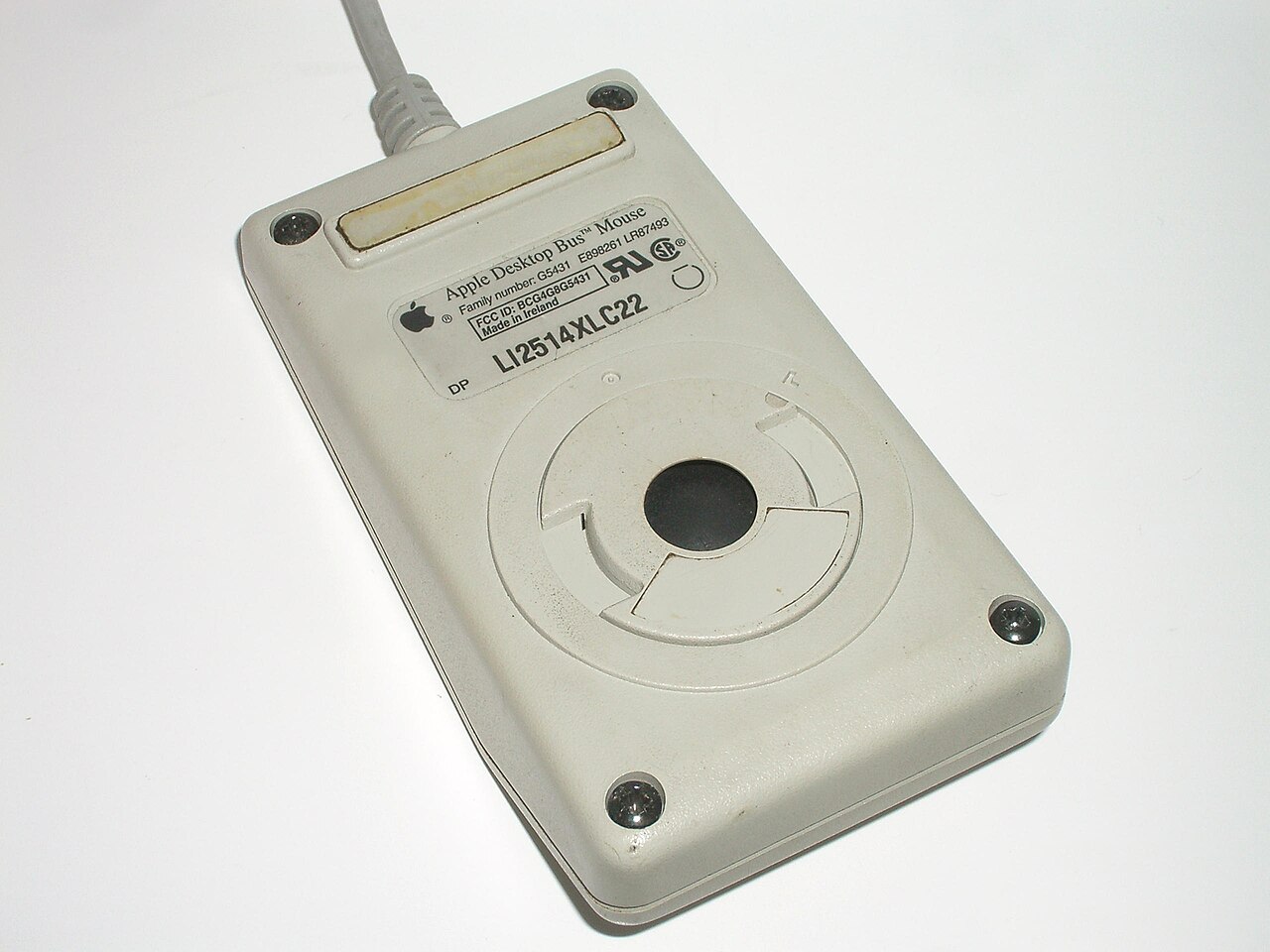
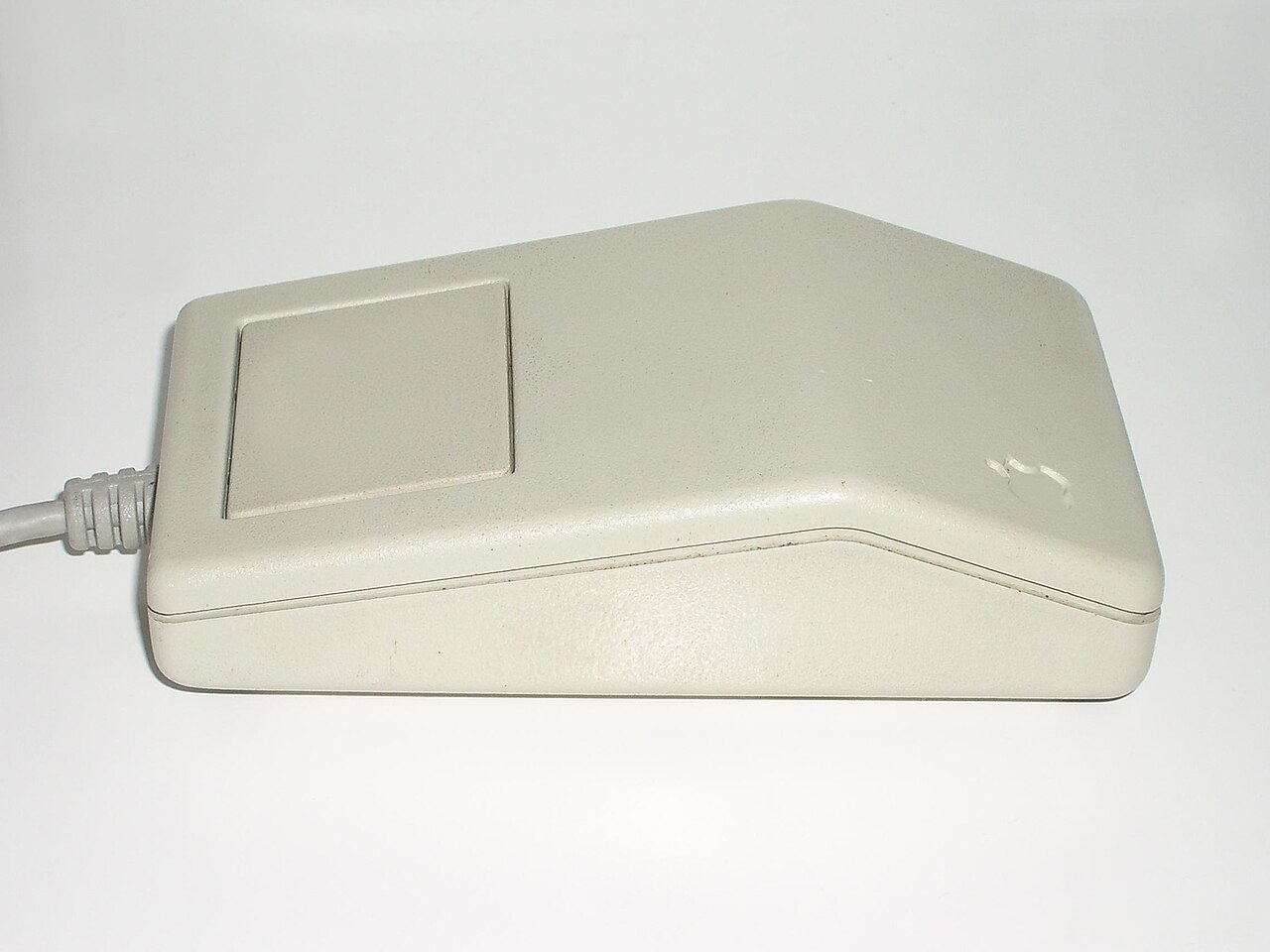
The Lisa mouse, shipped in 1983, stands as one of the earliest commercially available pointing devices and set the template for everything that followed in Apple's lineup. Its case, designed by Bill Dresselhaus, drew on Art Deco aesthetics with formal curving lines that echoed the Lisa computer's own design language. Mechanically, it featured a distinctive steel ball rather than the rubber-covered ball used in later models, and connected via a standard squeeze-release DE-9 connector. The Macintosh mouse that followed was closely related—compatible with both the Lisa and the new Macintosh—though it adopted a slightly darker brown shell, less formal edges, and a rubber-coated ball. Variants like the Apple Mouse IIc and Apple Mouse II extended the design across Apple's broader product family, with minor color and connector adjustments to match each platform. This single-button, ball-tracked form remained the standard across all Apple mice until the Mighty Mouse arrived in 2005, making the Lisa-era design one of the longest-running input device templates in personal computing.
Gallery
Frequently Asked Questions
What is a Bus mouse?
A Bus mouse is a pointing device for PCs that relies on a dedicated hardware interface rather than a standard serial port. It was one of the two mainstream ways to attach a mouse in the late 1980s, the other being the serial connection.
How does a Bus mouse physically connect to a computer?
The mouse plugs into a 9-pin round Microsoft InPort connector on a small ISA add-in card seated in a motherboard expansion slot. That card provides the specialized bus signaling the mouse needs to communicate with the system.
Which companies manufactured Bus mice?
Microsoft and Logitech were the main producers, but Atari, Commodore, and AMX also made versions of the device. The format was not limited to a single vendor's ecosystem.
What computers could use a Bus mouse?
Besides IBM-compatible PCs, the interface worked with the Atari ST, Commodore Amiga, Acorn BBC Micro, Acorn Archimedes, Amstrad CPC, Sinclair ZX Spectrum, and NEC PC-98. That broad compatibility made the bus option a practical choice across many 1980s machines.
Why did Bus mice exist as an alternative to serial mice?
Mice were not yet integrated into IBM-compatible PCs, so users needed a dedicated way to wire one up. The ISA-card bus interface gave them a second, distinct path to connect a pointing device alongside the more common serial method.
More in Computer Mice and Monitors 1-24
Spotted an error? Know more?
Reader corrections go straight into our review queue. Suggest an edit · How this site is sourced