Drive bay
Standardized bays for adding drives and accessories to computers.

Chris Whippet · CC BY-SA 2.0
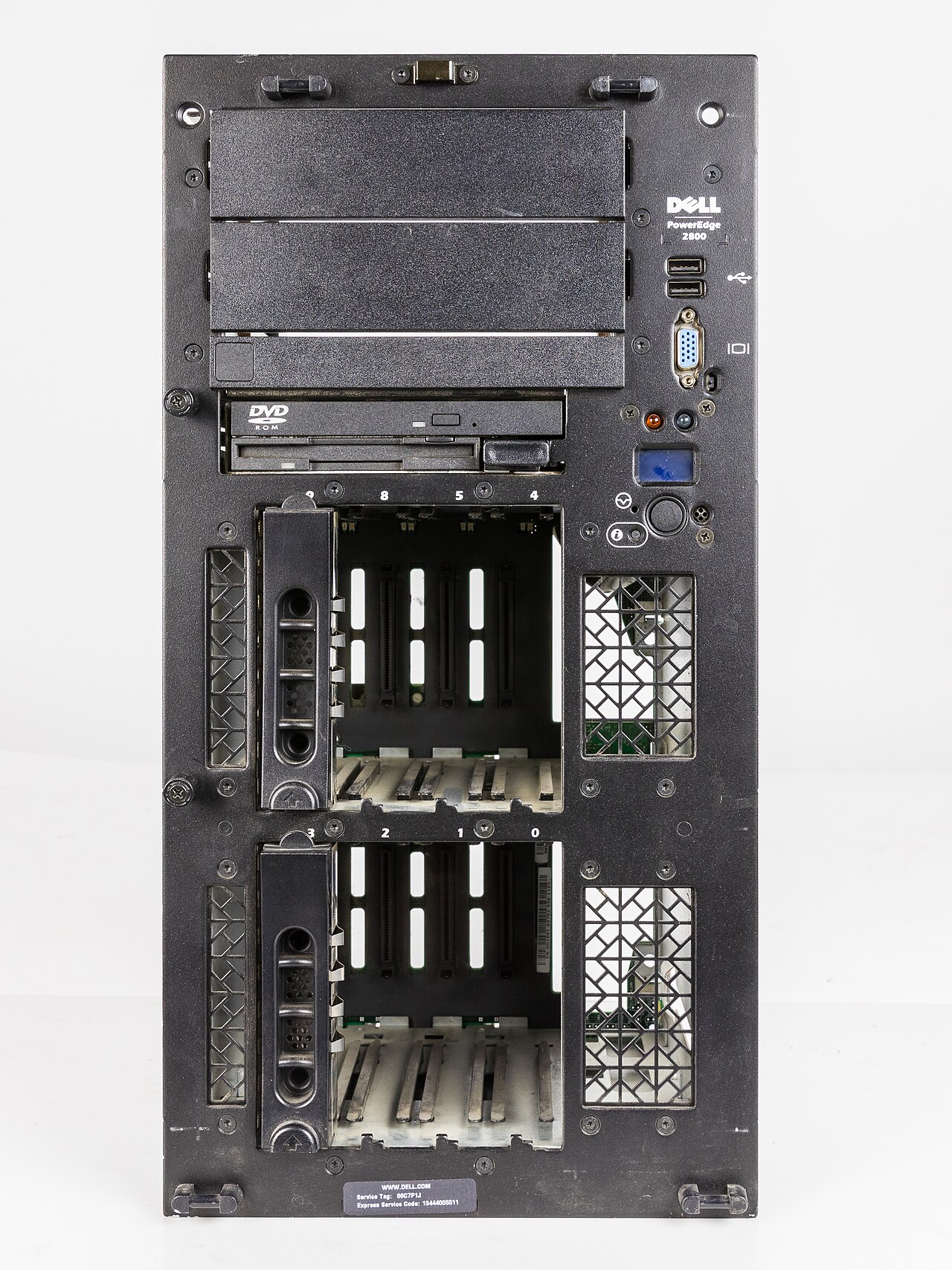
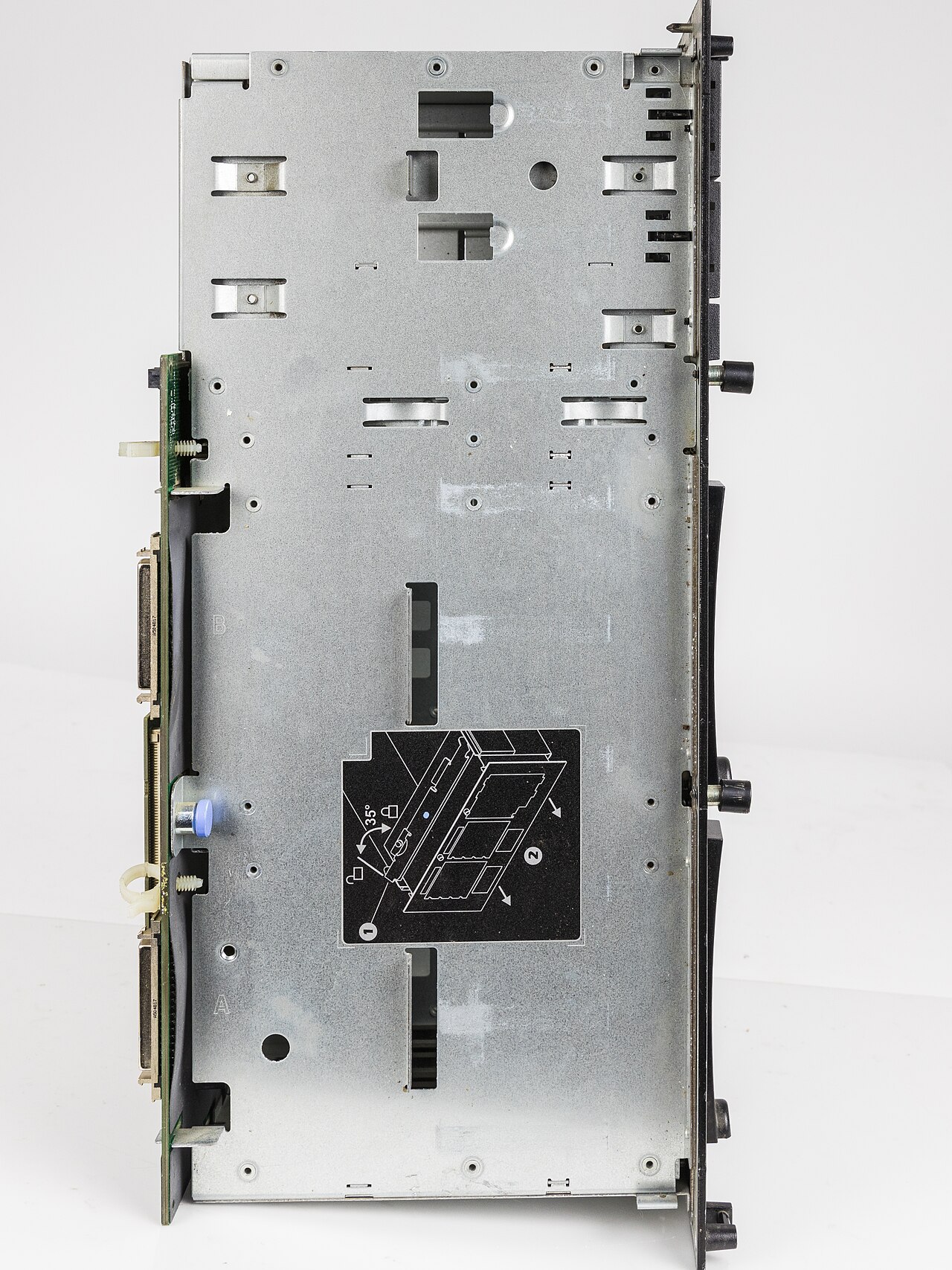
A drive bay is a standard-sized area within a computer case for adding hardware, such as disk drives. Most drive bays are fixed to the inside of a case, though some can be removed. Drive bays are notable for enabling the modular expansion and customization of computers, with form factors evolving over decades from large 8-inch bays to the smaller 2.5-inch and 1.8-inch bays used in portable devices.
- Common form factors
- 5.25-inch, 3.5-inch, 2.5-inch, rarely 1.8-inch
- Most common bay today
- 3.5-inch
- 5.25-inch full-height dimensions
- 3+1/4 in high, 5+3/4 in wide, up to 8 in deep
- 5.25-inch half-height dimensions
- 1+5/8 in high, 5+3/4 in wide
- 3.5-inch slim height dimensions
- 4 in wide, 1.028 in high
- 2.5-inch dimensions
- 2+3/4 in wide, 5 mm to 3/4 in high, 3.955 in deep
- 1.8-inch form factors
- 60 mm × 70 mm and 54 mm × 78 mm
Lore & Background
Drive bays originated with early IBM computers, CP/M computers, and the TRS-80 Model II, which used 8-inch bays for hard disk drives and floppy disk drives. The 5.25-inch bay appeared in two height specifications: full-height (3+1/4 in high) used in early to mid-1980s PCs, and half-height (1+5/8 in high) which became standard for CD and DVD drives in modern desktops. The 3.5-inch bay, named after diskette dimensions, originally had a full-height version (1+5/8 in high) that is now obsolete, while the slim 26.1 mm height became dominant for hard drives by the mid-1990s.
The 2.5-inch bay emerged for laptop drives, with heights ranging from 7 mm to 15 mm; 9.5 mm drives were standard until the early 2010s when a push for thinner devices led to 7 mm drives. The 1.8-inch bay, used in small devices and game system add-ons, is now virtually absent from new computers due to the preference for 2.5-inch drives and the M.2 form factor. Drive bays are also used for front-end USB ports, memory card readers, fans, and other accessories, and some computers have a small system monitor LCD mounted in a drive bay.
Reader's Guide
Drive bays have been a cornerstone of computer expandability since the early days of the IBM PC and its compatibles. The 5.25-inch bay, in both full-height and half-height variants, dominated desktop computing through the 1980s and 1990s, housing floppy drives, hard drives, and later optical drives. The 3.5-inch bay became the most common form factor, used for hard drives, floppy drives, and modern accessories like card readers and USB ports. The transition to smaller bays reflects the industry's drive toward compactness: 2.5-inch bays enabled thinner laptops, while 1.8-inch bays served niche portable devices before being supplanted by M.2 SSDs.
Adapters, sometimes called sleds, allow mounting 3.5-inch devices in 5.25-inch bays. Modern computers rarely include 5.25-inch bays, and some lack externally accessible 3.5-inch bays entirely. The standardization of drive bay dimensions through SFF specifications and EIA standards ensured compatibility across manufacturers. Drive bays remain relevant for storage expansion, though their role has shifted from housing primarily floppy and hard drives to accommodating SSDs, card readers, and other peripherals.
Did You Know?
- The names of drive bays (e.g., 5.25-inch) refer to the width of the disks used by the drives, not the width of the bay itself.
- Two half-height 5.25-inch devices can fit in one full-height 5.25-inch bay.
- Some 3.5-inch bays were used for hard drives with a front panel and activity LED, similar to floppy drives.
- 2.5-inch Velociraptor drives and some higher-capacity drives above 2 TB are 15 mm in height.
Origins and the CoData Alliance
Conner Peripherals traces its roots to June 1985, when Finis Conner—a co-founder of Seagate Technology and a graduate of San Jose State University—established the company in San Jose, California. However, the venture did not immediately produce hardware. Its defining moment came in February 1986, when Conner merged with CoData, a Boulder, Colorado start-up helmed by Terry Johnson and John Squires, both of whom had previously been founders of MiniScribe. CoData was in the process of developing a compact hard disk that packed the storage capacity traditionally associated with a 5.25-inch drive into the smaller 3.5-inch form factor that would eventually become the industry standard. This union gave Conner both the engineering pedigree and the product blueprint it needed to enter the market. The first drives based on the CoData design began shipping in early 1987, with Compaq serving as the initial customer.
A Distinctive Mechanical Philosophy
Conner's hard drives stood apart from competitors primarily through their mechanical architecture. Rather than adopting the common tub design—where platters sit inside a deep, square-bowl-shaped base casting topped by a flat lid—Conner engineers favored a flat base plate approach. This geometry proved more resistant to physical shock and less prone to warping under thermal stress. In their earliest drives, the base plate held the disks, head arm, and actuator within a long aluminum cartridge, secured to a bulkhead by just two screws and sealed with a large square O-ring. The company's 1/3-height drives, measuring one inch thick, featured a domed cast aluminum lid fastened with four corner screws and a rubber gasket. The printed circuit board was bolted to the underside of the base plate, while mounting holes were drilled into tabs cast directly into the base plate's sides. This distinctive aesthetic remained Conner's visual signature well into the 1990s.
Software-Driven Intelligence Inside the Drive
Beyond their mechanical uniqueness, Conner drives carried a notable amount of computational intelligence within the drive itself, a trait inherited from the original MiniScribe designs that John Squires had helped engineer. Each Conner drive incorporated a single Motorola 68HC11 microcontroller as its central processing unit. Running on this chip was a proprietary real-time operating system that handled two critical functions in software: the track-following algorithms that constituted the drive's servo system, and the management of the bus interface to the host computer. By implementing the servo logic in firmware rather than relying on purely analog or dedicated hardware circuits, Conner achieved a level of control and adaptability that distinguished its products in the early personal computer storage market.
Record-Breaking Growth and the Seagate Reunion
Conner Peripherals' commercial trajectory was nothing short of extraordinary. After beginning shipments in early 1987, the company saw Compaq account for roughly ninety percent of its sales during calendar year 1987. By 1990, Conner had reached an annual revenue figure of $1.337 billion in just four years of operation, and it accomplished this milestone without any acquisitions. That feat earned it the distinction of being the fastest-growing manufacturing start-up in United States history. The company continued to expand its product portfolio in December 1992, when it acquired Archive Corporation, adding tape drives to its existing hard drive lineup. Ultimately, Conner's independent run came to an end in 1996, when it was absorbed in a merger with Seagate Technology—the very company Finis Conner had co-founded before launching his own venture a decade earlier.
Gallery




Frequently Asked Questions
What is a drive bay?
A drive bay is a standardized slot or compartment inside a computer chassis designed to hold storage drives or other hardware. It gives builders a consistent way to mount components without needing custom brackets or adapters.
What are the common drive bay form factors?
The standard sizes you'll encounter are 5.25-inch, 3.5-inch, 2.5-inch, and the rarer 1.8-inch. Each has its own width, height, and depth measurements, so a 5.25-inch optical drive won't physically fit into a 2.5-inch bay.
Which drive bay size is most common in modern PCs?
The 3.5-inch bay remains the go-to choice for desktop systems today. It measures 4 inches wide and just over 1 inch tall, making it a practical middle ground between the bulky 5.25-inch and the compact 2.5-inch options.
How has drive bay sizing evolved over the decades?
Early machines relied on large 8-inch bays, but the industry gradually shifted toward smaller footprints as drives shrank. Today's portable devices often use 2.5-inch or even 1.8-inch bays, reflecting the overall trend toward miniaturization.
Are drive bays fixed in place or can they be removed?
In most cases, the bay is permanently attached to the interior of the chassis. However, some designs allow the bay to be detached, which is handy for transporting a system or swapping out an entire drive assembly.
More in Computer Peripherals 1-24
Spotted an error? Know more?
Reader corrections go straight into our review queue. Suggest an edit · How this site is sourced