Adapter (computing)
A device or software linking incompatible components for data transmission.

Runner1616 · CC BY-SA 3.0
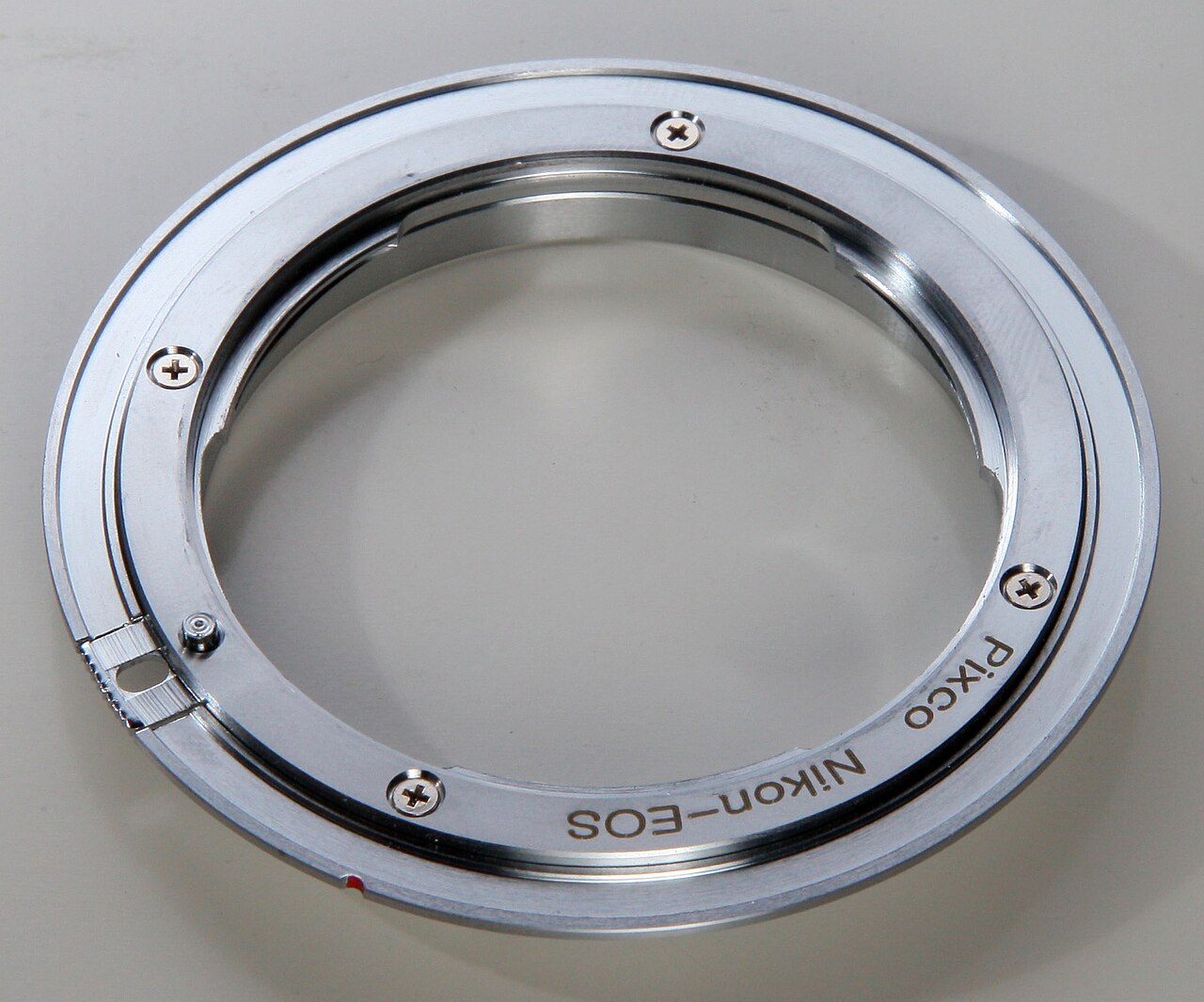
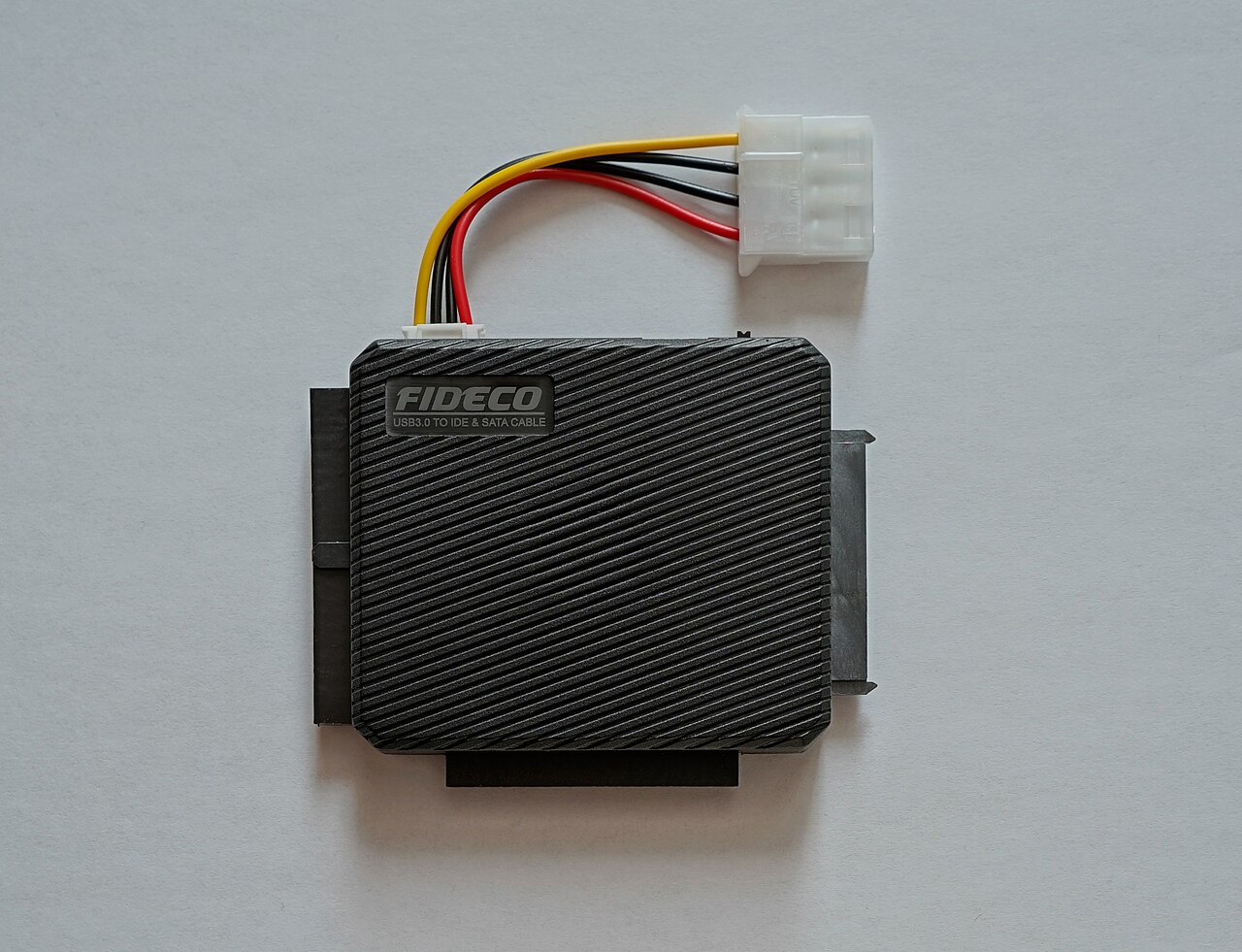
In computing, an adapter is a hardware device or software that links two or more incompatible components so they can send and receive data. It takes an input and modifies it to create a compatible connection between parts of a system. Hardware and software adapters appear in devices like mobile phones, personal computers, servers, and telecommunications networks for many purposes. Some adapters are built directly into devices; others can be added to a computer's motherboard or used as external attachments.
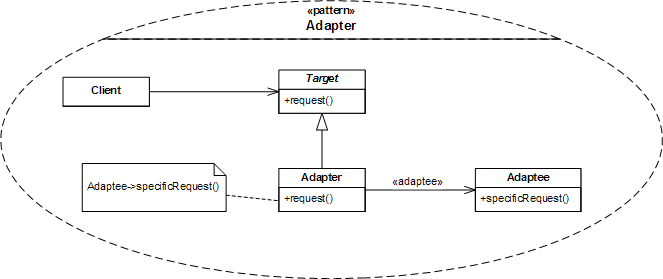
A software component adapter sits logically between two software components and resolves their differences. In telecommunications, electrical adapters transfer data over long distances. For example, analog telephone adapters (ATAs) connect an analog phone to a computer or network via digital lines, letting users make calls over the Internet. In personal computers, nearly every peripheral uses an adapter to communicate with the system bus. Examples include display adapters for monitors, USB adapters for printers and input devices, network adapters for connecting to a network, and host bus adapters for hard drives or other storage.
Some hardware adapters convert between analog and digital signals using A/D or D/A converters, allowing them to work with a wider range of devices. A common example is a sound card, which converts digital audio from a computer into analog signals for an amplifier.
Types of adapters include host adapters (also called host controllers or host bus adapters), which are circuit boards or devices that let peripherals interface with a computer, often integrated into motherboards or added as expansion cards. Adapter cards (or expansion cards) plug into the expansion bus to add functions or resources, such as video cards, network cards, sound cards, and other I/O cards. A video adapter (also known as a graphics adapter, display adapter, graphics card, or video card) converts data and generates the electrical signal to show text and graphics on a display. Bus master adapters fit in EISA or MCA expansion slots and use bus mastering to transfer data quickly by bypassing the CPU and interfacing directly with other devices. A general purpose interface adapter (GPIA) typically connects a processing unit to a GPIB (IEEE 488) bus. A fax adapter (fax card or fax board) is an internal fax modem that lets a computer send and receive fax data.
- Types
- Host adapter, adapter card, video adapter, bus master adapter, general purpose interface adapter, fax adapter, network adapter, terminal adapter, channel-to-channel adapter, resource adapter
- Common examples
- Display adapters, USB adapters, network adapters, host bus adapters, sound cards
- Signal conversion
- Analog-to-digital (A/D) and digital-to-analog (D/A) converters
Lore & Background
In telecommunications, adapters such as analog telephone adapters (ATA) connect analog telephones to digital communication lines, enabling internet calls. In personal computers, almost every peripheral uses an adapter to communicate with the system bus, including display adapters, USB adapters, network adapters, and host bus adapters for storage. Some hardware adapters convert between analog and digital signals using A/D or D/A converters, as seen in sound cards that convert digital audio to analog for amplifiers.
Various types of adapters serve specific roles. Host bus adapters (HBAs) allow internal peripherals like hard drives and USB devices to interface with a computer, often integrated into motherboards or as expansion cards. Adapter cards (expansion cards) plug into the expansion bus to add functions, such as video cards, network cards, and sound cards. Network adapters, whether wired or wireless, connect devices to networks and can be physical hardware or virtual software adapters for virtualization. Terminal adapters interface terminal devices with communications networks like ISDN, while channel-to-channel adapters connect input/output channels in IBM mainframes.
Reader's Guide
Adapters are fundamental to computing and telecommunications, enabling interoperability between otherwise incompatible devices and systems. Their significance lies in bridging gaps—whether between analog and digital signals, different bus architectures, or varying network protocols. In personal computers, adapters allow peripherals like keyboards, mice, printers, and displays to communicate with the system bus, making modern computing possible. The variety of adapter types—from host bus adapters for storage to network adapters for connectivity—reflects the diversity of interfaces in computing. Resource adapters further extend this role by retrieving and routing data across databases, files, messaging systems, and enterprise applications, allowing integration across different systems and data structures. The legacy of adapters is their quiet but essential function: they are the invisible translators that make heterogeneous hardware and software work together, from the analog telephone adapter enabling VoIP to the video adapter generating display signals. Without adapters, the seamless interaction of components in a computer or network would be impossible.
Did You Know?
- A software component adapter is logically located between two software components and reconciles differences between them.
- Bus master adapters use bus mastering to bypass the CPU and interface directly with other devices.
- A channel-to-channel adapter (CTCA) connects two input/output channels in IBM mainframes.
Defining the Peripheral Ecosystem
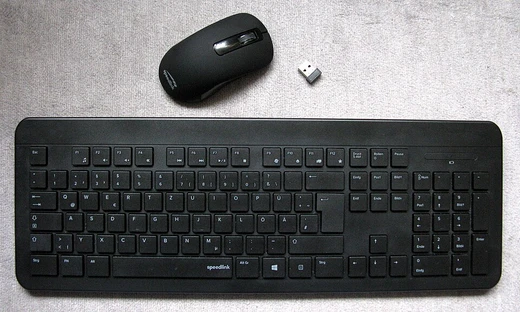
A peripheral is an auxiliary hardware component that a computer relies on to exchange information with the outside world. Unlike core processing units, peripherals sit outside the central architecture yet remain fully accessible and controllable by the system. They communicate through either wired or wireless links, making them versatile connectors between the machine and the user or the surrounding environment. The concept has expanded well beyond traditional desktop setups: modern electronic gadgets such as Internet-enabled digital watches, video game consoles, smartphones, and tablet computers all feature interfaces that allow them to function as peripherals. This broadening of scope reflects how deeply interconnected contemporary technology has become, with nearly any connected device now capable of serving as a functional extension of a computer's reach and capabilities.
The Three-Lane Information Highway
Peripherals are typically sorted into three functional categories based on the direction data travels relative to the computer: input, output, and storage. Input devices translate incoming information—whether user instructions or environmental readings like temperature and pressure—into binary electrical signals the machine can process. They can be further distinguished by modality (mechanical, audio, visual), whether the signal is discrete or continuous, and the number of degrees of freedom involved, ranging from two-dimensional mice to three-dimensional navigators built for CAD applications. Output devices perform the reverse translation, converting machine code back into something a human can perceive, most commonly through raster displays organized as a two-dimensional matrix that refresh at 60, 75, 120, or 144 hertz on consumer hardware. Storage devices often straddle both roles, since they must load data in, present it to the user, and retain it for later retrieval.
From Punched Cards to Spinning Platters
The story of computer peripherals begins in the late 1880s with Herman Hollerith's punched card, the earliest known peripheral and the first to be mass-produced. By 1901, the Hollerith Type 001 Mechanical Card Punch let operators enter digits without memorizing card codes, laying groundwork for modern keyboards. Punched tape soon replaced cards for its lower cost and greater capacity, with Konrad Zuse's 1938 Z1 being the first documented computer to read programs from it. The early 1950s brought the UNISERVO I, the first commercial magnetic tape drive, prized for cost-efficient long-term archiving despite its inability to read and write simultaneously. Then in 1956, IBM's 305 RAMAC shipped with the Model 350 hard disk—the first of its kind—offering 5 MB across fifty double-sided 24-inch platters spinning at 1200 RPM, and crucially enabling random access at any point in the data stream.
Standardization and the Memory Revolution
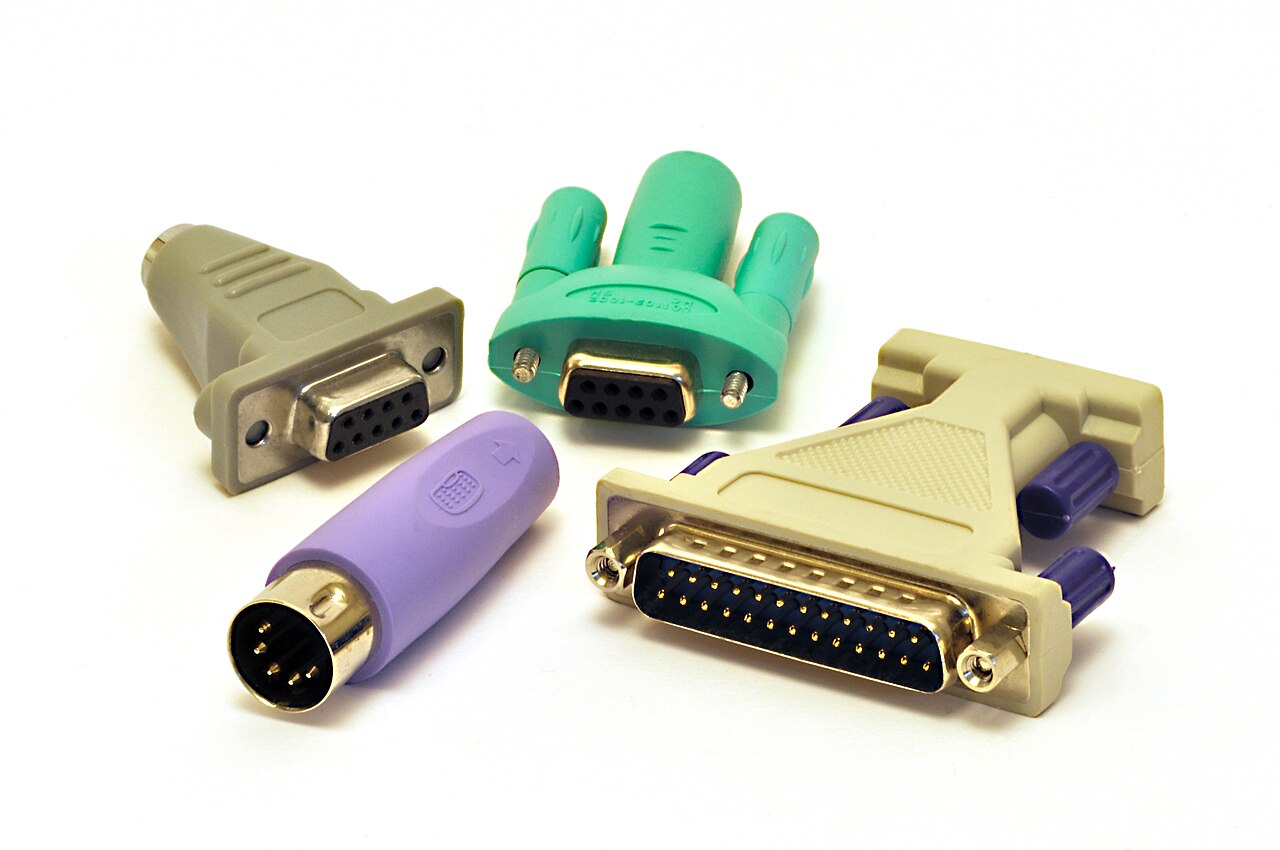
In the early 1960s, the Electronic Industries Association developed the RS-232 standard, designed to guarantee reliable serial connections between devices from different manufacturers using a D25 connector. This interoperability framework was a quiet but critical enabler for the peripheral ecosystem. As personal computers proliferated from the 1970s onward, keyboards and mouses solidified as standard input tools, while new peripherals like scanners and webcams emerged. Meanwhile, the memory landscape shifted dramatically: IBM adopted semiconductor memory in 1970, doubling storage density over core memory, and flash memory arrived in 1984. Display technology also evolved, migrating from cathode ray tubes to LCD panels during the 1980s. Together, these advances transformed peripherals from bulky, single-purpose add-ons into the diverse, compact, and ubiquitous accessories that define modern computing.
Gallery
Frequently Asked Questions
Who is Adapter (computing)?
An adapter is a hardware device or software component that bridges two otherwise incompatible parts of a system so they can exchange data. It sits between those components and reshapes the signal or protocol until both sides can understand each other.
What are Adapter (computing)'s powers/role?
Its core function is to take an input from one component and modify it into a format the other component can process, whether that means converting analog to digital signals, translating bus protocols, or mapping one interface standard to another. It handles the middleman work so neither side has to natively speak the other's language.
Why is Adapter (computing) important?
Without adapters, every component in a system would need to natively support every possible interface, which would be impractical and prohibitively expensive. Adapters let manufacturers build specialized parts while still allowing those parts to slot into a wider ecosystem of devices, servers, and networks.
What forms does Adapter (computing) take?
Adapters can be physical cards plugged into a motherboard, external USB dongles, chips built directly into a device, or purely software layers that translate between two programs. Common real-world examples include display adapters, network adapters, sound cards, and host bus adapters.
More in Computer Peripherals 1-24
Spotted an error? Know more?
Reader corrections go straight into our review queue. Suggest an edit · How this site is sourced