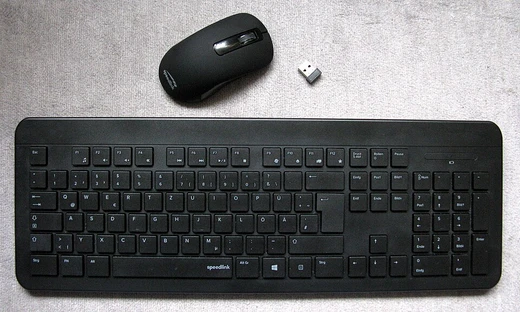
Computer speakers
External amplified speakers for computers, often with USB or Bluetooth connectivity.

Antonio Mette · CC BY-SA 4.0
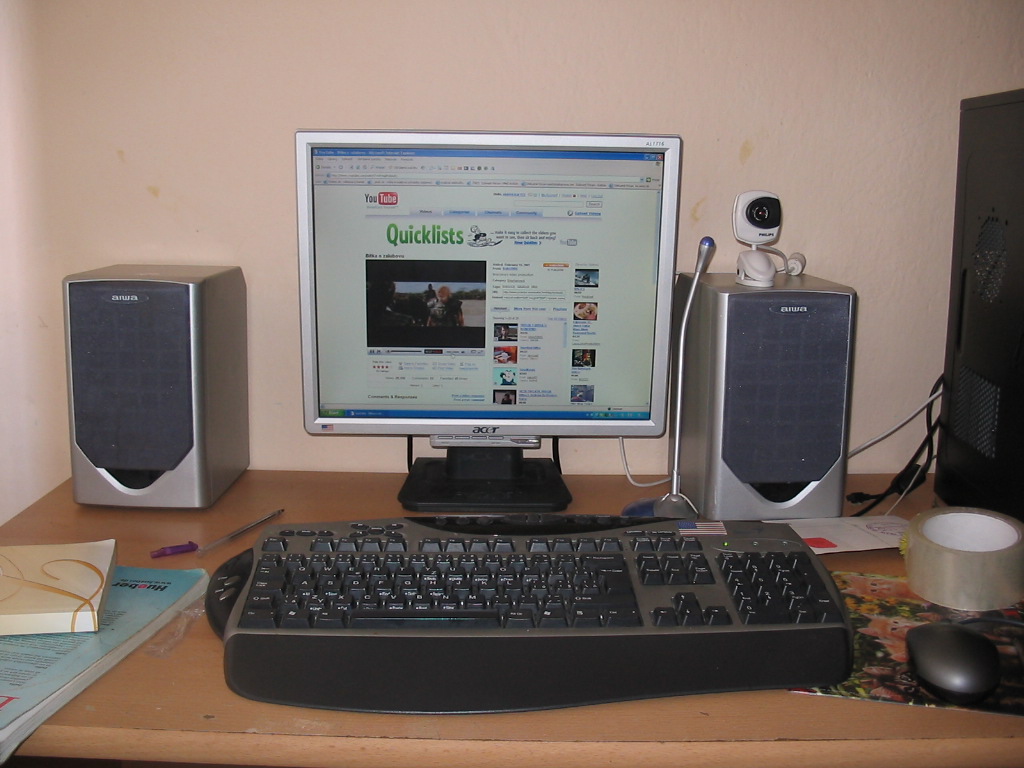
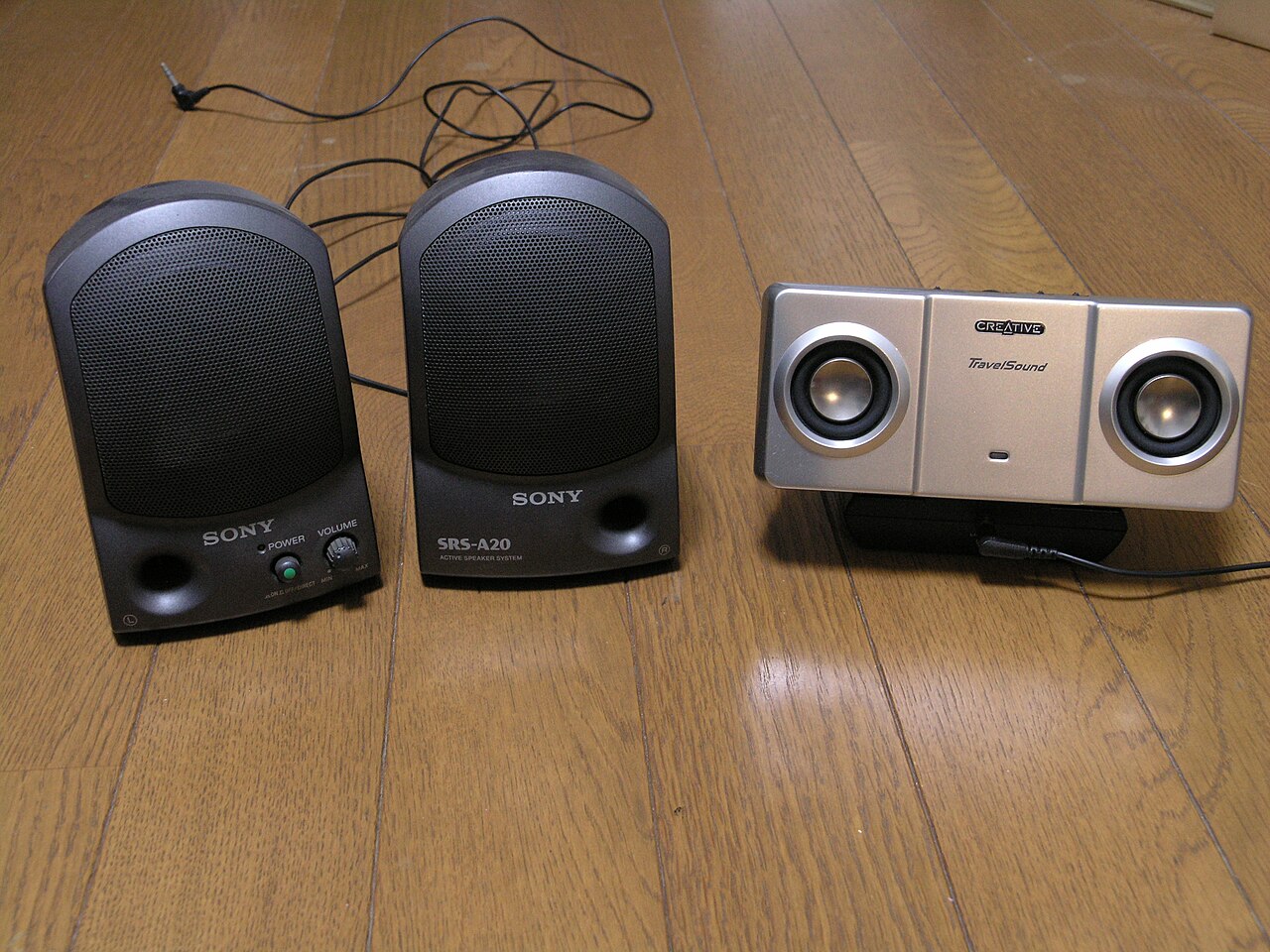
Computer speakers—sometimes called multimedia speakers—are designed for use with a computer, but they can also work with other audio devices like a shelf stereo or television. Most of these speakers contain a built-in amplifier, so they need a power source, which can come from a wall outlet via an AC adapter, batteries, or a USB port. The input connection is often a standard analog 3.5 mm jack, usually colored lime green (following the PC 99 standard). Some models use RCA connectors, and others can receive a digital signal through a USB port or Bluetooth antenna, which goes to an onboard digital-to-analog converter—though some of these converters require a specific device driver to function on a computer. Wireless speakers that run on batteries don’t need any cables at all.
Most computers come with built-in speakers that are low in power and quality. When external speakers are connected, the internal ones are typically turned off automatically. Altec Lansing is credited with creating the computer speaker market in 1990.
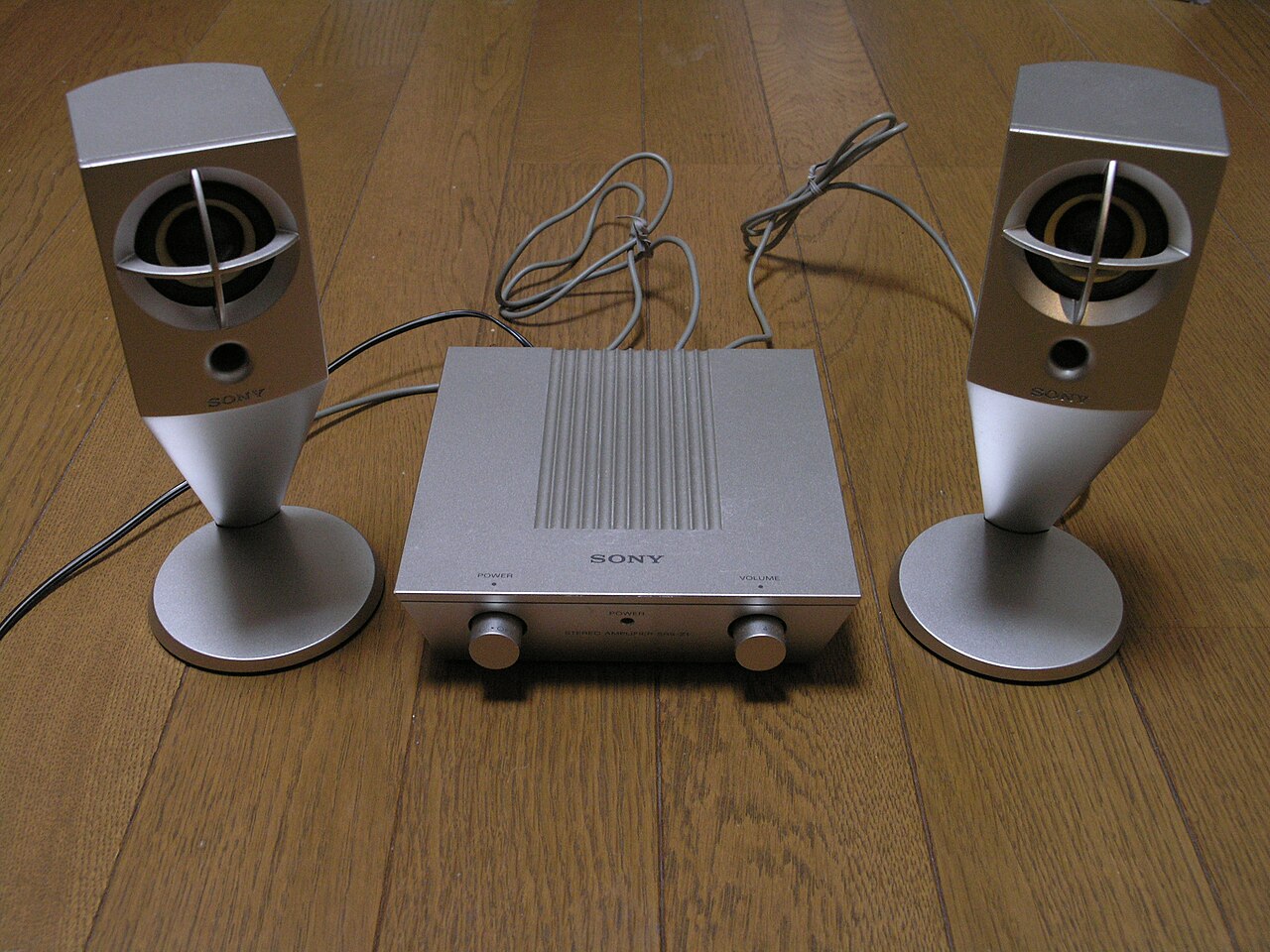
The quality and price of computer speakers vary widely. Those packaged with computer systems are usually small, made of plastic, and offer mediocre sound. Some models include equalization features like bass and treble controls. More advanced setups may include a subwoofer unit to boost bass output; the larger subwoofer enclosure often houses the amplifiers for both the subwoofer and the left and right speakers.
Certain standalone computer displays have basic integrated speakers, or they include mounts for attaching matching satellite speakers or a soundbar externally. Laptop computers have built-in integrated speakers, which are typically small and limited in sound quality to save space.
- Claimed originator
- Altec Lansing claims to have created the computer speaker market in 1990
Lore & Background
Computer speakers range widely in quality and price. Those packaged with computer systems are typically small, plastic, and have mediocre sound quality. Some computer speakers have equalization features such as bass and treble controls. More sophisticated computer speakers can include a subwoofer unit to enhance bass output; the larger subwoofer enclosure usually contains the amplifiers for the subwoofer and the left and right speakers. Most computers have speakers of low power and quality built in; when external speakers are connected they disable the built-in speakers by default.
Some discrete computer displays have rather basic integrated speakers, or accommodations for mounting matching satellite speakers or a soundbar externally. Laptop computers have built-in integrated speakers, usually small and of restricted sound quality to conserve space. Altec Lansing claims to have created the computer speaker market in 1990.
Reader's Guide
Computer speakers represent a distinct category of audio peripheral, bridging the gap between basic built-in computer audio and dedicated home audio systems. Their significance lies in providing improved sound quality for computer use, with many models incorporating amplification and digital connectivity. The inclusion of features such as subwoofers and equalization controls allows users to tailor audio output, while wireless options eliminate cable clutter. The market's claimed origin in 1990 by Altec Lansing marks a point of reference for the category's development. Over time, computer speakers have become a common accessory, with quality varying from inexpensive bundled units to more capable systems. Their legacy includes enabling better multimedia experiences on personal computers, and they continue to coexist with integrated speakers in displays and laptops, which typically offer lower sound quality due to space constraints.
Did You Know?
- Most computer speakers have an internal amplifier and require a power source such as an AC adapter, batteries, or a USB port.
- The signal input connector is often an analog 3.5 mm jack plug, usually color-coded lime green per the PC 99 standard.
- Battery-powered wireless speakers require no cables at all.
Power Sources and Signal Pathways
Computer speakers are distinguished from passive loudspeakers by their built-in amplification, which necessitates an external power source. Manufacturers offer several options: a mains power connection typically routed through an AC adapter, battery packs for portable use, or drawing power directly from a USB port. On the signal side, the most common input remains the analog 3.5 mm jack plug, which is conventionally color-coded lime green in accordance with the PC 99 standard. RCA connectors appear as an alternative in some designs. For digital audio, certain models incorporate a USB port or a Bluetooth antenna that feeds a signal to an onboard digital-to-analog converter; however, some of these DAC implementations depend on the host computer running a specific device driver. At the other extreme, battery-powered wireless speakers eliminate cables entirely, offering a completely untethered listening experience. This variety in power and connectivity reflects the broad range of use scenarios these speakers are designed to serve.
Market Genesis and the Quality Spectrum
Altec Lansing asserts that it launched the computer speaker market in 1990, establishing a product category that has since expanded enormously. Today, these speakers span an enormous range of both quality and price. Those bundled as standard accessories with computer systems tend to be small, constructed from plastic, and deliver only mediocre sound. At the other end of the spectrum, more sophisticated models incorporate dedicated subwoofer units designed to enhance low-frequency output. In such configurations, the larger subwoofer enclosure typically houses the amplifiers not only for the subwoofer itself but also for the left and right satellite speakers. Some mid-range designs offer equalization features, giving users manual controls over bass and treble response. This tiered approach means a buyer can find a speaker matching everything from a basic desktop setup to a more demanding home-audio environment, all within the same product family.
Relationship to Built-In Computing Audio
Most modern computers ship with integrated speakers that are, by design, of low power and modest quality. When a user connects external computer speakers, the system typically disables these built-in drivers by default, handing audio output over to the external hardware. This same principle extends to displays: some standalone computer monitors include rather basic integrated speakers, while others provide physical accommodations for mounting matching satellite speakers or an external soundbar. Laptop computers present a particular spatial constraint, so their built-in speakers are usually very small and offer restricted sound quality to conserve internal space. The existence of these underpowered internal solutions is precisely what makes the external computer speaker category so commercially viable; users who want fuller, richer sound from their desktops, laptops, or monitors turn to dedicated multimedia speakers as a straightforward upgrade path.
Versatility Beyond the Desktop
Although marketed specifically as computer or multimedia speakers, these devices are generally capable of serving a wider range of audio applications. The same speaker set that sits beside a desktop PC can function as a shelf stereo system or provide audio for a television, provided the appropriate input connection is available. This flexibility is a natural consequence of the standard analog and digital inputs—3.5 mm jacks, RCA connectors, USB, and Bluetooth—that most models already support. Battery-powered wireless variants extend this versatility further by removing all cable dependencies, allowing the speakers to be relocated freely around a room or taken to another setting altogether. In practice, the computer speaker occupies a hybrid position in the consumer audio landscape: purpose-built for the PC ecosystem yet readily adaptable to any source that can deliver a compatible audio signal, making it a practical all-purpose option for casual listening.
Gallery
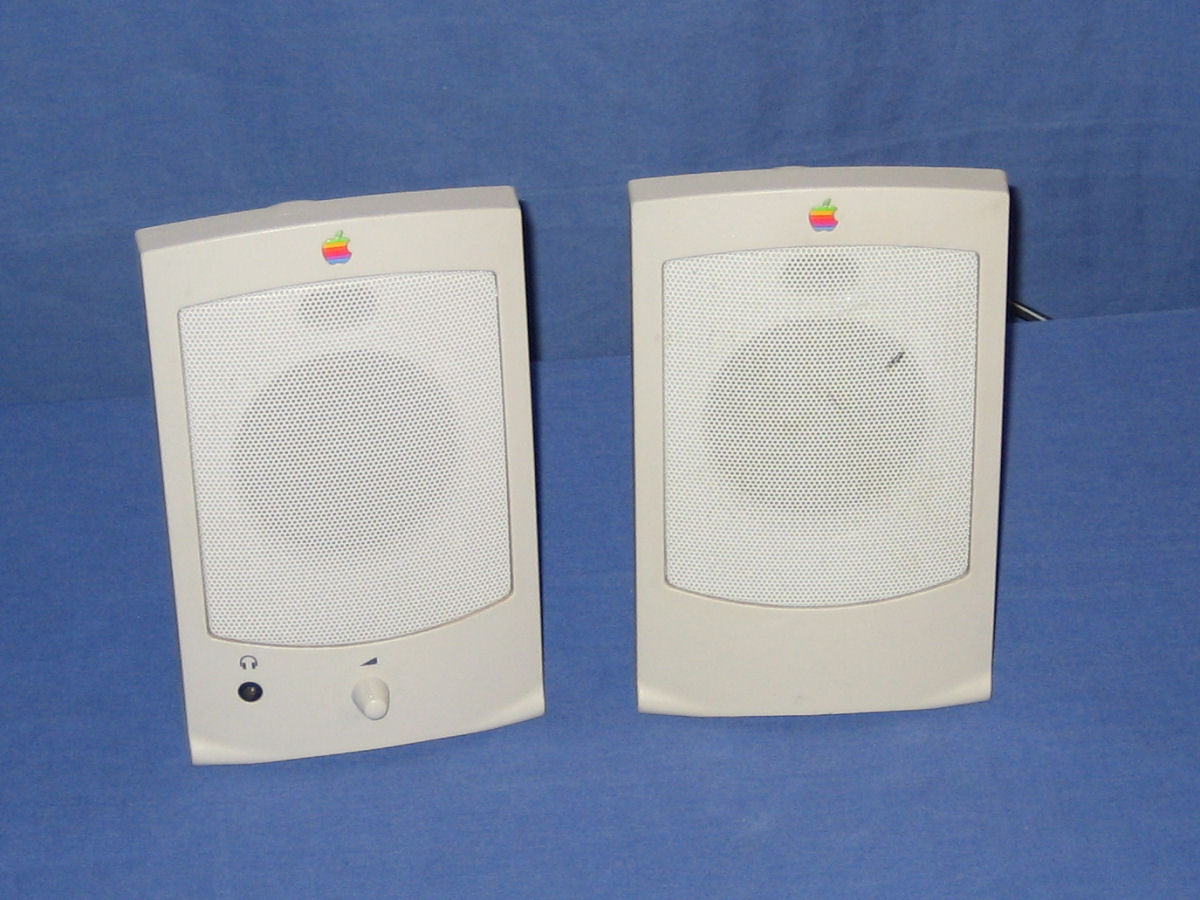
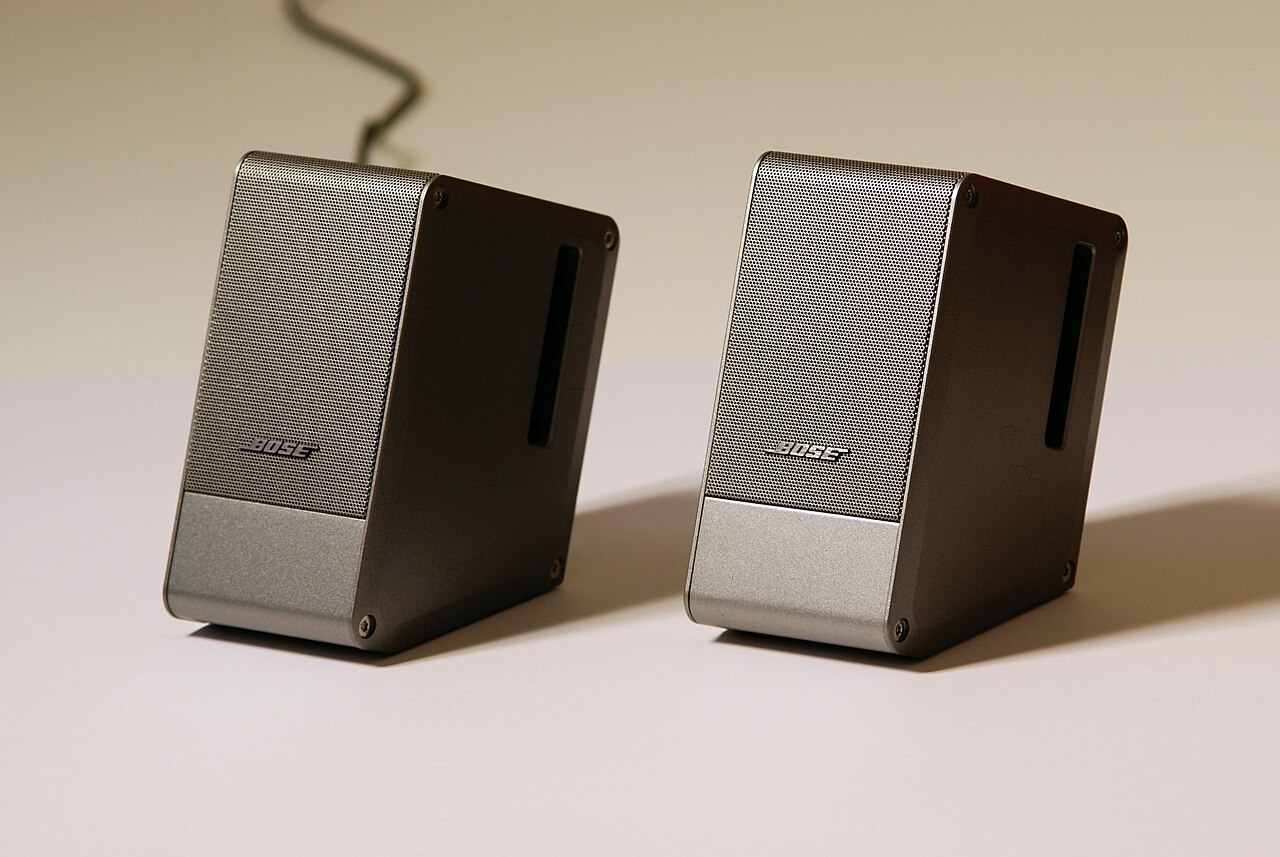
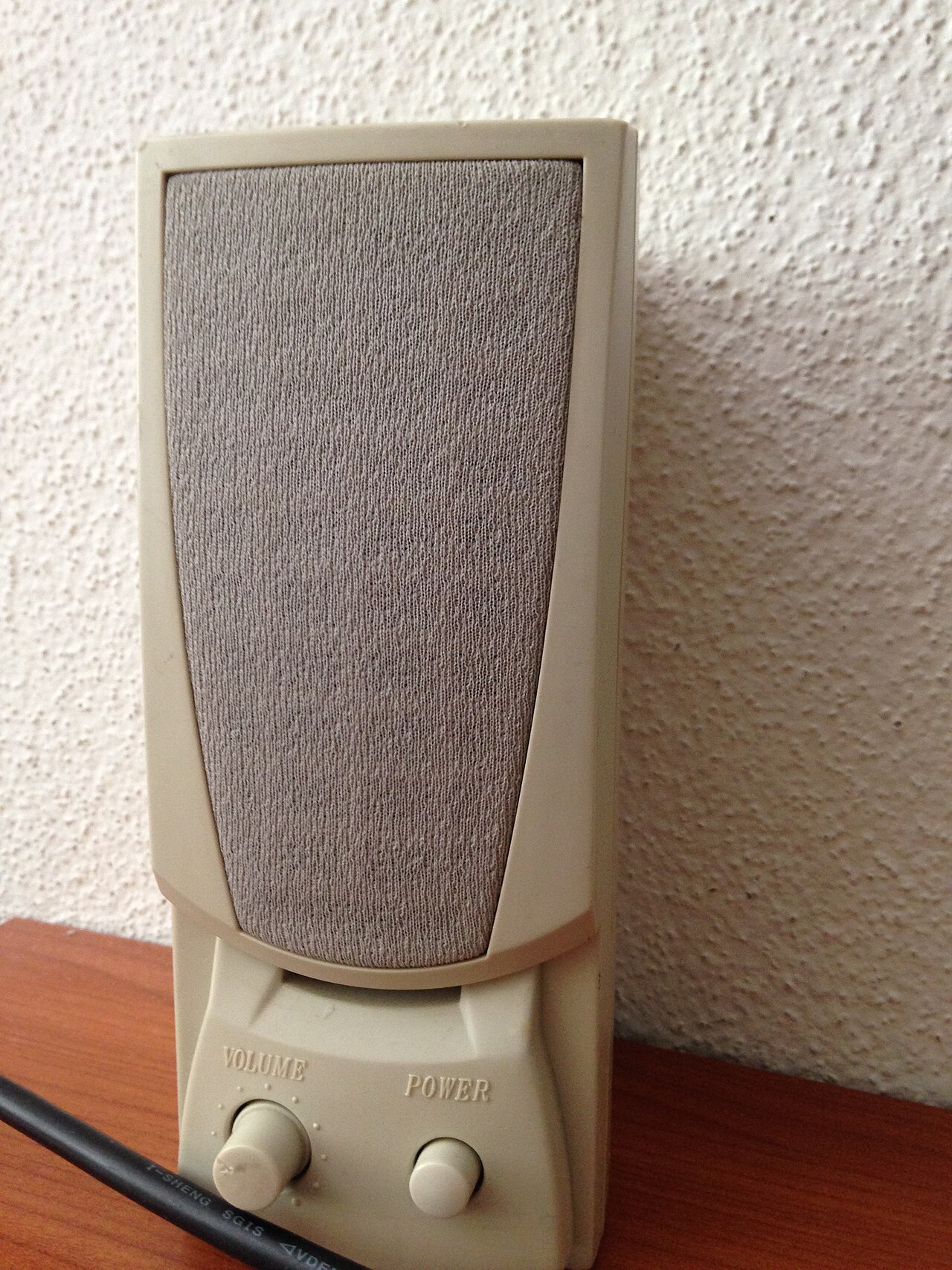
Frequently Asked Questions
Who is Computer speakers?
Computer speakers, also called multimedia speakers, are external audio output devices built specifically for desktop and laptop computers. Altec Lansing claims to have pioneered this product category back in 1990, effectively launching the modern computer speaker market.
What are Computer speakers's powers/role?
Their core function is to convert electrical audio signals into audible sound, and most models carry a built-in amplifier that draws power from a wall adapter, batteries, or a USB port. This makes them self-contained audio solutions that do not require a separate receiver or stereo system.
How does Computer speakers connect to other devices?
The most common input is a 3.5 mm analog jack, typically colored lime green per the PC 99 standard, though some units accept RCA connectors or receive digital audio through USB and Bluetooth. This flexibility also lets them plug into shelf stereos or televisions, not just PCs.
Why is Computer speakers important to the fan community?
They transformed how everyday users experience audio on a desktop, moving sound reproduction from tiny built-in laptop drivers to dedicated external speakers with far greater volume and clarity. For enthusiasts, they represent the entry point into the broader world of personal audio and home-theater setups.
What is Computer speakers's origin story?
The concept traces back to the early 1990s when Altec Lansing introduced dedicated external speakers for personal computers, establishing a product segment that had not existed before. Since then, the category has evolved from simple analog jacks to wireless Bluetooth and USB digital connections.
More in Computer Peripherals 1-24
Spotted an error? Know more?
Reader corrections go straight into our review queue. Suggest an edit · How this site is sourced