
InScript keyboard
Standard Indian keyboard layout for Brahmic and Ol Chiki scripts.

The Microsoft Corporation (MSFT). · Public domain
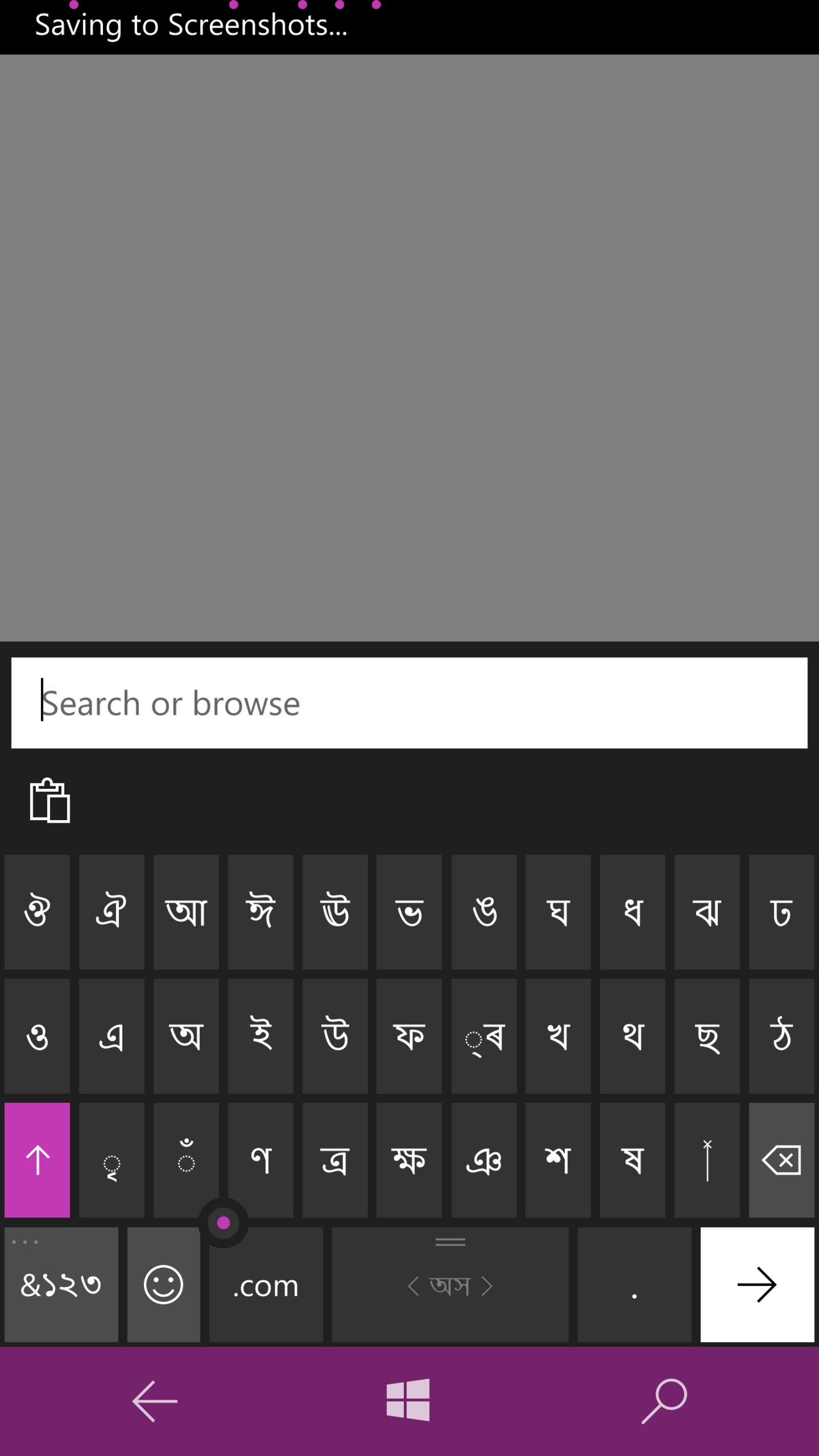
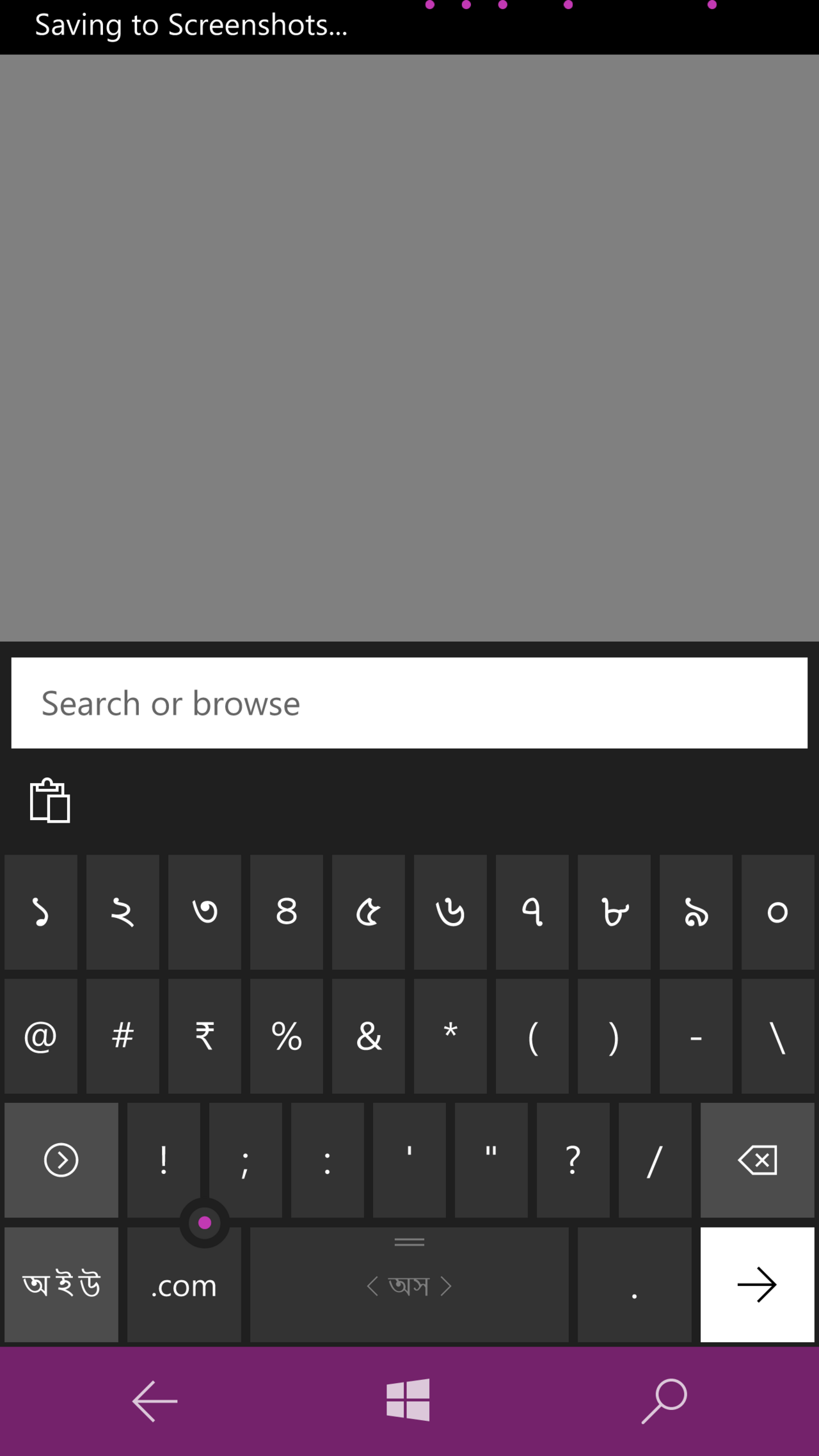
InScript, short for Indic Script, is the official keyboard layout standardized by the Government of India for typing in Indian languages. It uses a standard 104- or 105-key setup and is designed for languages written in Brahmic scripts, as well as Santali, which uses the non-Brahmic Ol Chiki script. The layout was developed by the Indian government with support from various public and private organizations. It serves as the standard keyboard for twelve Indian scripts, including Devanagari, Bengali, Gujarati, Gurmukhi, Kannada, Malayalam, Odia, Tamil, and Telugu, among others.
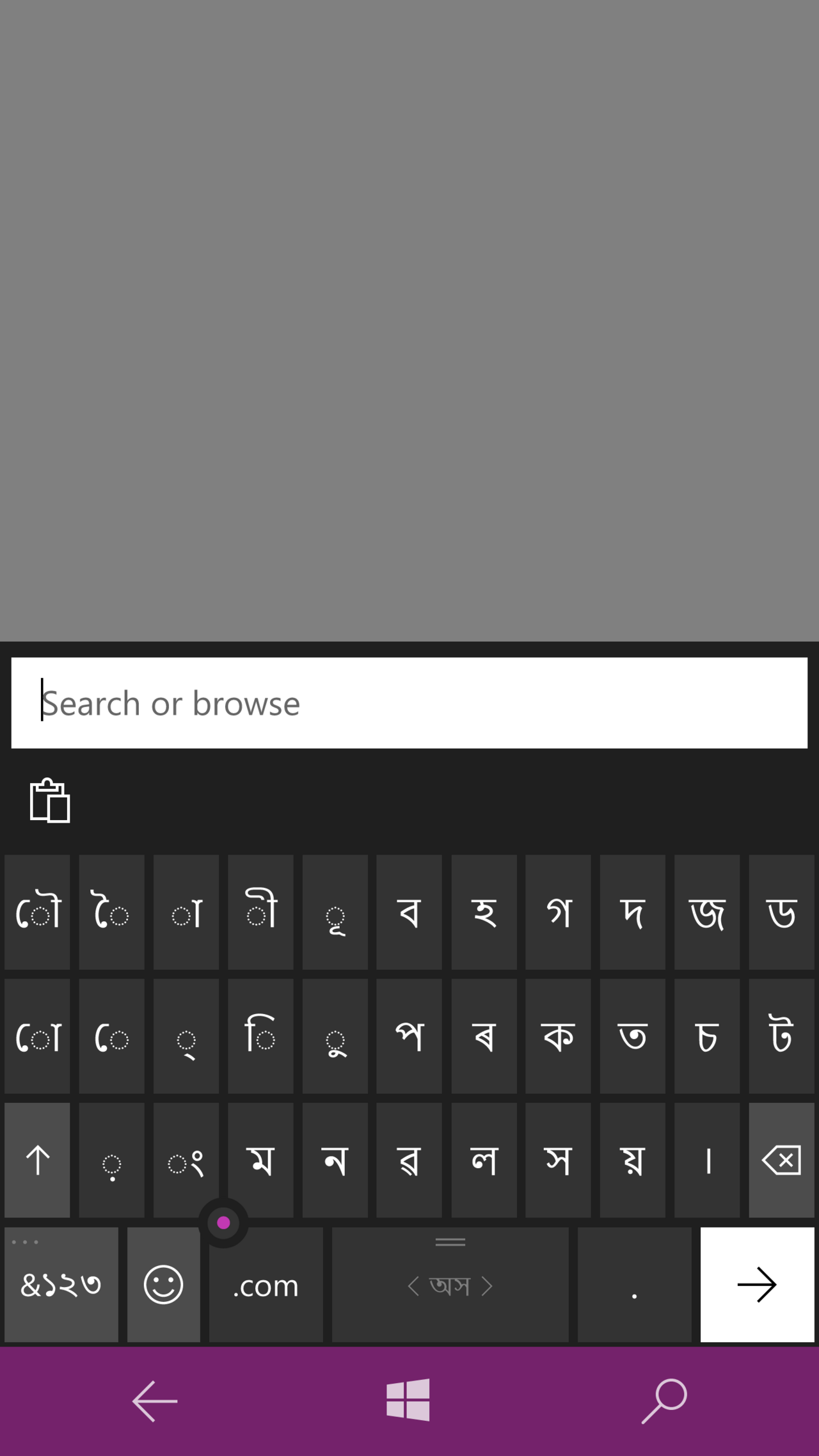
This layout comes built into most major operating systems, such as Windows (starting from Windows 2000), most Linux distributions, and macOS. It is also available on some mobile phones, and for Tamil and Hindi, it is included in Apple's iOS 5 and later versions. Android 4.0 (Ice Cream Sandwich) and higher support it, though it was removed from the latest Google Keyboard app (Gboard) and Google Indic Keyboard. Third-party options provide InScript for Windows Mobile 5.x and 6.x.
The Devanagari InScript bilingual keyboard layout shares a common arrangement across all Indian scripts. Since most Indic scripts follow the same phonetic character order, someone familiar with InScript in one script can type in any other Indic script by dictation, even without knowing that script.
The first InScript keyboard was standardized in 1986 under the Department of Electronics (DOE) within the Ministry of Communications & Information Technology. A revision followed in 1988 by a DOE committee, which added nuqta extended keys and certain matras. The last revision to the BIS document occurred in 1992, after which no further updates were made. This was partly because few new characters were added to the ISCII code-set, and those that were could be handled by extending characters with the nuqta. The BIS document specifically mentions such characters, so InScript keyboards were considered self-sufficient. However, with Unicode, new characters were added to each code-page, and the BIS document had no provisions for them. Unicode also introduced ZWJ, ZWNJ, and normalization concepts.
These changes affected storage and input, creating an urgent need for a revision to accommodate each new Unicode character on the keyboard and to standardize data entry and storage.
- Standardised by
- Government of India
- First standardised
- 1986
- Revised
- 1988
- Last revision to bis document
- 1992
- Operating systems built into
- Windows (2000 and later), most Linux, Mac OS
- Mobile availability
- Android 4.0 (Ice Cream Sandwich) and higher, iOS 5 and higher (Tamil and Hindi), Windows Mobile 5.x and 6.x (third parties)
- Number of scripts supported
- 12
Lore & Background
The first InScript keyboard was standardised in 1986 under the auspices of the DOE (Department of Electronics at the Ministry of Communications & Information Technology). It was subsequently revised in 1988 by a DOE committee and modifications were made to accommodate nuqta extended keys as well as to add certain matras. The last revision to the BIS document was made in 1992, after which the document has not undergone any revision. This was partly because very few new characters were added to the ISCII code-set and these if at all were handled by extending and generating the character by the use of the nuqta. The BIS document specifically mentions such characters. Hence the InScript keyboards were felt to be self-sufficient.
With the advent of Unicode, a few new characters were added to each code-page; characters for which the BIS document had not made any provision. In addition Unicode introduced the concept of ZWJ and ZWNJ, as well as that of normalisation. These new features had marked repercussions on storage as well as inputting and an urgent need was felt for a revision whereby each new character introduced in Unicode would be accommodated on the keyboard and a uniform manner of entering data as well as storing data would be devised. With this urgent requirement in mind, CDAC GIST involved in the initiative all major players: IBM, Microsoft and Red Hat Linux and hence in 2008, a joint meeting was organised between CDAC GIST and senior representatives of these multi-nationals to devise a common and uniform strategy for inputting and equally important for storage. This would enable the creation of one single keyboard and more importantly one single storage, essential for all high-end NLP. A task-force was created with two major briefs: evolve a design policy which would retain the major features of the existing Inscript keyboard, and accommodate on the keyboard every character proposed in Unicode 5.1 and also ensure that the design could accommodate all future additions. This resulted in a document by the joint deliberations of all these companies described as proposal for 'Enhanced InScript keyboard layout 5.1'.
Reader's Guide
The InScript keyboard layout is notable as the decreed standard for inputting text in Indian scripts, covering 12 scripts including Devanagari, Bengali, Gujarati, Gurmukhi, Kannada, Malayalam, Odia, Tamil and Telugu, as well as the Santali language in Ol Chiki script. Its significance lies in its widespread built-in support across major operating systems—Windows (2000 and later), most Linux, and Mac OS—and its availability on mobile platforms such as Android 4.0 and higher, iOS 5 and higher (for Tamil and Hindi), and Windows Mobile 5.x and 6.x from third parties. The layout is designed with a common phonetic character order, allowing a person who knows InScript typing in one script to type in any other Indic script using dictation even without knowledge of that script. Its legacy includes the 2008 joint meeting between CDAC GIST and IBM, Microsoft, and Red Hat Linux to address Unicode additions, resulting in the 'Enhanced InScript keyboard layout 5.1' proposal. However, it was removed from the latest Google Keyboard application (Gboard) and Google Indic Keyboard, though it remains available in Android 4.0 and higher.
Did You Know?
- InScript is the decreed standard keyboard layout for Indian scripts using a standard 104- or 105-key layout.
- The layout supports the Santali language written in the non-Brahmic Ol Chiki script.
The Three Dimensions of a Keyboard Layout
A keyboard layout is not a single fixed thing but rather a layered system that can be understood through three distinct lenses. The physical dimension concerns where each key switch sits on the chassis—the tangible geometry a typist's fingers encounter. The visual dimension refers to the legends printed or engraved on keycaps, the symbols and letters that guide the eye. The functional dimension is the most abstract: it is the software or firmware mapping that dictates what action fires when a particular key is pressed, independent of what is printed above it. These three layers can be decoupled. A single physical board can serve multiple languages simply by swapping the mapping table, while the keycaps remain unchanged. Standard arrangements differ across writing systems and use cases, and hobbyist designers have long proposed alternative configurations to better match individual ergonomics or to unlock additional functionality beyond what a stock layout provides.
The Scancode Bridge Between Hardware and Character
When a key is depressed on a modern computer keyboard, the device does not report the letter or symbol printed on its cap. Instead, it transmits a scancode that identifies only the row and column position of the switch within the matrix. The operating system receives this positional signal and consults a keyboard mapping table—a lookup structure that translates the scancode into a specific binary character code. This indirection is what makes dynamic remapping possible: a user can reassign every key's output through system settings or third-party software without ever replacing a single physical component. Most contemporary USB and wireless keyboards are plug-and-play, automatically advertising their default visual layout to the host upon connection. Some boards also carry onboard firmware capable of storing custom layout configurations, adjusting backlighting, and handling other peripheral functions entirely independent of the host machine. The engraved glyph on a keycap is therefore merely a suggestion; the true output is governed by software interpretation.
Modifier Keys and the Architecture of Combinations
Beyond the core alphanumeric block, keyboards incorporate a family of modifier keys that produce no output on their own but reshape the behavior of other keys when held simultaneously. The Shift key toggles between lowercase and uppercase letters and selects the upper of two engraved symbols on a key. Control, Alt, and AltGr keys trigger special operations when combined with other inputs. Because a modifier must be held while another key is struck, they are typically provided in mirrored pairs—one for each hand—so that one hand can anchor the modifier while the other strikes the target key. On non-English Latin-alphabet keyboards, the AltGr key (positioned to the right of the space bar) unlocks a third-level symbol, and pairing it with Shift can reveal a fourth. Apple keyboards replace the traditional Ctrl/Alt/AltGr trio with Command and Option keys, while retaining a Ctrl key for legacy compatibility and adding an Fn key to switch F-key behavior between standard function actions and media or system shortcuts.
Experimental and Alternative Configurations
The standard QWERTY-descended arrangement is far from the only configuration ever attempted. Unix workstations and home machines such as the Amiga relocated the Ctrl key to the left of the letter A and moved Caps Lock to the bottom-left corner, while also shifting the Esc key to sit left of the number 1. The XO laptop adopted this same Ctrl placement but eliminated Caps Lock entirely. At the other extreme, the so-called space-cadet keyboard used on MIT LISP machines pushed the modifier concept to its logical limit, featuring no fewer than seven dedicated modifier keys—a design that multiplied the number of possible key combinations exponentially. More recently, the Fn key has appeared on smaller Windows and Linux laptops and tablets, serving a role analogous to its Mac counterpart by toggling between F-key functions and media or system controls. These variations illustrate that the keyboard's physical and functional architecture remains an active area of experimentation, shaped by the needs of specific computing environments and the preferences of individual users.
Gallery
Frequently Asked Questions
What is the InScript keyboard?
InScript (short for Indic Script) is a standard keyboard layout designed for typing in Indian languages. It uses a conventional 104- or 105-key arrangement and covers scripts from the Brahmic family as well as the Ol Chiki script used for Santali.
Who created and standardized the InScript keyboard?
The Government of India developed and officially standardized the layout, with assistance from various public and private organizations. It was first standardized in 1986, revised in 1988, and the final revision was published as a BIS document in 1992.
Which scripts and languages does InScript support?
The layout serves as the standard keyboard for twelve Indian scripts, including Devanagari, Bengali, Gujarati, Gurmukhi, Kannada, Malayalam, Odia, Tamil, and Telugu. It also accommodates Santali, which is written in the non-Brahmic Ol Chiki script.
On which operating systems is InScript available out of the box?
Windows 2000 and later, most Linux distributions, and Mac OS all include the layout natively. On mobile, Android 4.0 (Ice Cream Sandwich) and above, iOS 5 and above (for Tamil and Hindi), and Windows Mobile 5.x/6.x (via third parties) offer it.
Why is the InScript keyboard important for Indian language users?
It provides a single, government-backed standard that lets users type across a dozen different Indian scripts without needing separate layouts for each language. This unified approach made it the default choice for official and educational use across India.
More in Computer Keyboards, Part 3 1-24
Spotted an error? Know more?
Reader corrections go straight into our review queue. Suggest an edit · How this site is sourced