
Keyboard protector
A barrier shield for keyboards against spills and debris.

Mister rf · CC BY-SA 4.0
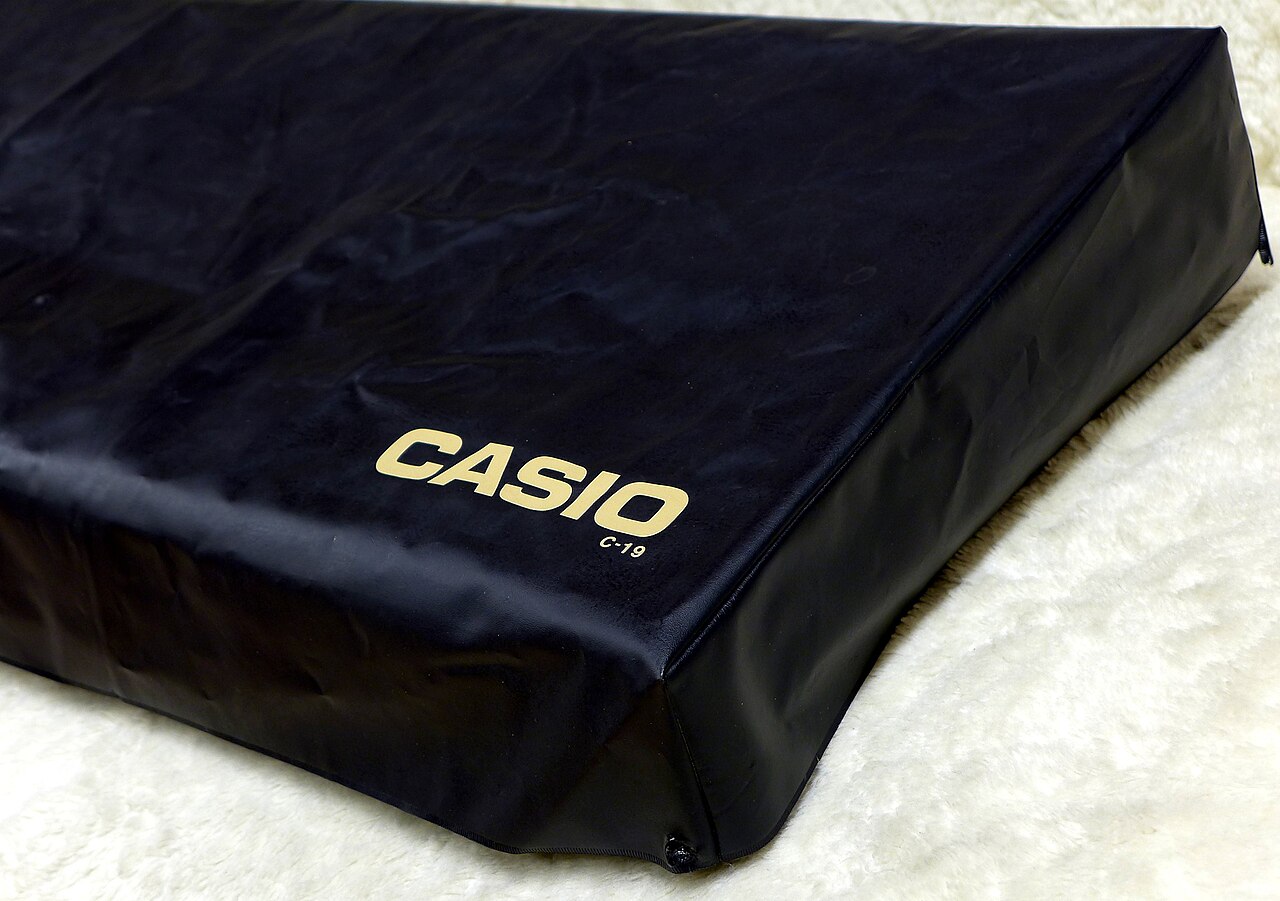
A keyboard protector is a cover placed over a computer keyboard to shield it from spills, dust, and other debris. These contaminants can cause corrosion and lead to frequent cleaning. The protector is typically a flexible sheet made of plastic, polyurethane, or silicone, molded to match the specific key shapes and layout of the keyboard.
When installed, the protector sits on top of the keys, acting as a physical barrier. Pressing a key causes the protector material to flex with it, allowing full key travel and preserving tactile feedback. Some models extend around the sides of the keyboard and are held in place with adhesive tape. When dirty, the protector can be removed and washed.
Users new to keyboard protectors may need an adjustment period, as the cover dampens keystrokes and alters the force required to press keys, potentially affecting typing speed and accuracy. There are also drawbacks for certain devices. On laptops, a protector may prevent the computer from closing fully and can transfer dirt to the display. Compatibility is another concern, as different keyboards have varying key spacing and arrangements, making a poorly fitted protector less effective.
- Material
- plastic, polyurethane, or silicone
- Form
- flexible sheet moulded to fit key profiles
- Securing method
- adhesive tape on models with sides extending to underside
- Cleaning method
- removable and cleanable
Lore & Background
Keyboard protectors are usually made from plastic, polyurethane, or silicone, formed as a flexible sheet moulded to fit the key profiles and arrangements of a keyboard. They are placed on top of the keyboard, acting as a physical barrier to the environment. When a key is depressed, the protector material deforms with the key, allowing full key travel and tactile feedback. Some models have sides that extend to the underside of the keyboard, secured with adhesive tape. When dirty, the protector can be removed and cleaned.
Computer users unfamiliar with keyboard protectors may take time to become accustomed, as keystrokes are dampened and the force needed to depress keys differs, potentially affecting typing speed and accuracy. In laptops, the computer may not close properly with the protector fitted, and it can transfer dirt and debris to the display. Compatibility is important because different keyboards feature varying key spacing or arrangement, leading to ill-fitting protectors.
Reader's Guide
The keyboard protector's significance lies in its role as a simple, removable barrier that reduces the ingress of liquids, dust, and debris, thereby mitigating corrosion damage and the need for frequent keyboard cleaning. Its legacy is tied to its practical utility in protecting keyboards from environmental hazards, though it introduces trade-offs. Users must adapt to dampened keystrokes and altered force requirements, which can impact typing speed and accuracy. In laptop and luggable applications, the protector may prevent proper closure and transfer debris to the display. Compatibility remains a key consideration, as different keyboard layouts and key spacing can result in ill-fitting protectors, reducing effectiveness. The protector's design—typically a flexible sheet of plastic, polyurethane, or silicone—allows it to deform with key presses, preserving full key travel and tactile feedback. Some models use adhesive tape to secure extended sides to the keyboard's underside. Overall, the protector is a functional accessory that prioritizes environmental protection over seamless user experience, with its adoption depending on the user's tolerance for the described inconveniences.
Ancestral Lineage: From Telegraph Lines to Data Storage
The computer keyboard did not spring fully formed from the typewriter. Its more immediate ancestors were two distinct machines: the teleprinter and the keypunch. As early as the 1870s, teleprinter-like apparatus were already typing and transmitting stock-market text across telegraph lines to ticker machines. The more recognizable teleprinter was developed between 1907 and 1910 by Charles Krum and his son Howard, building on earlier work by Frank Pearne, Royal Earl House, and Frederick G. Creed. On the data-entry side, Herman Hollerith's keypunch devices had evolved by the 1930s to carry text and number keys resembling a typewriter. Early computers absorbed both traditions: ENIAC incorporated a keypunch as its input and paper-based output device, while BINAC used an electromechanically controlled typewriter to read and write magnetic tape. These two lineages—point-to-point communication and data storage—shaped the layout and dual purpose that the modern keyboard still carries.
The Language of a Key Press
Pressing a key is a simple physical act: a button or lever triggers a mechanical or electronic switch. Yet the design philosophy behind what follows is far more layered. The keyboard itself never decides what a key means. It transmits only a scan code telling the computer which physical key was pressed or released. All interpretation is delegated to software. Most keys carry a single engraved or printed character, though certain symbols demand holding or sequencing multiple keys. Beyond character output, dedicated keys such as the escape key can invoke system-level commands. This clean division—hardware reports the physical event, software assigns semantic meaning—has defined keyboard interaction since the 1970s, when teleprinter-style boards replaced punched cards and paper tape as the dominant input method. The architecture has proven durable enough to survive the arrival of the mouse in the 1980s and the touchscreen in the 2000s without fundamental redesign.
Standards, Sizes, and the Geometry of Keys
Modern full-size keyboards conform to one of three principal mechanical layout standards: ISO (ISO/IEC 9995-2), ANSI (ANSI-INCITS 154-1988), and JIS (JIS X 6002-1980), corresponding roughly to international, United States, and Japanese conventions. Under ANSI specifications, keys sit on three-quarter-inch centers with a minimum travel of 0.15 inches. Key counts follow convention: US-standard boards typically carry 104 keys, while the 105-key arrangement is the norm elsewhere. Designers routinely trim sections for compactness; the most common omission is the numeric keypad, producing what is called a tenkeyless or TKL layout. Laptops and wireless peripherals go further, dropping duplicate and rarely used keys while retaining function and arrow keys. The practical lower bound on key size is set by the need for a finger to press comfortably, or alternatively, a tool is used for smaller keys.
Coexisting with the Mouse, the Touch, and the Virtual
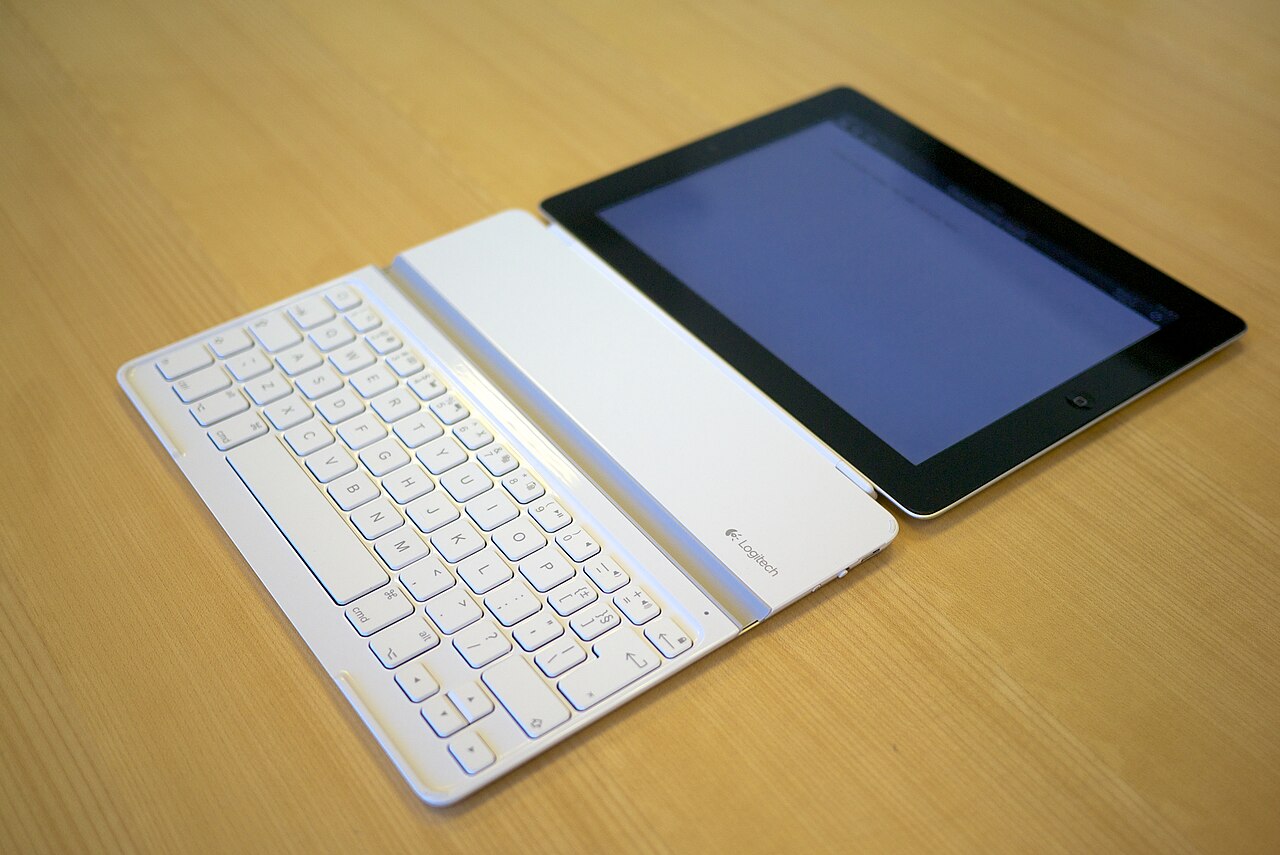
The keyboard held its position as the primary, most integrated computer peripheral well into the personal-computing era. That dominance shifted when the mouse arrived as a consumer device in 1984, coinciding with the transition from sparse text-only interfaces to graphics-rich icon-based screens. The touchscreen followed in the 2000s, bringing virtual keyboards rendered on glass. Yet the keyboard never disappeared. It remains central to human-computer interaction today, even as smartphones and tablets rely on on-screen key layouts. Laptop keyboards adapted to portability by shortening key travel, reducing over-travel, and trimming key sets, often swapping rubber-dome switches for scissor mechanisms—the reverse of the trend in full-size desktop boards. Flexible keyboards occupy a middle ground between these two form factors. The result is a landscape where the keyboard persists in multiple physical and virtual forms, supplemented rather than replaced by newer input paradigms.
Gallery
Frequently Asked Questions
What is a keyboard protector?
A keyboard protector is a flexible cover that rests on top of your keys to block out spills, dust, and other debris before they can reach the mechanism underneath.
What is a keyboard protector made of?
They are typically molded from plastic, polyurethane, or silicone into a thin sheet that conforms to the exact shape and layout of your specific keyboard.
How does a keyboard protector stay in place?
The sheet simply rests over the keys and flexes with each press, and on models that wrap around the sides, adhesive tape secures the edges to the underside of the keyboard.
Can I clean a keyboard protector?
Yes—most protectors are designed to be pulled off, wiped or washed, and then repositioned, making routine maintenance far simpler than scrubbing individual keys.
Why do people use a keyboard protector?
By acting as a physical barrier, it prevents liquids and particulate matter from causing corrosion or buildup, which reduces how often you need deep cleaning and extends the keyboard's lifespan.
More in Computer Keyboards 1-24
Spotted an error? Know more?
Reader corrections go straight into our review queue. Suggest an edit · How this site is sourced