Game controller
A game controller is an input or input/output device used with video games or entertainment systems to provide input to a video game.
Last updated

InclusiveGameLab · CC BY-SA 4.0
A game controller, also called a gaming controller or just a controller, is an input or input/output device used with video games or entertainment systems to send commands to a video game. Input devices that count as game controllers include keyboards, mice, gamepads, and joysticks, along with special-purpose items like steering wheels for driving games and light guns for shooting games.
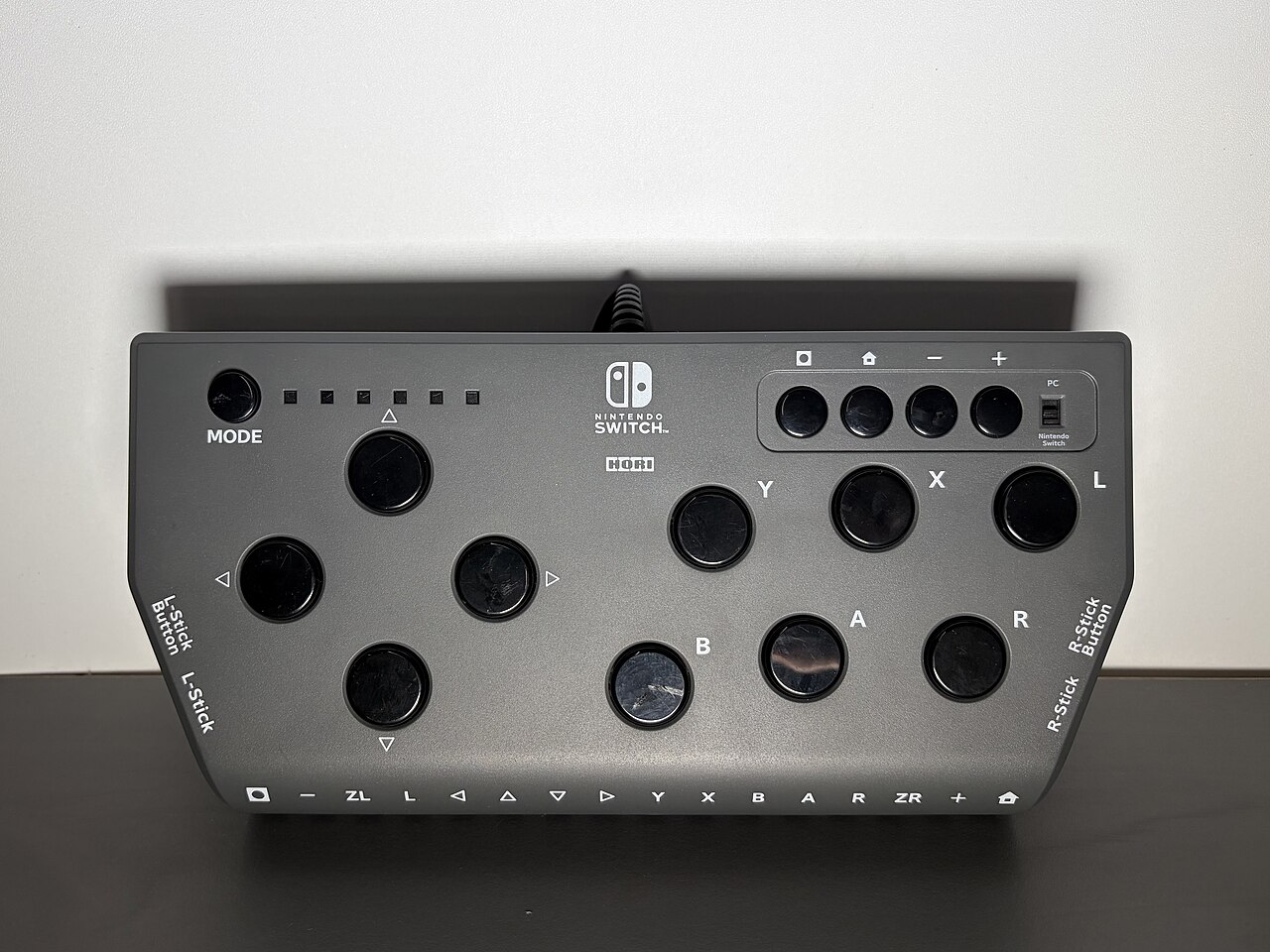
Over time, controller designs have added directional pads, multiple buttons, analog sticks, joysticks, motion detection, touch screens, and many other features. Some game controllers are input-only, while others are input/output devices that receive data from the system and respond with things like rumble vibration feedback or sound. Controllers that come with a home console when you buy it are called standard controllers, while those sold separately by the console maker or by third parties are known as peripheral controllers.
Lore & Background
One of the first video game controllers was a simple dial and single button, used to control the game Tennis for Two. Controllers have since evolved to include directional pads, multiple buttons, analog sticks, joysticks, motion detection, touch screens and a plethora of other features. Game controllers have been designed and improved over the years to be as user friendly as possible.
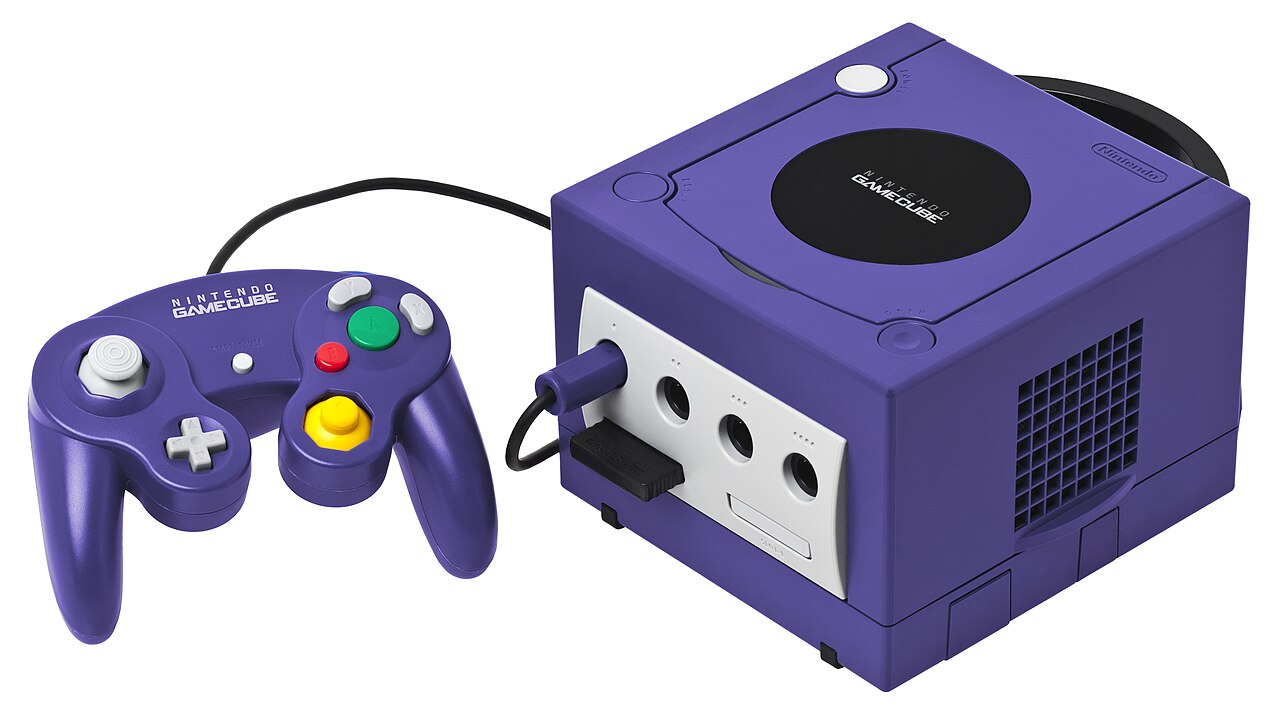
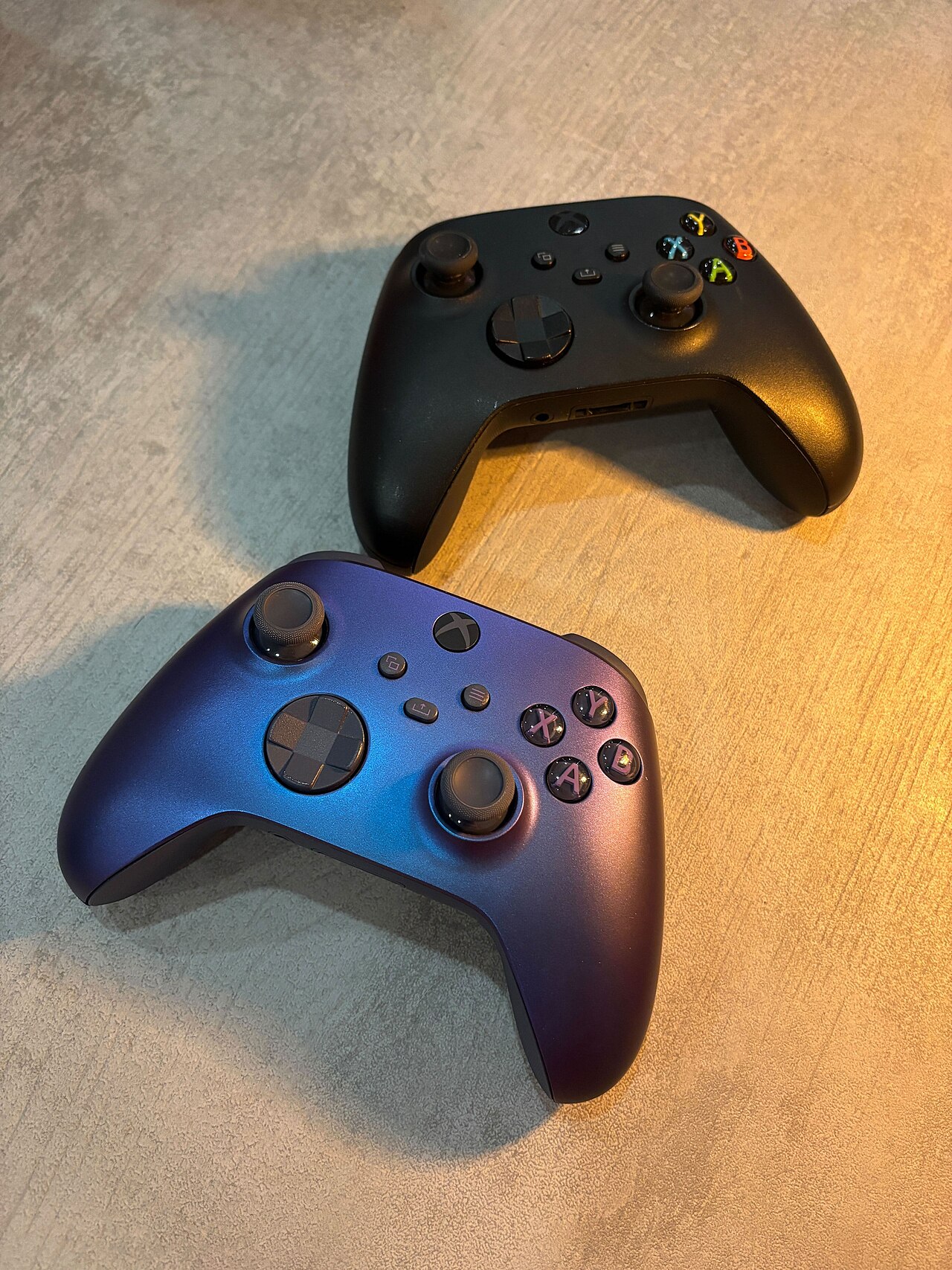
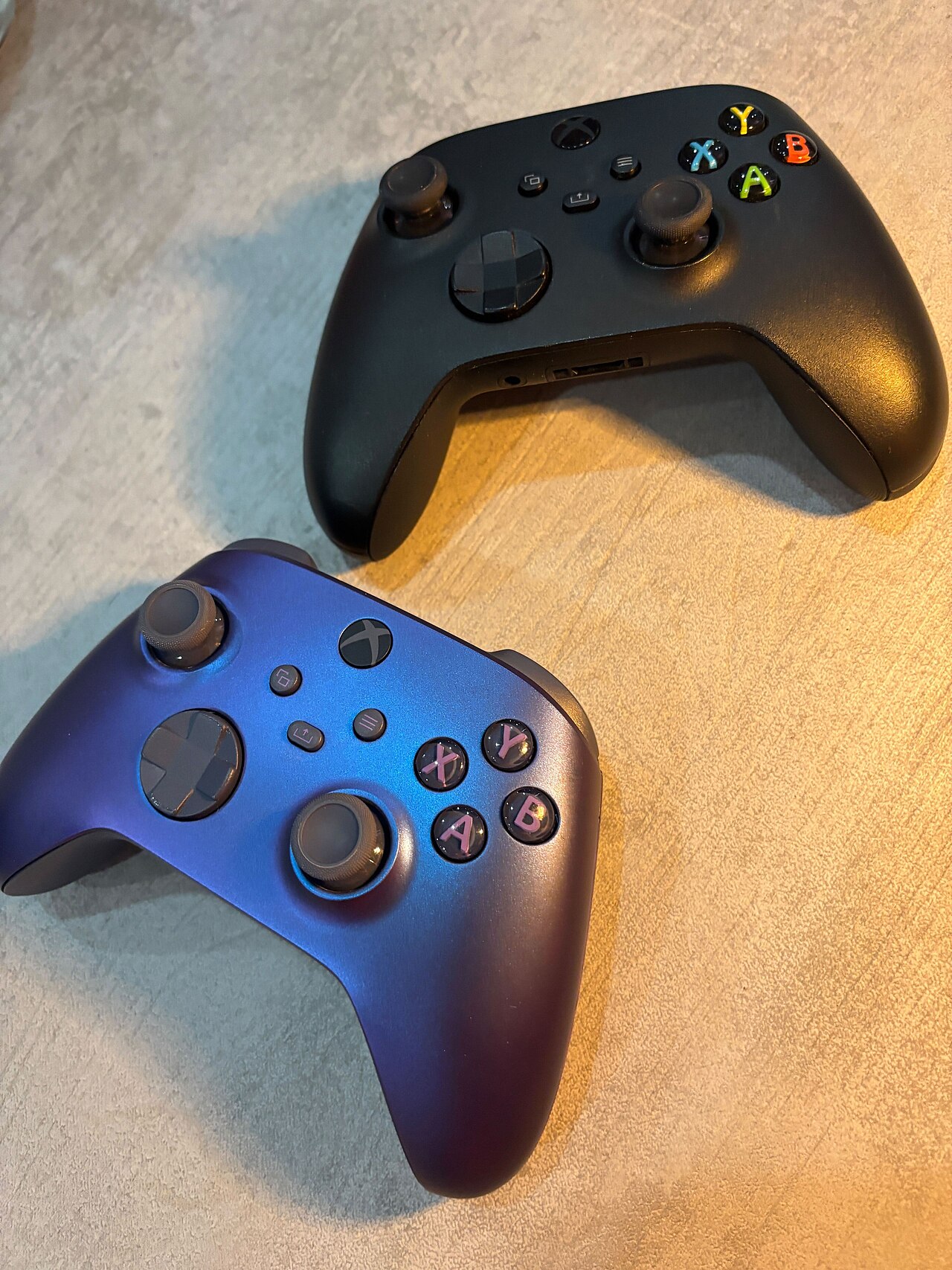
The Microsoft Xbox controller, with its shoulder triggers that mimic actual triggers such as those found on guns, has become popular for shooting games. Before the seventh generation of video game consoles, plugging in a controller into one of a console's controller ports was the primary means of using a game controller, although since then they have been replaced by wireless controllers, which do not require controller ports on the console but are battery-powered. USB game controllers could also be connected to a computer with a USB port.
Design Philosophy & the Road to the M-Shape
The Nintendo 64 controller, model NUS-005, was the product of a deliberate push to break away from conventional gamepad layouts. Nintendo's R&D3 team was tasked with exploring fresh ideas, and the process involved sculpting clay prototypes and running extensive test-group sessions both before and during the design phase. The final form—an "M"-shaped body housing ten buttons, a D-pad, a central control stick, and a rear accessory port—was locked in alongside the movement mechanics Shigeru Miyamoto was developing for Super Mario 64.
Miyamoto himself tested the pad during the game's production, though the controller was not built around that title; rather, the two influenced each other, particularly in how character movement felt. Lance Barr, head designer at Nintendo of America, explained that research showed most games rely on just a handful of buttons for core actions like jumping, shooting, or braking. That insight drove the decision to make the A and B buttons the largest and most accessible on the face of the pad, ensuring the highest-traffic inputs sat under the player's most natural thumb positions.
The Control Stick: A Digital Leap
Before the N64 pad, joysticks had appeared in gaming for years—the Atari 5200, Sega's arcade cabinets, the Saturn's Mission Stick in 1995, and Sony's PlayStation Analog Joystick in 1996 all featured them. The only prior console accessory to put a thumb-operated stick on a standard pad was Dempa's XE-1 AP for the Mega Drive, released in 1989. Nintendo's 1996 controller made the thumbstick a built-in, central element, and it launched roughly simultaneously with Sega's 3D Pad for the Saturn. Functionally, the stick offered 360-degree input for mobility and camera work, far exceeding the eight-direction limit of a traditional D-pad.
Mechanically, however, it was not truly analog. It worked like a ball mouse: a chopper wheel interrupted a light beam read by a photodiode, producing a digital signal whose precision made it feel equivalent to a genuine analog stick. Because it tracked only relative movement, the system assumed the stick sat at center on power-up. If the player noticed drift, recalibration was as simple as pressing L, R, and Start together, or restarting the console with the stick properly centered.
Three Grips, One Compromise
The N64 controller was engineered to be held in three distinct ways, each optimizing a different genre. Gripping the two outer handles gave access to the D-pad, right-hand face buttons, and both shoulder triggers—a layout mirroring the Super NES pad and suited to 2D titles. Shifting to the center and right grip unlocked the control stick, right face buttons, R shoulder, and rear Z-trigger, the configuration intended for 3D action games. A third option, center and left grip, combined the D-pad, L shoulder, stick, and Z-trigger, a setup first-person shooters like GoldenEye 007 exploited.
In a handful of titles such as Mortal Kombat Trilogy, the stick and D-pad could be swapped in function, and very few games—Tetrisphere, Mischief Makers, Kirby 64—relied on the D-pad alone. Some players held one controller in each hand, thumbs on the sticks and index fingers on the Z-trigger, for dual-analog play. The design's central controversy was that no single hand position let a player reach every input at once; the D-pad, L shoulder, stick, and Z-trigger could not all be used simultaneously without shifting grip.
Shaping the Modern Gamepad
The N64 pad's four C-buttons on the top were originally conceived as camera controls for three-dimensional game worlds. Because the face of the controller carried only three standard buttons, the C-buttons could also be reassigned to other functions. In The Legend of Zelda: Ocarina of Time, three of them mapped to secondary items, the top C-button summoned Navi for assistance, and the Z-trigger locked the camera behind the player while targeting enemies. Beyond that single title, the controller's influence rippled through the entire industry.
When Sony shipped the Dual Analog and DualShock pads for the PlayStation, it kept the two-handled ergonomic philosophy but placed the analog sticks below and inside the D-pad and face buttons, letting players switch between digital and analog input without releasing the pad. Nintendo followed a similar path with the GameCube controller, though it swapped the positions of the stick and D-pad. That arrangement—left thumb on the primary movement stick, right thumb on face buttons—became the dominant gamepad layout, cementing the left analog stick as the universal standard for 3D movement across every major console platform.
Reader's Guide
Input devices that have been classified as game controllers include keyboards, mouses, gamepads, and joysticks. Special purpose devices, such as steering wheels for driving games and light guns for shooting games, are also game controllers. Some controllers are designed to be best for one type of game, such as steering wheels for driving games, or dance pads for dancing games. A gamepad, also known as a joypad, is held in both hands with thumbs and fingers used to provide input.
Gamepad
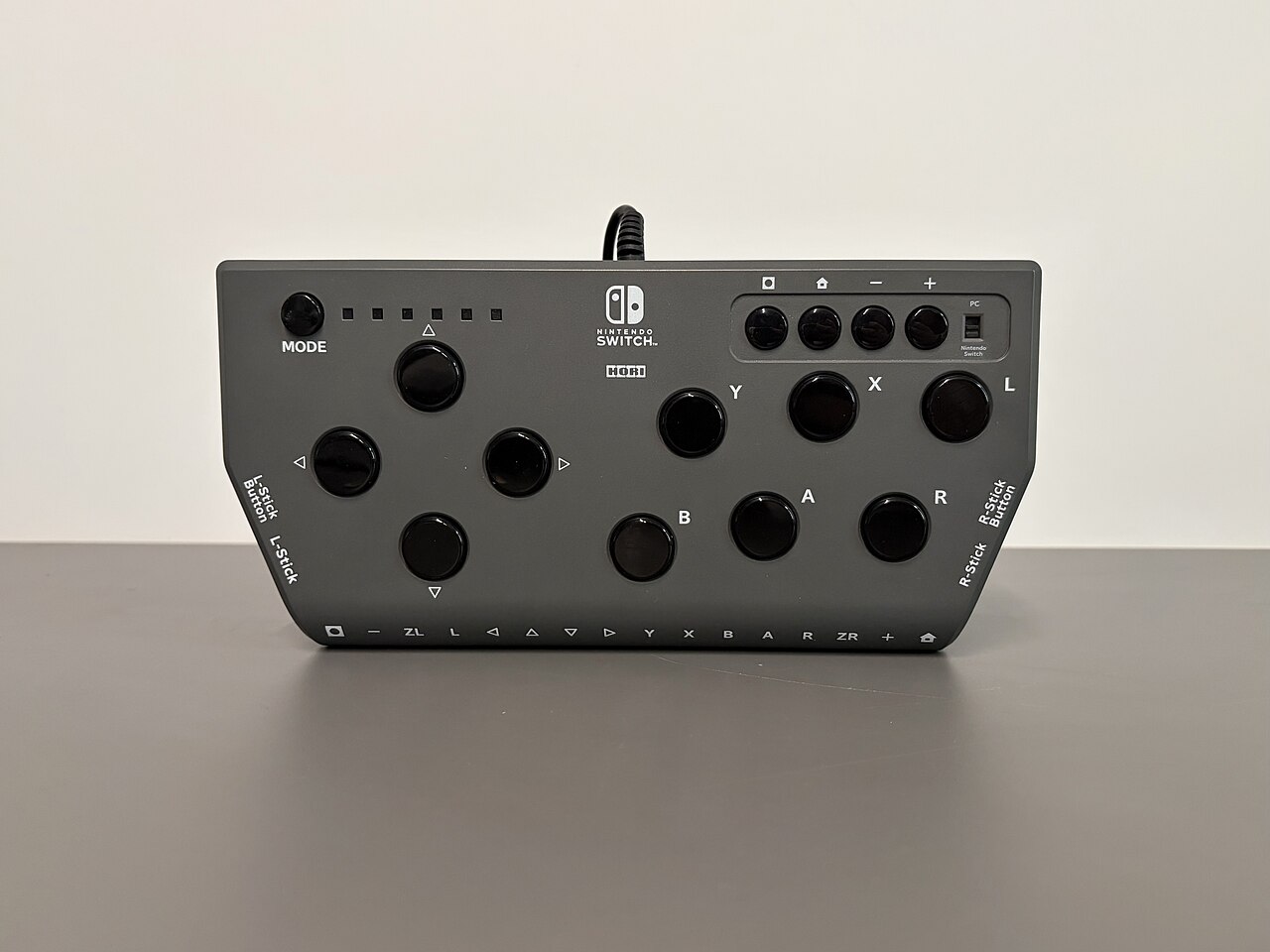
Gamepads can have a number of action buttons combined with one or more omnidirectional control sticks or buttons. Action buttons are generally handled with the digits on the right hand, and the directional input handled with the left. Gamepads are the primary means of input on most modern video game consoles. Due to the ease of use and user-friendly nature of gamepads, they have spread from their origin on traditional consoles to personal computers, where a variety of games and emulators support their input as a replacement for keyboard and mouse input.
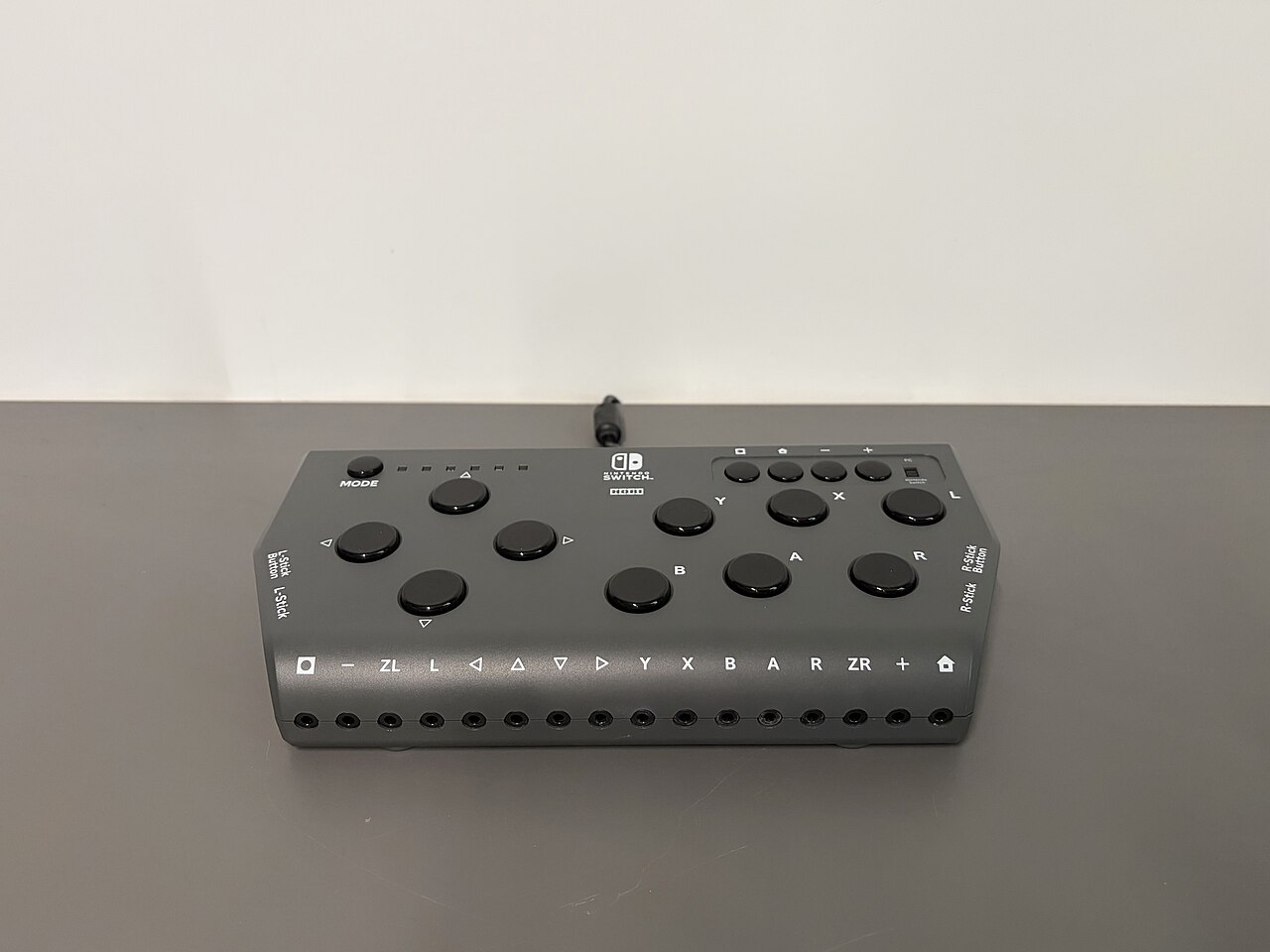
Most modern game controllers are a variation of a standard gamepad. Common additions include shoulder buttons placed along the edges of the pad, centrally placed buttons labeled start, select, and mode, and an internal motor to provide haptic feedback. As modern game controllers advance, so too do their user ability qualities.
Paddle
Typically, the controllers become smaller and more compact to more easily, and comfortably, fit within the user's hand. Modern examples can be drawn from systems such as the first Xbox console, whose controller has changed in a variety of ways from the original Xbox 360 controller to the Xbox One controller introduced in 2013. A paddle is a controller that features a round wheel and one or more fire buttons. The wheel is typically used to control movement of the player or of an object along one axis of the video screen.
As the user turns the wheel further from the default position, the speed of control in the game become more intensive. Paddle controllers were the first analog controllers and they lost popularity when "paddle and ball" type games fell out of favor. A variation, the Atari driving controller, appeared on the Atari 2600. Designed specifically for the game Indy 500, it functioned almost identically in operation and design to the regular paddle controller.
Frequently Asked Questions
What is a game controller in gaming design?
A game controller is an input or input/output device that translates a player's physical actions into commands sent to a video game or entertainment system. It ranges from simple peripherals like keyboards and mice to specialized gear such as steering wheels and light guns.
What types of devices count as game controllers?
The classification covers keyboards, mice, gamepads, and joysticks, as well as purpose-built peripherals like steering wheels for driving titles and light guns for shooting games. Any device that converts a player's motion or press into in-game commands falls under this category.
Can a game controller do more than just send inputs?
Yes—some controllers also receive data from the system and produce feedback such as vibration or sound, making them true input/output devices. This two-way communication adds haptic and auditory cues that purely input-only devices lack.
What's the difference between a standard controller and a third-party one?
A standard controller is the one bundled with a home console at purchase, while third-party controllers are sold separately by the console maker or by outside manufacturers. Functionally they serve the same role, but they differ in origin, distribution, and sometimes in feature sets.
More in Gaming Mechanics & Design
Sources
Compiled from Wikipedia and the sources listed below. Text from Wikipedia is available under CC BY-SA 4.0; this entry is adapted from it.
- Wikipedia: Game controller (CC BY-SA 4.0).
Spotted an error? Know more?
Reader corrections go straight into our review queue. Suggest an edit · How this site is sourced