Computer fan
Active cooling component for drawing air through computer cases and over heatsinks.

Raquelaa54 · CC BY 4.0
A computer fan is a fan mounted inside or on a computer case to provide active cooling. It pulls cooler outside air into the case, pushes warm internal air out, and directs airflow over a heat sink to cool a specific part. Computers use both axial fans and, less often, centrifugal fans (also called blowers or squirrel-cage fans). Standard fan sizes include 92 mm, 120 mm (the most common), 140 mm, and 200–220 mm. These fans get power and speed control through either 3-pin or 4-pin connectors.
In early personal computers, many parts could stay cool through natural convection alone, but modern components need more effective active cooling. Fans remove heated air from around parts and pull cooler air over them. Fans attached to components usually work with a heat sink, which increases the hot surface area exposed to air and improves cooling efficiency. Fan speed control is not always automatic; a computer’s BIOS can manage the built-in fan system, and users can add extra cooling parts or connect a manual fan controller with knobs to set different speeds.
In IBM PC compatible systems, the power supply unit (PSU) almost always has an exhaust fan to push warm air out of the PSU. Active cooling for CPUs began with the Intel 80486, and by 1997 it was standard on all desktop processors. Chassis or case fans—typically one exhaust fan at the rear to expel heated air and optionally an intake fan at the front to draw in cooler air—became common with the Pentium 4 in late 2000.
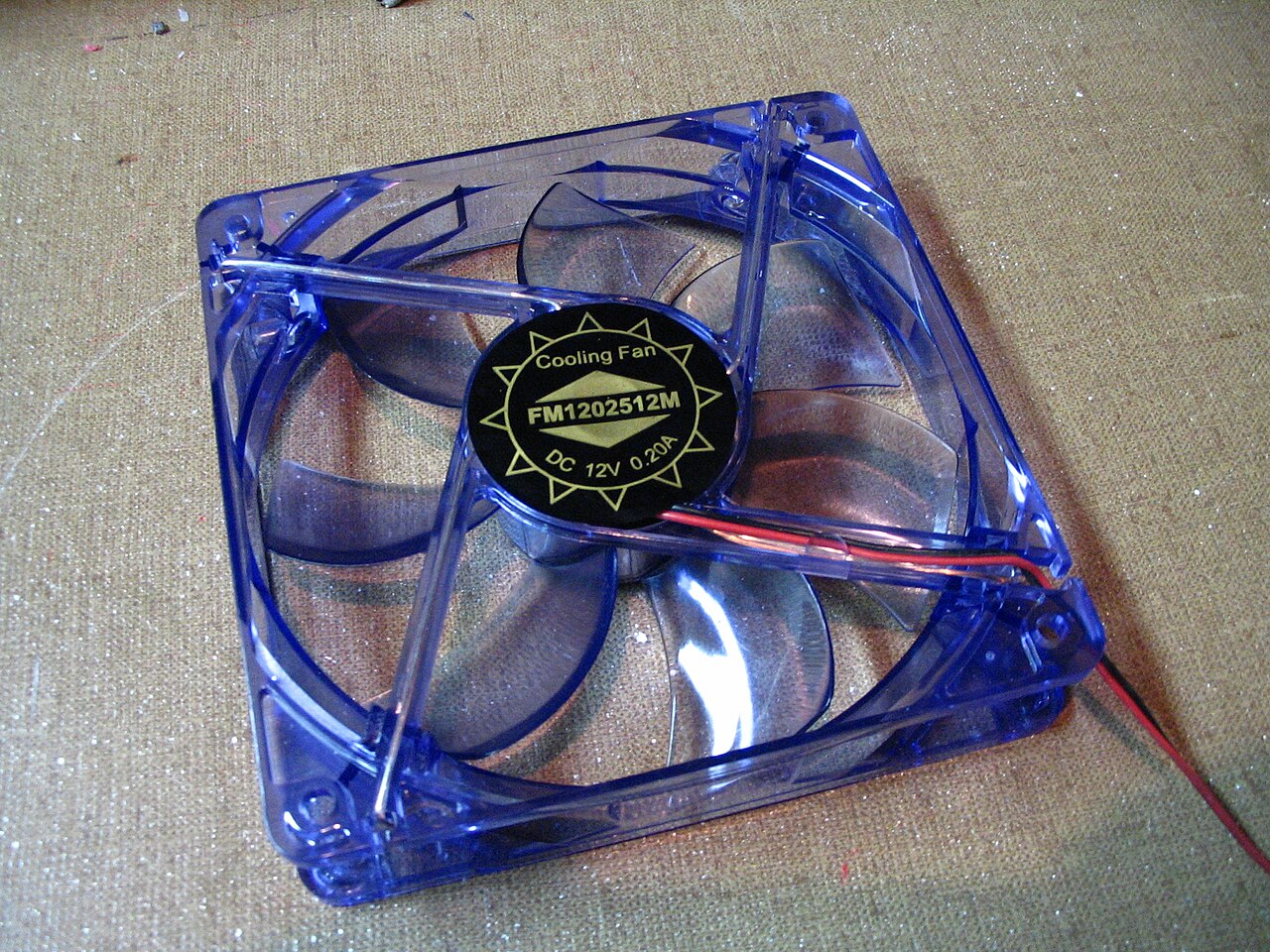
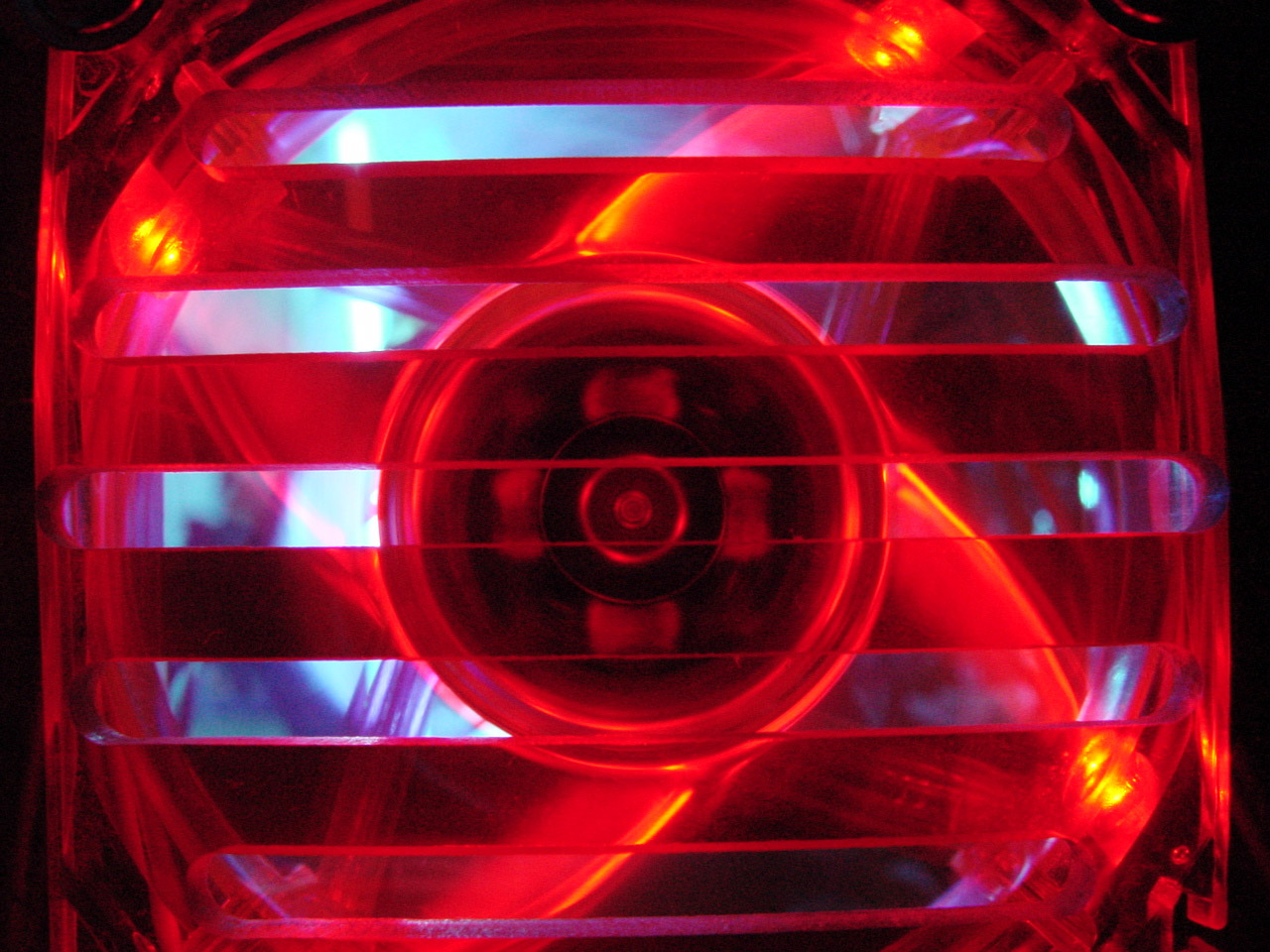
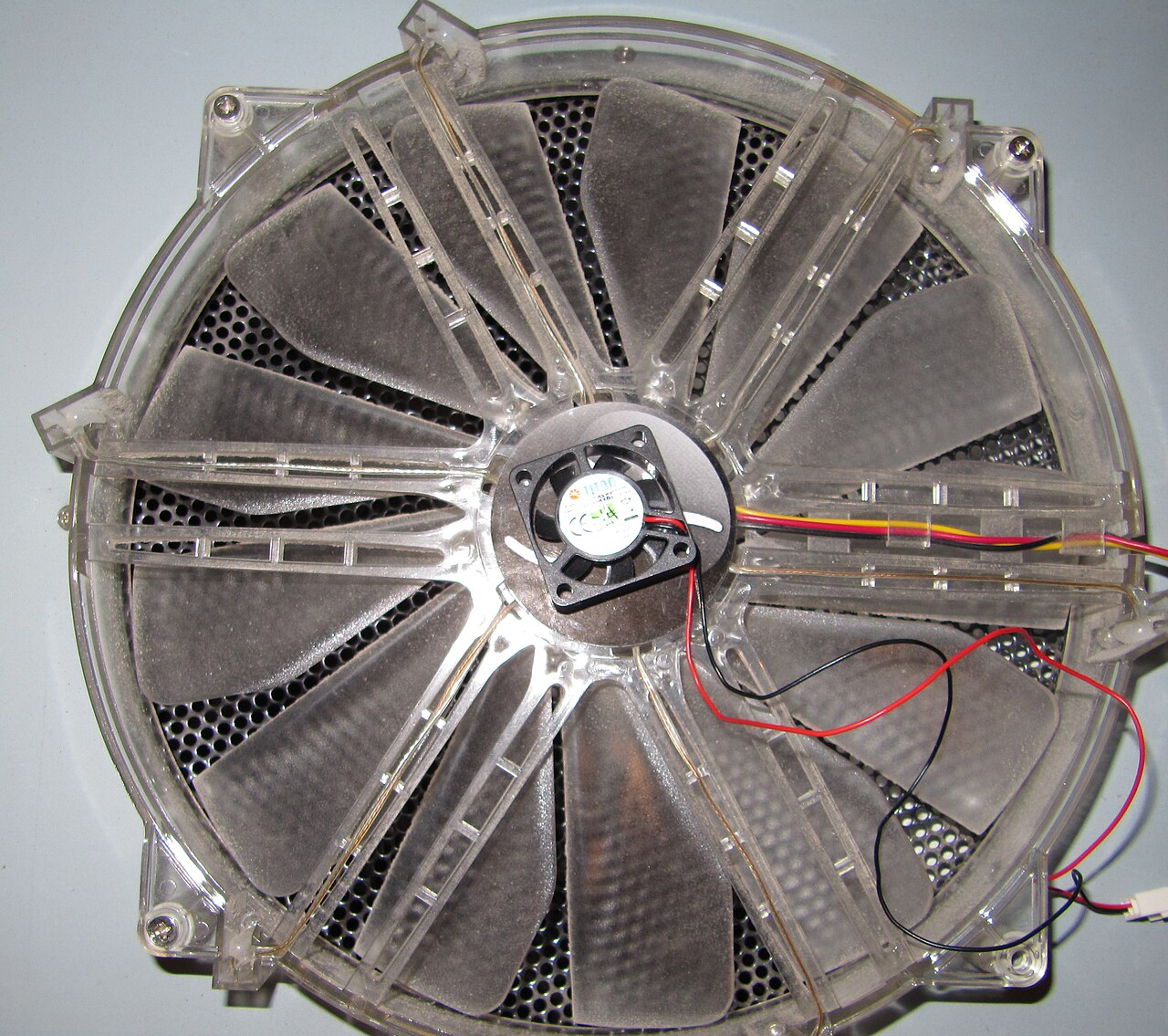
Case fans move air through the computer case, since internal parts cannot shed heat well if the surrounding air is too hot. They can be placed as intake fans, pulling cooler outside air in through the front or bottom of the chassis (where it may also pass over internal hard drive racks), or as exhaust fans, pushing warm air out through the top or rear. Some ATX tower cases have extra vents and mounting points on the left side panel for one or more fans that blow cool air directly onto the motherboard and expansion cards, which are major heat sources. Standard axial case fans come in widths and lengths of 40, 60, 80, 92, 120, 140, 200, and 220 mm. Since case fans are often the most visible cooling part on a PC, decorative versions are widely available—they may have LEDs, be made of UV-reactive plastic, or feature decorative grilles. These are popular with case modders.
- Common sizes
- 92mm, 120mm (most common), 140mm, 200–220mm
- Standard axial case fan sizes
- 40, 60, 80, 92, 120, 140, 200, 220 mm
- Fan connector types
- 3-pin or 4-pin
- Typical fan dimension example
- 80 mm × 80 mm × 25 mm
Lore & Background
In earlier personal computers, it was possible to cool most components using natural convection (passive cooling), but many modern components require more effective active cooling. Fans are used to move heated air away from components and draw cooler air over them. Fans attached to components are usually used in combination with a heat sink to increase the area of heated surface in contact with the air, thereby improving cooling efficiency. Fan control is not always automatic; a computer's BIOS can control the speed of the built-in fan system, and a user can supplement this with additional cooling components or connect a manual fan controller with knobs that set fans to different speeds.
In the IBM PC compatible market, the computer's power supply unit (PSU) almost always uses an exhaust fan to expel warm air from the PSU. Active cooling on CPUs started to appear on the Intel 80486, and by 1997 was standard on all desktop processors. Chassis or case fans—usually one exhaust fan to expel heated air from the rear and optionally an intake fan to draw cooler air in through the front—became common with the arrival of the Pentium 4 in late 2000. Standard axial case fans are 40, 60, 80, 92, 120, 140, 200, and 220 mm in width and length. Decorative fans are widely available and may be lit with LEDs, made of UV-reactive plastic, or covered with decorative grilles; air filters are often used over intake fans to prevent dust from entering the case.
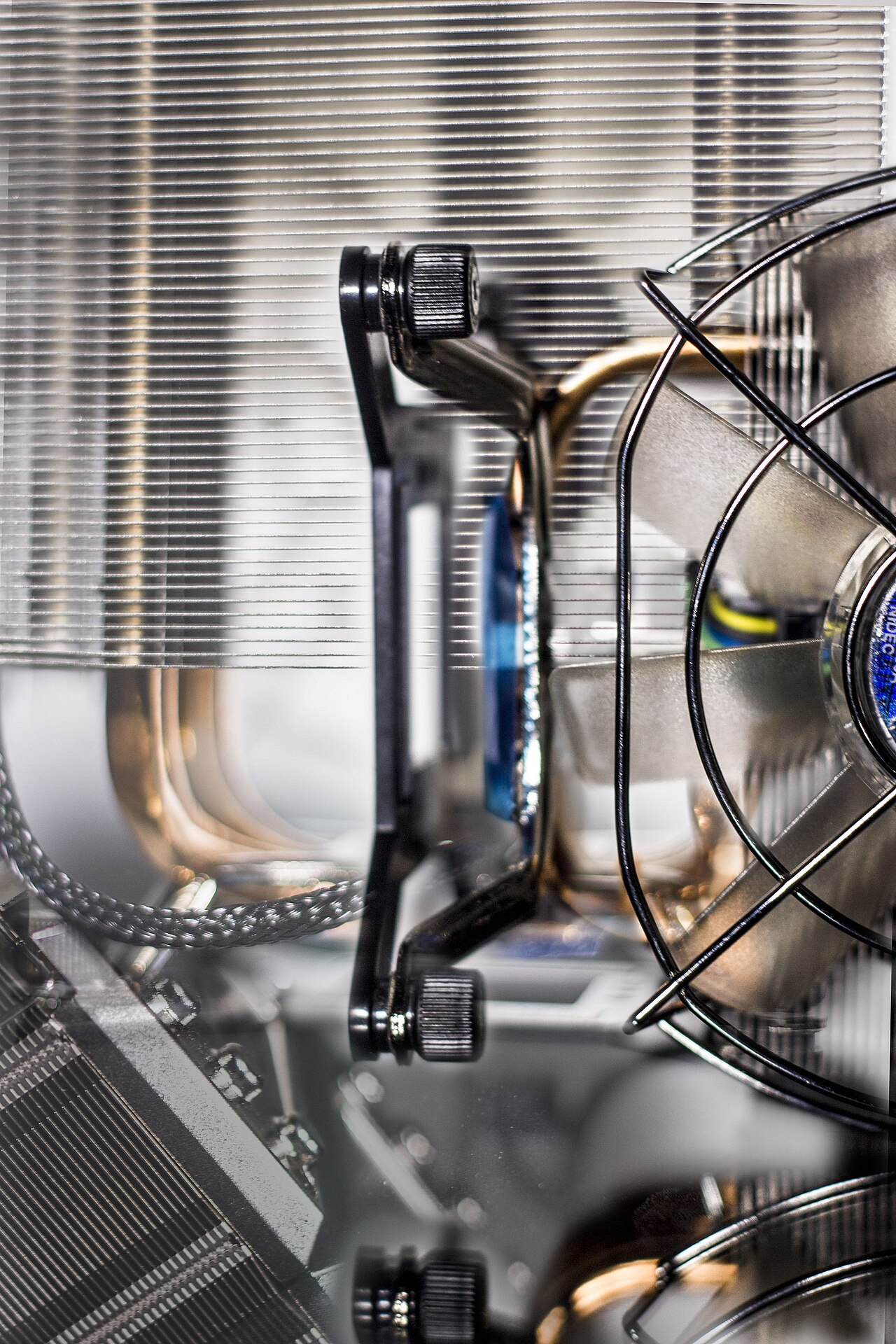
Fans are used for cooling the CPU heatsink, graphics card heatsink, chipset northbridge, hard disk drives, and other components. A case fan may be mounted on a radiator attached to the case, simultaneously operating to cool a liquid cooling device's working fluid and to ventilate the case. In laptops, a single blower fan often cools a heat sink connected to both CPU and GPU using heat pipes. In rack-mounted servers, a single row of fans may operate to create an airflow through the chassis from front to rear, directed by passive ducts or shrouds across individual components' heat sinks.
Reader's Guide
The computer fan is a fundamental component of active cooling in personal computers, enabling the operation of increasingly powerful processors and graphics cards that generate substantial heat. While earlier systems could rely on passive convection, the arrival of the Intel 80486 marked the beginning of active CPU cooling, and by 1997 it was standard on all desktop processors. The introduction of the Pentium 4 in late 2000 popularized the use of dedicated case fans for chassis ventilation. The fan's significance extends beyond mere temperature management; it directly affects system stability, component lifespan, and performance, particularly for high-power graphics cards that can dissipate up to 350 watts. The standardization of fan sizes (40, 60, 80, 92, 120, 140, 200, 220 mm) and connector types (3-pin and 4-pin) has allowed for broad compatibility and user customization. Fan control, whether through BIOS or manual controllers, gives users the ability to balance noise and cooling performance. The use of decorative fans with LEDs and UV-reactive materials has also made fans a prominent element in case modding culture. In modern systems, fans are integral not only to air cooling but also to liquid cooling radiators, and they remain essential for cooling hard drives, memory modules, and other heat-sensitive components in dense or high-performance configurations.
Did You Know?
- Standard axial case fan sizes include 40, 60, 80, 92, 120, 140, 200, and 220 mm.
- Some modern graphics cards can dissipate up to 350 watts and require dedicated cooling fans.
From Still Air to Spinning Blades: The Evolution of Active Cooling
Early personal computers relied entirely on natural convection to keep their components at safe temperatures. No moving parts were needed; warm air simply rose and was replaced by cooler ambient air drifting in from the surroundings. That era ended as processors grew more powerful and heat-dense. The Intel 80486 was among the first CPUs to demand a dedicated fan for active cooling, and by 1997 every desktop processor shipped with one as standard. The broader chassis followed suit: when the Pentium 4 arrived in late 2000, dedicated case fans—typically a rear exhaust unit paired with an optional front intake—became the norm for IBM PC-compatible machines. Power supply units, meanwhile, had long carried their own exhaust fans to expel warm air generated internally. Today, fan speed is no longer left to chance. A computer's BIOS can automatically regulate the built-in fan system, and enthusiasts can add manual controllers with physical knobs to dial in precise speeds for individual units, supplementing the automatic logic with hands-on tuning.
One Component, Many Jobs: The Fan's Roles Across a System
A single computer may house several fans, each assigned to a specific thermal task. The CPU fan sits atop a heatsink that spreads the processor's concentrated heat over a larger surface; without that metal spreader, a fan alone could not prevent the tiny chip from overheating. Graphics cards follow a similar pattern—older, lower-power designs needed no dedicated fan, but modern 3D and gaming cards, some dissipating up to 350 watts, rely on their own axial or centrifugal blower to keep the GPU and memory cool. The chipset fan, once important for cooling the northbridge, has become less critical as more functionality migrates into the CPU itself, reducing overall heat output. Hard drives, particularly high-speed units spinning at 10,000 or 15,000 RPM or densely packed server arrays, may also require a nearby fan. In laptops, a single blower often handles both CPU and GPU through shared heat pipes, while rack-mounted servers use a row of fans to push air front-to-rear through passive ducts across every component.
Sizing, Shape, and the Physics of Moving Air
Computer fans come in two fundamental geometries: axial fans, which push air straight through in a line, and centrifugal fans—also called blowers or squirrel-cage fans—that redirect airflow at a right angle. Axial models dominate the market and are offered in a ladder of standard diameters: 40, 60, 80, 92, 120, 140, 200, and 220 millimeters, with 120 mm being the most widely used. Every fan plugs into a 3-pin or 4-pin connector that delivers both power and a speed-control signal. The physics behind their operation is straightforward but critical: a fan paired with a heatsink dramatically increases the heated surface area exposed to moving air, multiplying the rate at which thermal energy is carried away. In the power supply, the stakes are even higher. As intake air warms, the conductivity of internal components drops, causing more electrical energy to convert into waste heat, which in turn raises temperature further—a feedback loop the fan must continuously break by drawing in cooler air. Dust accumulation on heatsinks compounds the problem, as the insulating layer of particles rapidly degrades heat dissipation.
Beneath the Surface: Aesthetics, Modding, and Dust Management
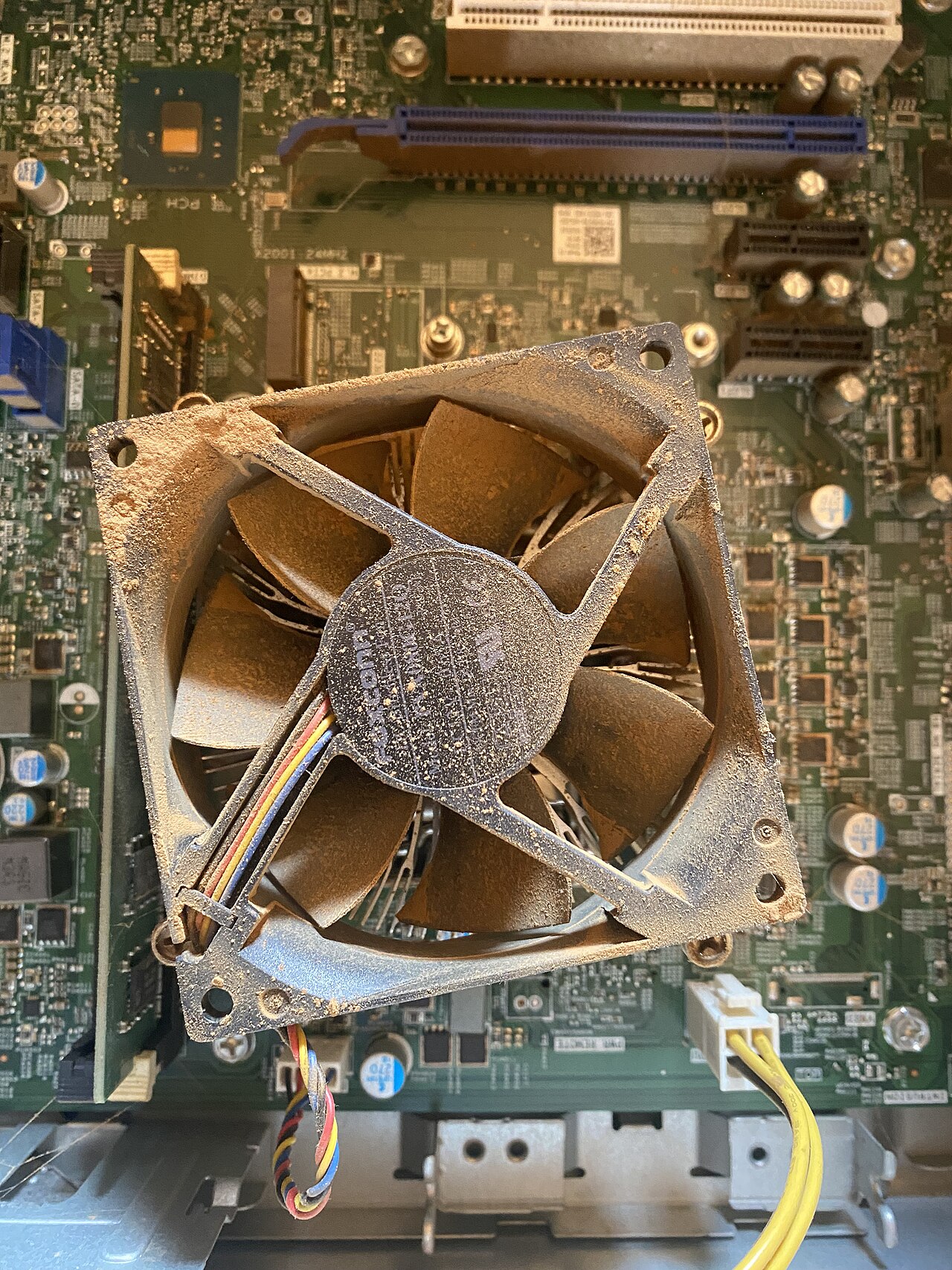
Because case fans are often the most visible cooling elements on a desktop PC, they have become a canvas for personal expression. Manufacturers offer decorative variants lit with LED strips, constructed from UV-reactive plastics that glow under blacklight, or fitted with ornamental grilles. These accessories are especially popular among case modders who customize the look of their builds. Beyond aesthetics, practical airflow design matters: ATX tower cases frequently include extra vents and mounting points on the left side panel, allowing fans to blow cool air directly onto the motherboard and expansion cards—two of the largest internal heat sources. Intake fans, whether at the front, bottom, or side, are commonly paired with air filters to keep dust from settling on internal components. This is not merely a cleanliness concern; dust that accumulates on heatsinks acts as an insulating blanket, quickly eroding the component's ability to shed heat. Modern power supplies, typically mounted at the bottom of the case with dedicated intake and exhaust vents, also benefit from a dust filter at their intake to maintain efficient thermal cycling.
Gallery
Frequently Asked Questions
What is a computer fan?
A computer fan is a small active-cooling unit mounted inside or on top of a PC case. Its job is to pull in cooler outside air, push hot internal air out, or direct airflow across a heatsink to keep specific components from overheating.
What are the standard sizes for case fans?
The most common sizes are 92 mm, 120 mm, 140 mm, and 200–220 mm, with 120 mm being the most widely used. Smaller options like 40, 60, and 80 mm also exist for tighter spaces.
How do computer fans get power and speed control?
They plug into the motherboard using either a 3-pin or 4-pin connector. The 4-pin version adds a PWM signal that lets the board adjust fan speed dynamically based on temperature.
What types of fans are used in computers?
Most PC cooling relies on axial fans, where blades push air straight through the frame. Less commonly, centrifugal fans (sometimes called blowers or squirrel-cage fans) are used to redirect airflow at an angle.
Why do modern PCs need active fans when older ones didn't?
Early personal computers could rely on natural convection to keep components cool. Modern processors and GPUs generate far more heat, so active fans are essential to maintain safe operating temperatures.
More in Computer Cooling and Sound Cards 1-24
Spotted an error? Know more?
Reader corrections go straight into our review queue. Suggest an edit · How this site is sourced