Computer cooling
Removing waste heat to keep computer components within safe operating temperatures.

Raquelaa54 · CC BY 4.0
Computers generate waste heat that must be removed to keep hardware within safe operating temperatures. Overheating can cause temporary glitches or permanent failure in components like CPUs, chipsets, graphics cards, hard drives, and solid-state drives. Heatsinks combined with airflow help reduce temperature rise, and fans are commonly used to actively push hot air out. Other methods, such as liquid cooling, also exist.
Heat mainly comes from integrated circuits like the CPU and GPU. While efficient design and careful choice of voltage and frequency can reduce heat output, achieving good performance often still requires managing significant heat. A component's temperature rises until the heat it produces equals the heat lost to the surroundings—thermal equilibrium. For reliable operation, temperature must stay below each component's specified maximum, with the critical point being the semiconductor's internal junction temperature, not the case or heatsink temperature.
Cooling can be hampered by several factors. Dust acts as an insulator and blocks airflow, reducing heatsink and fan effectiveness. Poor airflow—caused by turbulence from friction with components like ribbon cables or by incorrectly oriented fans—can lower overall air movement and create localized hot spots. In poorly designed equipment, cooling air may escape through vent holes before reaching hot parts; blocking some holes can sometimes improve cooling. Inadequate thermal contact between a component and its cooler also hurts heat transfer, which can be improved with thermal compounds or by lapping surfaces.
To prevent damage from high temperatures, manufacturers build in safeguards. Many processors and systems include thermal sensors that trigger a shutdown if temperatures get too high, though this doesn't guarantee long-term safety. Before that point, thermal throttling reduces the chip's operating frequency and voltage—or disables non-essential features—to lower heat output, often at the cost of performance. This throttling is usually controlled at the BIOS level in desktops and notebooks, and is also common in tightly packed smartphones and tablets with little active cooling.
Users can take preventive steps: visually inspect coolers and case fans, replace any that aren't spinning properly, and clean fans thoroughly with compressed air in an open space to remove dust and debris.
- Maximum watts removed per chip tcm
- 27 watts
- Maximum watts removed per module tcm
- 2000 watts
- Chip package temperature tcm
- around 50 °C
- Cray 1 power consumption
- 115 kilowatts
- Cray 1 height
- 77 inches
- Cray 1 diameter
- 56.5 inches
- Cray 1 ic case temperature limit
- 54 °C
Lore & Background
As electronic computers became larger and more complex, cooling of the active components became a critical factor for reliable operation. Early vacuum-tube computers, with relatively large cabinets, could rely on natural or forced air circulation for cooling. However, solid-state devices were packed much more densely and had lower allowable operating temperatures. Starting in 1965, IBM and other manufacturers of mainframe computers sponsored intensive research into the physics of cooling densely packed integrated circuits, devising many air and liquid cooling systems using methods such as natural and forced convection, direct air impingement, direct liquid immersion and forced convection, pool boiling, falling films, flow boiling, and liquid jet impingement.
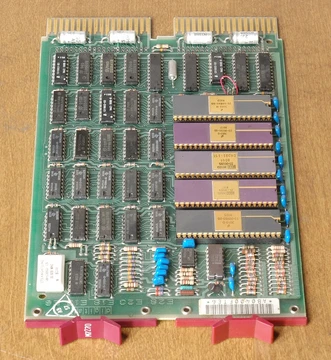
IBM developed three generations of the Thermal Conduction Module (TCM) which used a water-cooled cold plate in direct thermal contact with integrated circuit packages. Each package had a thermally conductive pin pressed onto it, and helium gas surrounded chips and heat-conducting pins. The design could remove up to 27 watts from a chip and up to 2000 watts per module, while maintaining chip package temperatures of around 50 °C. Systems using TCMs included the 3081 family, ES/3090, and some models of the ES/9000. Thermal conduction modules using water cooling were also used in mainframe systems manufactured by other companies including Mitsubishi and Fujitsu.
The Cray-1 supercomputer designed in 1976 had a distinctive cooling system. The machine consumed up to 115 kilowatts. Refrigerant was circulated through piping embedded in vertical cooling bars in twelve columnar sections of the machine. Each of the 1662 printed circuit modules had a copper core and was clamped to the cooling bar. The system was designed to maintain the cases of integrated circuits at no more than 54 °C, with refrigerant circulating at 21 °C. In the later Cray-2, Seymour Cray switched to liquid immersion cooling, filling the chassis with Fluorinert, an inert liquid that does not interfere with the operation of electronic components.
Reader's Guide
Computer cooling is significant because all modern processors are designed to cut out or reduce their voltage or clock speed if the internal temperature exceeds a specified limit, known as thermal throttling or thermal shutdown. Cooling may be designed to reduce the ambient temperature within the case or to cool a single component such as the CPU, GPU, or northbridge. Integrated circuits are the main generators of heat in modern computers, and heat generation can be reduced by efficient design and selection of operating parameters such as voltage and frequency, but acceptable performance often requires managing significant heat generation.
Cooling can be impaired by dust acting as a thermal insulator and impeding airflow, poor airflow including turbulence, and poor heat transfer due to poor thermal contact. Manufacturers often add thermal sensors integrated in the CPU, motherboard, chipset, or GPU to shut down or throttle components when high temperatures are detected. Users can perform visual inspection of coolers and case fans, clean fans with compressed air, and replace thermal paste regularly to prevent damage.
The legacy of computer cooling includes the intensive research sponsored by IBM and other mainframe manufacturers starting in 1965, leading to innovations like the Thermal Conduction Module that could remove up to 27 watts from a chip and up to 2000 watts per module. The Cray-1's refrigerant-based cooling system and the Cray-2's liquid immersion cooling with Fluorinert represent landmark approaches to managing the extreme heat of supercomputers.
Did You Know?
- IBM's Thermal Conduction Module could remove up to 27 watts from a single chip and up to 2000 watts per module.
- The Cray-1 supercomputer consumed up to 115 kilowatts and used refrigerant circulated through vertical cooling bars.
- The Cray-2 used liquid immersion cooling with Fluorinert, an inert liquid that does not interfere with electronic components.
- Dust buildup on a laptop CPU heatsink after three years of use can make the laptop unusable due to frequent thermal shutdowns.
The Shift from Passive to Active Cooling
Early personal computers relied on natural convection to manage heat. As components grew more powerful, this passive approach became insufficient. The Intel 80486 marked the first time active CPU cooling appeared, and by 1997, every desktop processor shipped with a dedicated fan. The Pentium 4, arriving in late 2000, pushed the industry further by making chassis fans standard—typically one exhaust unit at the rear and an optional intake at the front. The power supply unit had long used its own exhaust fan to shed internal heat, but the broader case ventilation philosophy solidified only with the Pentium 4 era. This progression reflects a fundamental truth: as transistor density and clock speeds climbed, the thermal load outgrew what still air could carry away, forcing engineers to build structured airflow paths through every major component.
Fan Engineering and Standardization
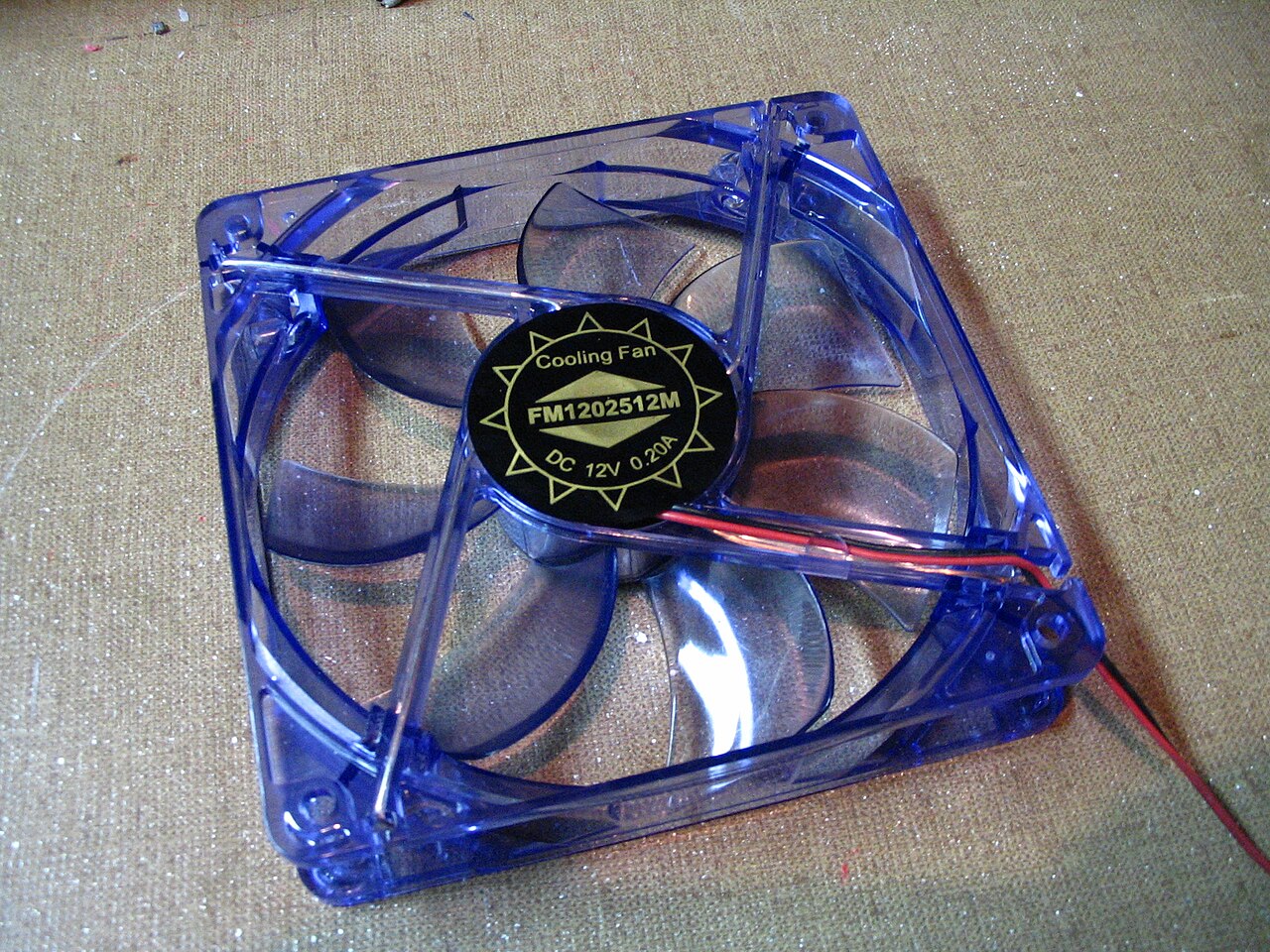
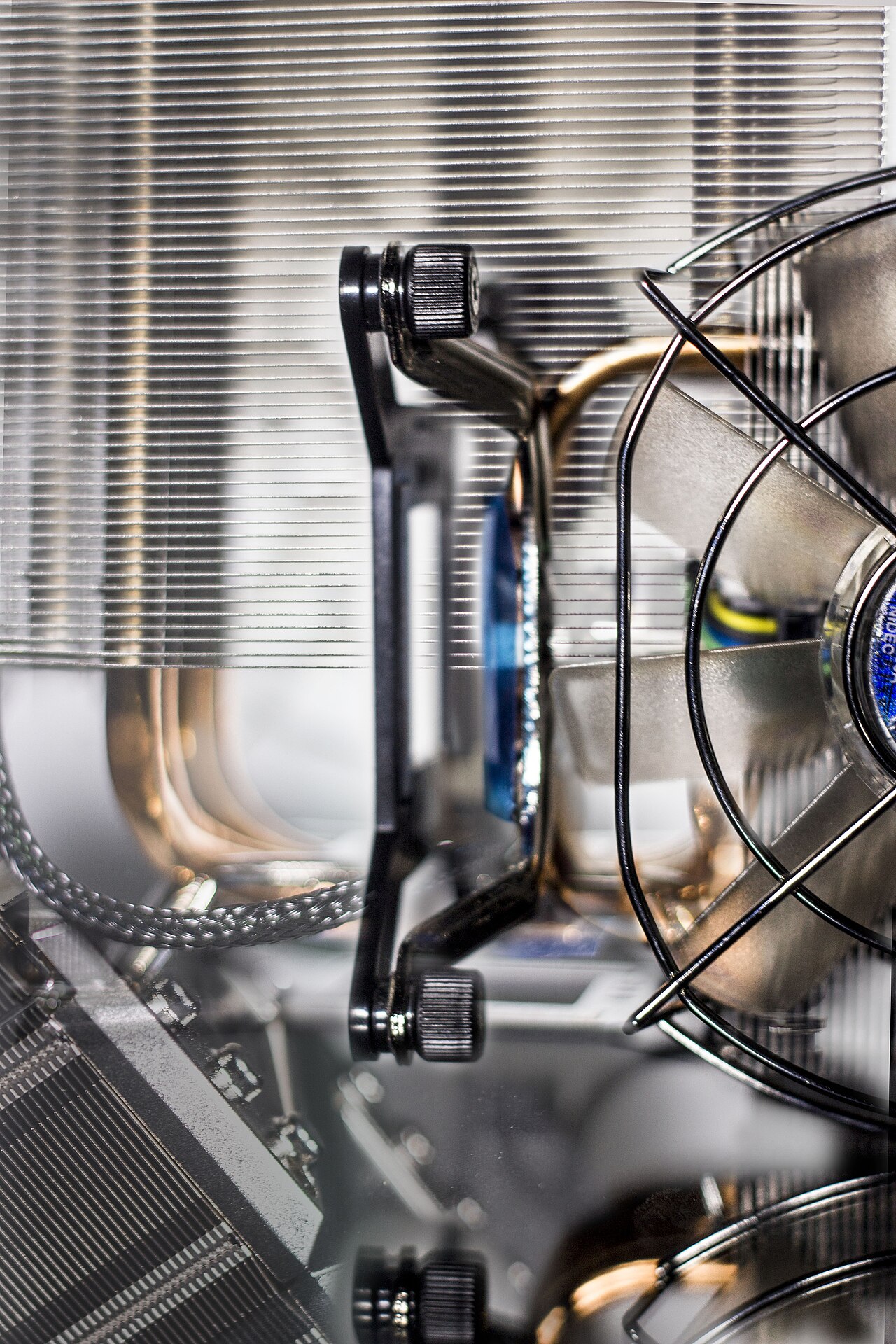
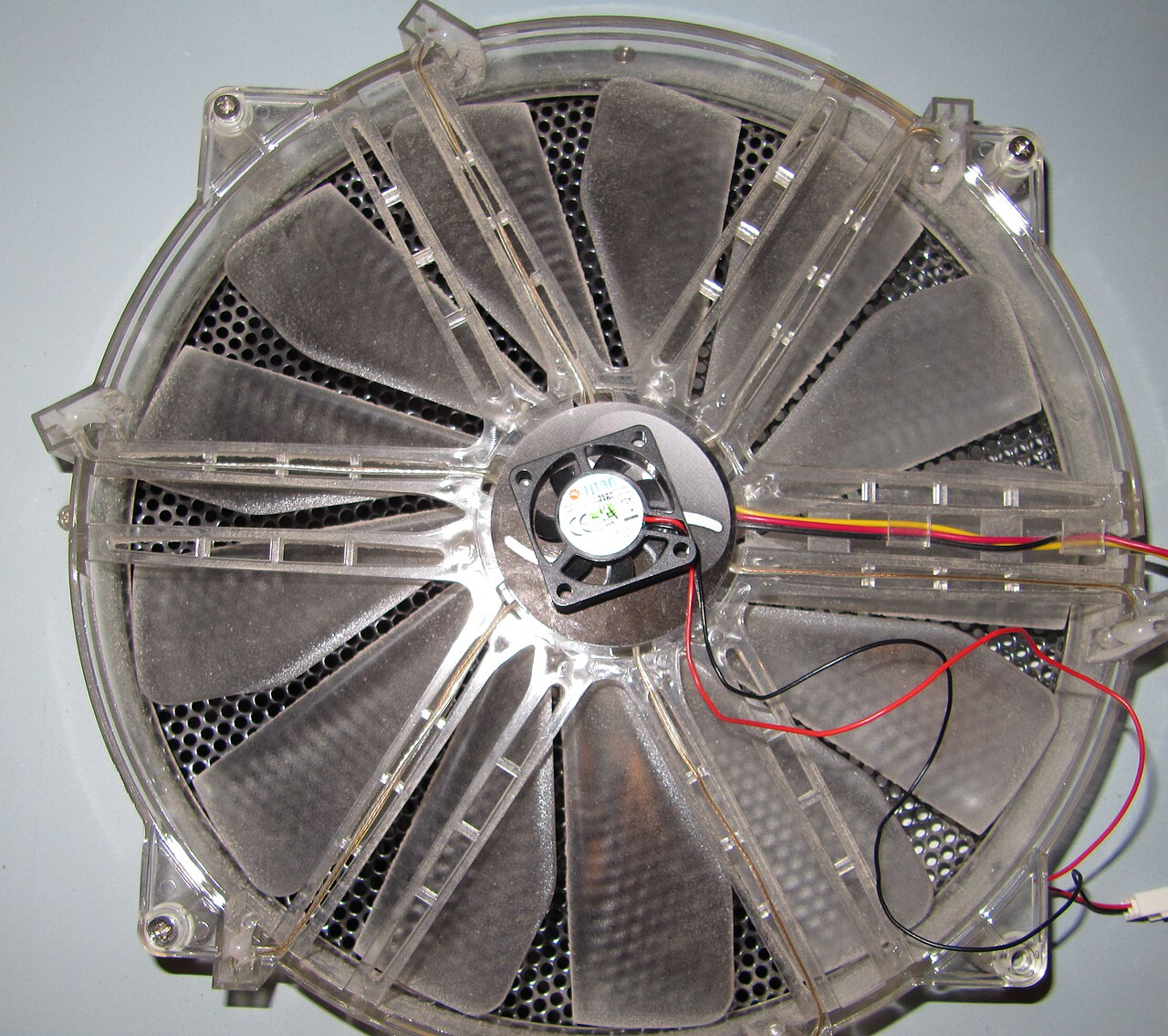
Computer fans come in two primary mechanical designs: axial fans, which push air straight through their frame, and centrifugal blower or squirrel-cage fans, which redirect airflow at an angle. The industry has converged on a set of standard diameters—40, 60, 80, 92, 120, 140, 200, and 220 mm—with 120 mm being the most widely deployed size. Electrical control is handled through 3-pin or 4-pin connectors that allow the BIOS or a manual controller with physical knobs to regulate speed. A critical design principle is that fans almost never work alone; they are paired with a heatsink to dramatically increase the surface area in contact with moving air. This combination is essential because a fan blowing directly over a small chip cannot prevent overheating—the heatsink spreads the thermal load across a larger area, and the fan then carries that heat away efficiently.
Cooling the Hottest Components
Different components demand tailored cooling strategies. The CPU, as a concentrated heat source, requires a heatsink plus fan; a fan alone cannot prevent the small die from overheating. Graphics cards have evolved from low-power designs that needed no dedicated fan to modern 3D and gaming cards that can dissipate up to 350 watts—sometimes exceeding the CPU's thermal output. Since 2010, high-end GPUs have shipped with either axial or centrifugal blower-style fans. The motherboard's northbridge chipset may warrant a small fan when the system bus is significantly overclocked, though this need has diminished as more chipset functions migrate into the CPU itself. Hard drives, particularly 10,000 and 15,000 RPM units or densely packed server arrays, generate enough sustained heat to require dedicated airflow, especially when enclosed in restrictive chassis. The PSU, meanwhile, relies on its own exhaust fan and dedicated intake vents, often fitted with dust filters, to maintain internal efficiency.
Integrated and Advanced Cooling Architectures
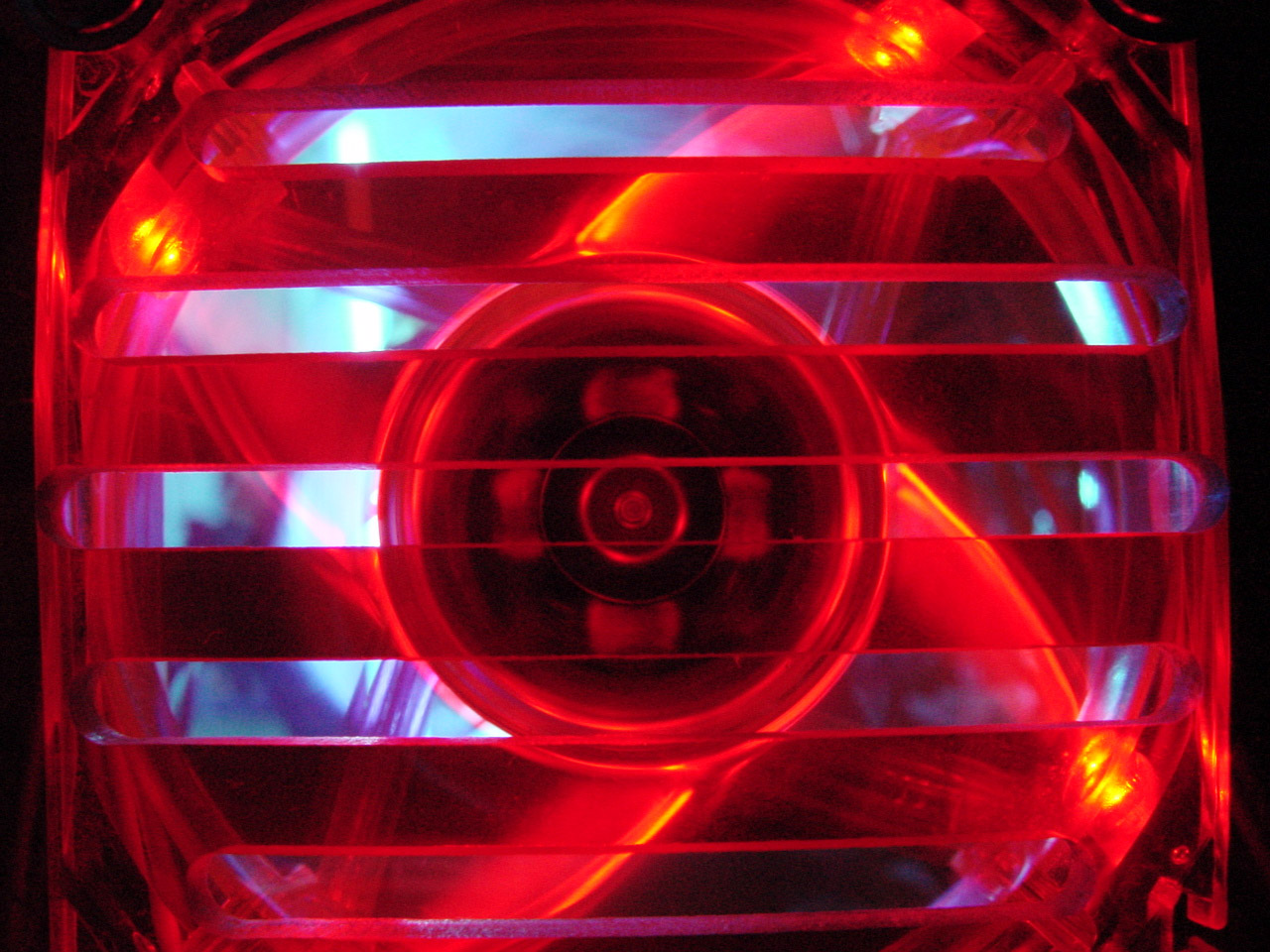
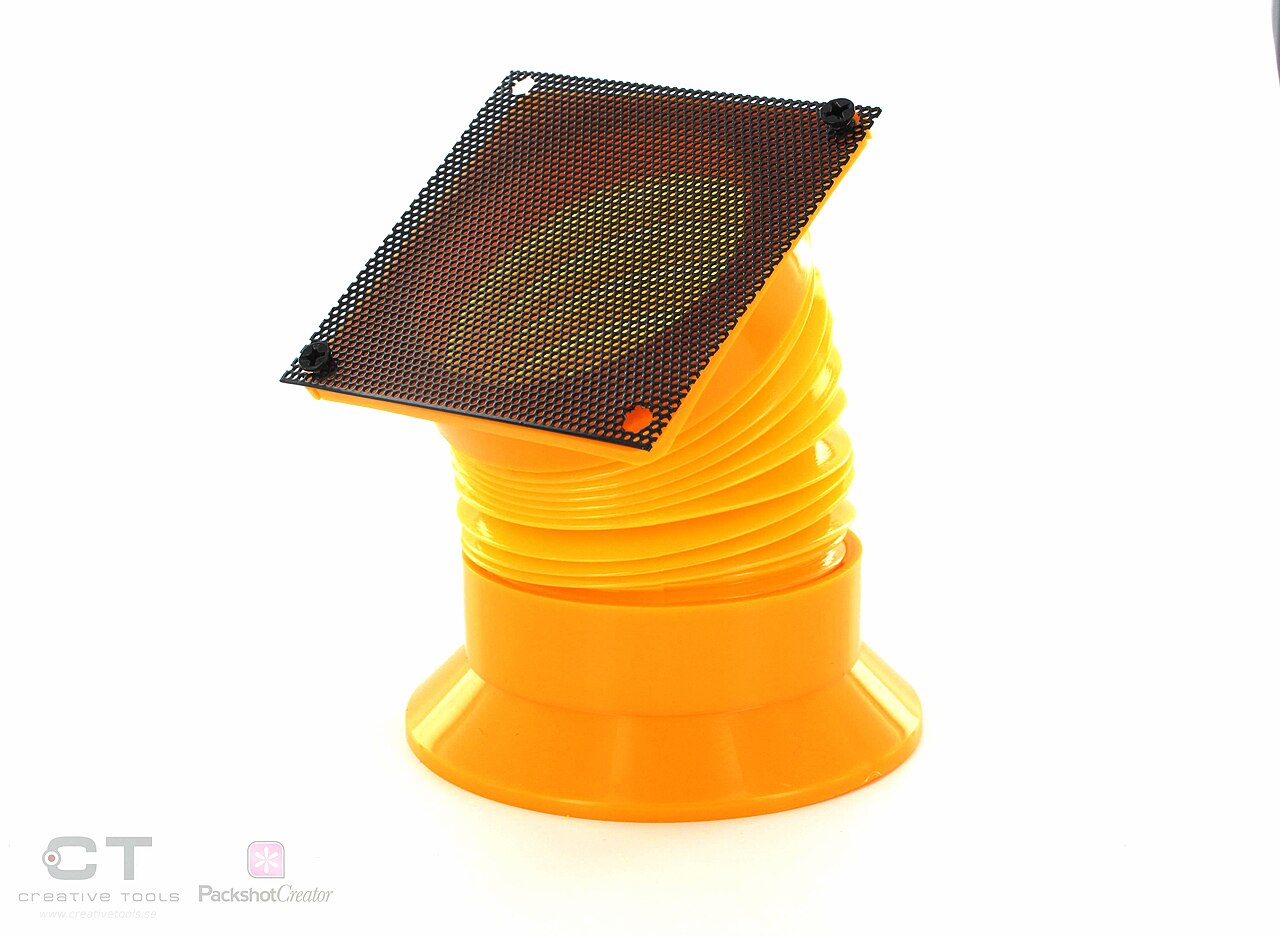
Modern systems often blend multiple cooling approaches into a single architecture. In laptops, a single centrifugal blower fan can cool a shared heatsink connected to both the CPU and GPU via heat pipes, while gaming laptops and mobile workstations may deploy two or more heavy-duty fans for greater throughput. Rack-mounted servers take a different approach: a row of fans drives a front-to-rear airflow through the chassis, with passive ducts and shrouds channeling that air across individual component heatsinks. Case fans can also serve dual roles—mounted on a liquid-cooling radiator, they simultaneously chill the working fluid and ventilate the case interior. Aesthetics and practicality intersect in the enthusiast community, where decorative fans with LED lighting, UV-reactive plastics, and ornamental grilles are popular among case modders. Dust management remains a persistent concern, as intake fans are frequently fitted with air filters to prevent the insulating buildup that rapidly degrades heatsink performance.
Gallery
Frequently Asked Questions
What is Computer cooling?
Computer cooling refers to the collection of methods used to extract waste heat from integrated circuits such as CPUs and GPUs so that hardware stays within its safe thermal range. Without adequate heat removal, components risk temporary malfunctions or irreversible damage.
What are Computer cooling's powers/role?
Its core function is to transfer thermal energy away from chips using passive heatsinks, active fan-driven airflow, or liquid-cooling loops. By keeping temperatures in check, it prevents thermal throttling and protects CPUs, chipsets, GPUs, and storage drives from failure.
Why is Computer cooling important?
Excess heat can trigger temporary glitches or cause permanent damage to CPUs, chipsets, graphics cards, hard drives, and solid-state drives. Reliable cooling keeps every component inside its rated temperature window, preserving both performance and lifespan.
What methods does Computer cooling use?
The standard approach combines a metal heatsink with one or more fans that actively expel hot air from the enclosure. For higher thermal loads, liquid cooling circulates a coolant through a block on the chip and dissipates heat across a radiator.
More in Computer Cooling and Sound Cards 1-24
Spotted an error? Know more?
Reader corrections go straight into our review queue. Suggest an edit · How this site is sourced