Computer fan control
Balancing cooling capacity and noise through fan speed management.

MTA Capital Construction Mega Projects · CC BY 2.0
Fan control refers to adjusting how fast an electric fan spins. In computers, different kinds of cooling fans are used to manage heat, and various control methods try to balance the amount of cooling they provide with the noise they create. This is usually done through monitoring circuits on the motherboard, which the user can set up via BIOS or other software.
As modern PCs become more powerful, they also need more electrical power. That power turns into heat from all the main components, and the amount of heat changes with system load—intensive tasks produce much more heat than idle periods.
Early x86 computers, up to some early 486 models, didn't need active cooling for their processors. Power supplies required forced cooling, and with the ATX standard, the power supply fan also moved air through the rest of the PC. As heat increased, fans had to push more air through the same space, making them more powerful and noisier. Fans inside a PC case can reach noise levels of up to 70 dB. Because fan noise rises with the fifth power of rotation speed, even a small reduction in RPM can greatly lower noise. However, cutting speed too much risks overheating and damaging components. Done correctly, fan noise can be drastically reduced.
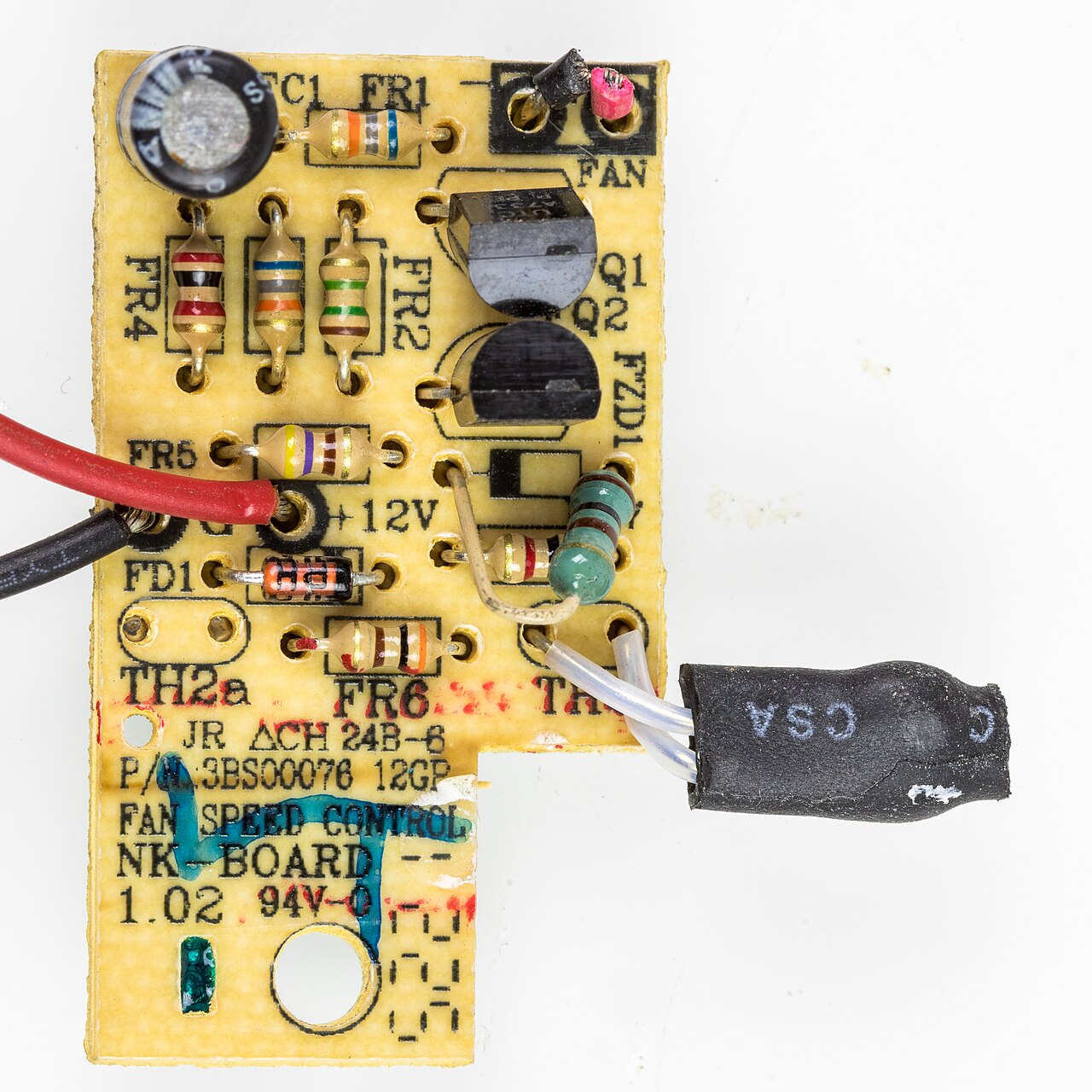
Standard computer cooling fans use connectors with two to four pins. The first two pins always deliver power to the motor: one is ground, and the other is a +12 V supply (which may vary depending on the fan type and desired speed). A third pin, if present, outputs a tachometer signal that pulses twice per revolution, with the frequency matching the fan speed. A fourth pin accepts a pulse-width modulation (PWM) input, used when the fan has an internal motor driver. This allows speed adjustment without changing the input voltage, so the cooling rate can match demand, saving energy and reducing noise when full speed isn't needed. Wire colors vary by pin count, but each pin's role is standardized. Fans with two or three pins are designed to accept a wide range of input voltages, which directly affects blade speed.
There are several control methods. In thermostatic control, the fan is either fully on or off. The system checks the internal temperature; if it's too high, fans run at maximum speed, and when it drops below a threshold, they turn off. This reduces noise and power use during low activity but can become noisy under full load.
- Noise level
- up to 70 dB
- Fan noise increase factor
- fifth power of rotation speed
- Standard fan supply voltage
- +12 V
- Pwm control signal frequency
- 25 kHz
- Typical pwm duty cycle range
- 30% to 100%
- Diode voltage drop (silicon)
- about 0.7 V per diode
Lore & Background
As modern PCs grow more powerful, their electrical power requirements increase, and computers emit this power as heat generated by all major components. Heat production varies with system load, where compute-intensive activity generates much more heat than idle time. Processors in most early x86-based computers, up to some of the early 486s, did not need active ventilation; power supplies needed forced cooling, and power supply fans also circulated cooling air through the rest of the PC with the ATX standard. The byproduct of increased heat generation is that fans need to move increasing amounts of air and thus become more powerful and noisy.
Common cooling fans use standardized connectors with two to four pins. The first two pins deliver power to the fan motor, while optional pins provide a tachometer output (pulsing twice per revolution) and a pulse-width modulation (PWM) control input. Fan assemblies with the control input can adjust rotational speed without changing input voltage, allowing the cooling rate to meet demand, quietening the fan and saving energy when full speed is not required. Cooling fans with two- or three-pin connectors are usually designed to accept a wide range of input voltages, which directly affects blade rotation speed.
Various control methods exist. Thermostatic control turns fans either on or off based on chassis temperature. Linear voltage regulation varies the voltage input across the fan's acceptable range, using resistors, diodes, voltage modification (volt modding), or integrated/discrete linear regulators. Pulse-width modulation drives the fan with a constant supply voltage and uses a 25 kHz square wave control signal; the duty cycle determines fan speed, typically between about 30% and 100% of rated speed.
Reader's Guide
Fan control is significant because it directly addresses the trade-off between cooling capacity and noise. Since fan noise increases with the fifth power of rotation speed, reducing RPM by a small amount can yield a large reduction in noise, but must be done cautiously to avoid overheating components. The development of standardized connectors (2- to 4-pin) and control methods—from simple thermostatic on/off to linear voltage regulation and PWM—has allowed users and systems to tailor cooling to varying thermal loads. PWM control, in particular, enables fine-grained speed adjustment without changing input voltage, reducing noise and saving energy when full speed is not required. The legacy of fan control is its integration into motherboard firmware and software, making it accessible to end-users through BIOS or other software. This has become essential as modern PCs generate increasing heat, requiring fans to move more air through the same space, which would otherwise produce unacceptable noise levels. Proper fan control allows systems to operate quietly under light loads while still providing adequate cooling under heavy loads, preventing damage from overheating.
Did You Know?
- Fan noise increases with the fifth power of the fan rotation speed.
- A PWM-capable fan uses a 25 kHz square wave control signal to set speed.
- Silicon diodes provide a relatively constant voltage drop of about 0.7 V per diode.
- The sense pin on a fan connector outputs a signal that pulses twice for each revolution.
From Passive to Active – The Cooling Revolution
Early personal computers relied on natural convection to keep most components within safe temperature ranges. The landscape shifted dramatically when the Intel 80486 introduced active CPU cooling, and by 1997 a dedicated fan had become standard on every desktop processor. The Pentium 4's arrival in late 2000 pushed the trend further, making chassis fans a common feature—typically one exhaust unit at the rear and an optional intake at the front. The power supply unit, meanwhile, had long depended on its own exhaust fan to expel warm air, a requirement that persists in virtually every IBM PC-compatible system. Today, the cooling architecture of a desktop PC involves multiple fans working in concert: case fans managing overall airflow, component-specific fans targeting individual heat sinks, and in some configurations, liquid-cooling radiators all drawing on the same fundamental airflow principles. What began as a single fan on a processor has evolved into a layered system where every major heat source demands its own dedicated cooling solution.
Sizes, Shapes, and the Hardware Behind the Spin
Computer fans come in two primary mechanical designs: axial fans, which push air straight through their frame, and centrifugal fans—also called blower, turbo, or squirrel-cage fans—that redirect airflow at an angle. Axial fans dominate the case-fan market, available in a range of standard dimensions including 40, 60, 80, 92, 120, 140, 200, and 220 millimeters in width and length, with 120 mm being the most widely adopted size. Centrifugal designs have gained traction on graphics cards since 2010, where they can channel air more precisely across dense heat sinks. Electrically, fans are powered and controlled through either 3-pin or 4-pin connectors, which determine the level of speed regulation available. The choice between axial and centrifugal geometry often depends on the component being cooled: a CPU heat sink or a case intake typically calls for an axial fan, while a high-power GPU dissipating up to 350 watts may benefit from the directed airflow of a blower.
Matching the Fan to the Heat Source
Each component inside a computer presents a distinct thermal challenge. A CPU, as a concentrated heat source, requires a heat sink to spread thermal energy across a larger surface area; a fan alone cannot prevent the small chip from overheating. Graphics cards follow a similar pattern, though modern 3D and gaming cards generate so much heat—some exceeding 350 watts—that dedicated cooling is non-negotiable. The power supply operates under a particularly punishing thermal feedback loop: as its intake air warms, internal conductivity drops, converting more electrical energy into waste heat, which further raises temperature until the fan spins fast enough to restore adequate cooling. Chipset cooling, once a concern for overclocked northbridges, has become less critical as more chipset functions migrate into the CPU itself. Hard drives occupy a middle ground: slower 7,200 RPM units often manage with passive airflow, while 10,000 and 15,000 RPM drives, dense server arrays, and poorly ventilated enclosures may demand dedicated fans to keep temperatures in a safe range.
Control, Customization, and the Art of Airflow
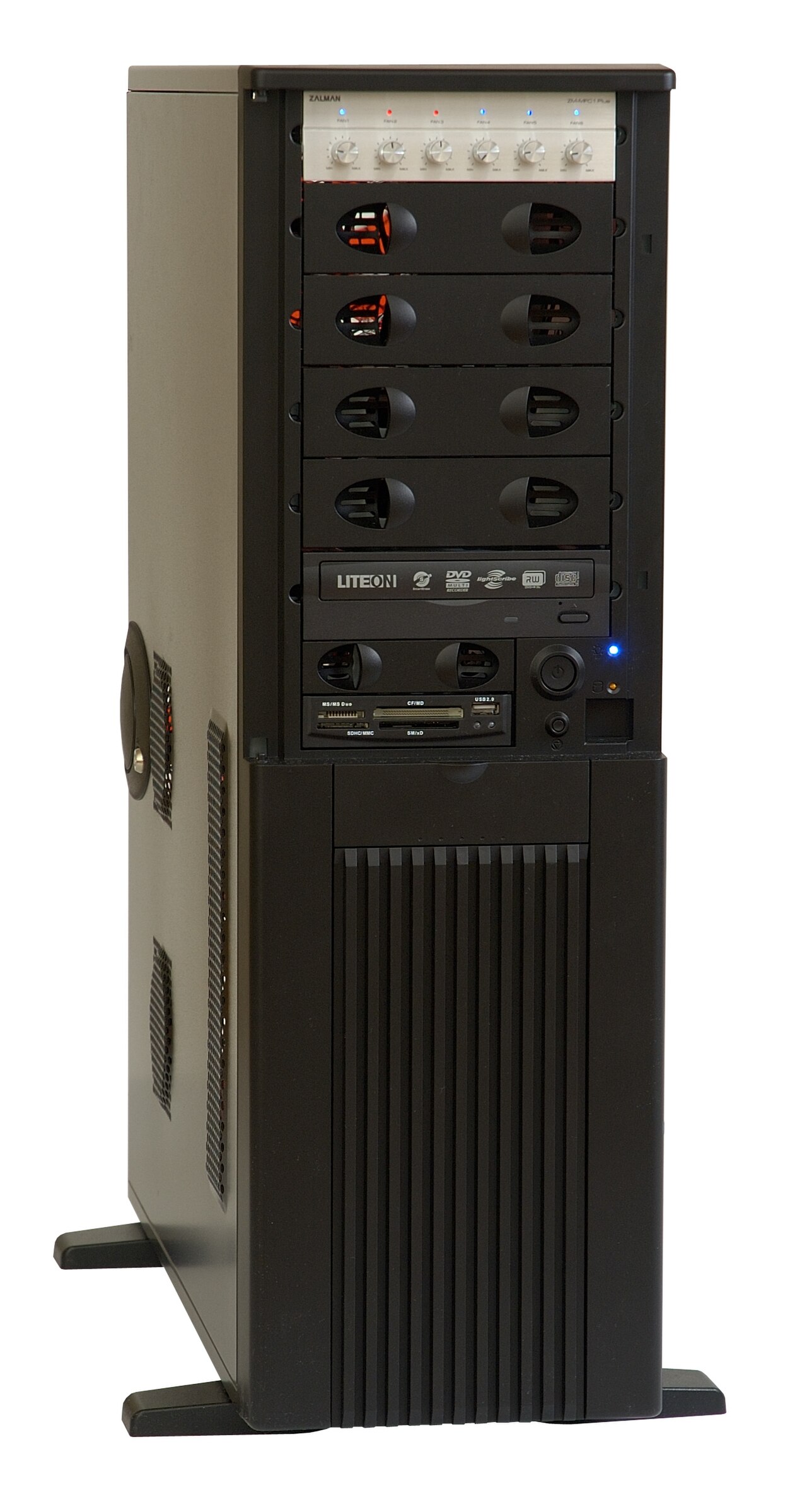
Fan speed management in a PC is not always fully automatic. The system BIOS can regulate the speed of the built-in fan array, but users retain the option to override or supplement this with manual controllers featuring physical knobs that set individual fans to fixed speeds. Beyond pure function, fans have become a canvas for personalization. Because case fans are often the most visible cooling element, the market offers a wide array of decorative options: LED-lit impellers, UV-reactive plastic housings, and ornamental grilles that appeal strongly to case modders. Practical accessories complement the aesthetic ones; air filters fitted over intake fans trap dust before it can settle on heat sinks, where even a thin insulating layer rapidly degrades a heat sink's ability to shed heat. In more advanced builds, a single case fan mounted on a radiator can simultaneously cool liquid-cooling fluid and ventilate the case, while rack-mounted servers use a coordinated row of fans to drive a front-to-rear airflow directed by passive ducts across every component's heat sink.
Gallery

Frequently Asked Questions
Who is Computer fan control?
Computer fan control is the combination of motherboard monitoring circuits and user-configurable software (BIOS or utility programs) that governs how fast a PC's cooling fans spin. It sits between the thermal sensors and the fan motors, continuously deciding the appropriate speed.
What are Computer fan control's powers or role?
Its core job is to balance cooling capacity against acoustic output by adjusting fan speed in response to changing thermal load. Under light workloads it lets fans slow down, while under heavy tasks it ramps them up to carry away the extra heat generated by the CPU and GPU.
How does Computer fan control operate under the hood?
Most modern systems drive a standard +12 V fan with a 25 kHz PWM signal whose duty cycle typically sweeps from about 30 % to 100 %. The fan's tachometer feedback is read by the motherboard controller, which then recalculates the next duty-cycle value in a closed-loop fashion.
Why is Computer fan control important?
As modern components draw ever more electrical power, the heat they shed during intensive tasks far exceeds what they produce at idle. Without active speed management, fans would either run at full throttle constantly—reaching roughly 70 dB—or fail to keep temperatures within safe limits.
What physical constraints does Computer fan control have to work around?
Because perceived fan noise grows with the fifth power of rotational speed, even a modest RPM bump makes the system dramatically louder. On the sensing side, any silicon diode used in the voltage-detection path adds about 0.7 V of drop that the control logic must compensate for.
More in Computer Cooling and Sound Cards 1-24
Spotted an error? Know more?
Reader corrections go straight into our review queue. Suggest an edit · How this site is sourced